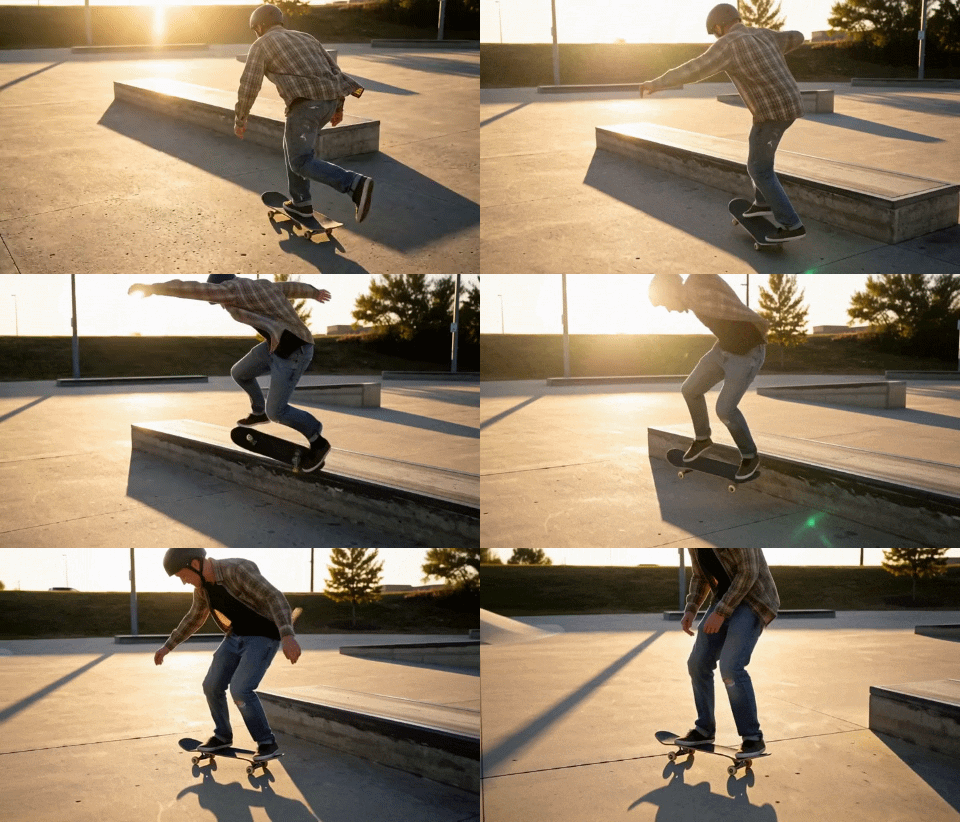
 GIF · 4.1 MB
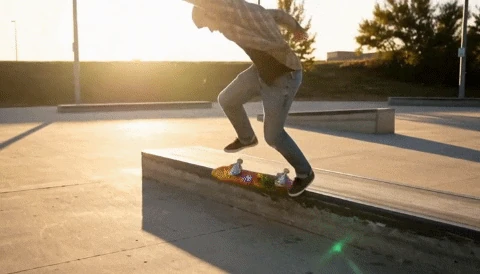
Kickflip Skate Highlight
480 × 274 · 15 fps
Fast camera motion changes nearly every pixel, putting 480 px at 15 fps near 4.1 MB. Enable a 5 MB or 8 MB target to cap size automatically.
Convert MP4 to GIF free right on your device with zero uploads, no account, and no watermarks. Scrub a visual filmstrip timeline, pick 5 to 30 fps, crop the frame, preview your exact file size live, or auto-fit Discord, Slack, and email MB limits.
Or try a sample video
Each MP4 to GIF loop below came directly from its source clip on this page using the exact settings shown. Open any card to load the clip into the studio and test trim range, frame rate, and target megabytes.
GIF · 4.1 MB480 × 274 · 15 fps
Fast camera motion changes nearly every pixel, putting 480 px at 15 fps near 4.1 MB. Enable a 5 MB or 8 MB target to cap size automatically.
 GIF · 4.4 MB
400 × 400 · 12 fps
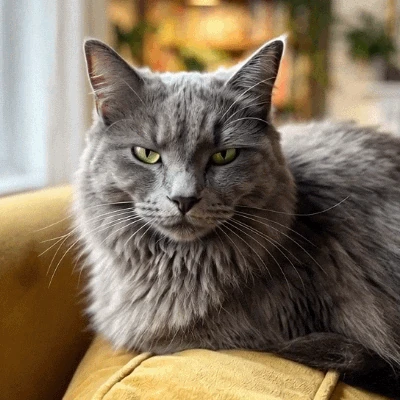
Built with the 5 MB target active: the auto-fitter chose 400 px at 12 fps so detailed fur and slow zoom clear strict chat limits.
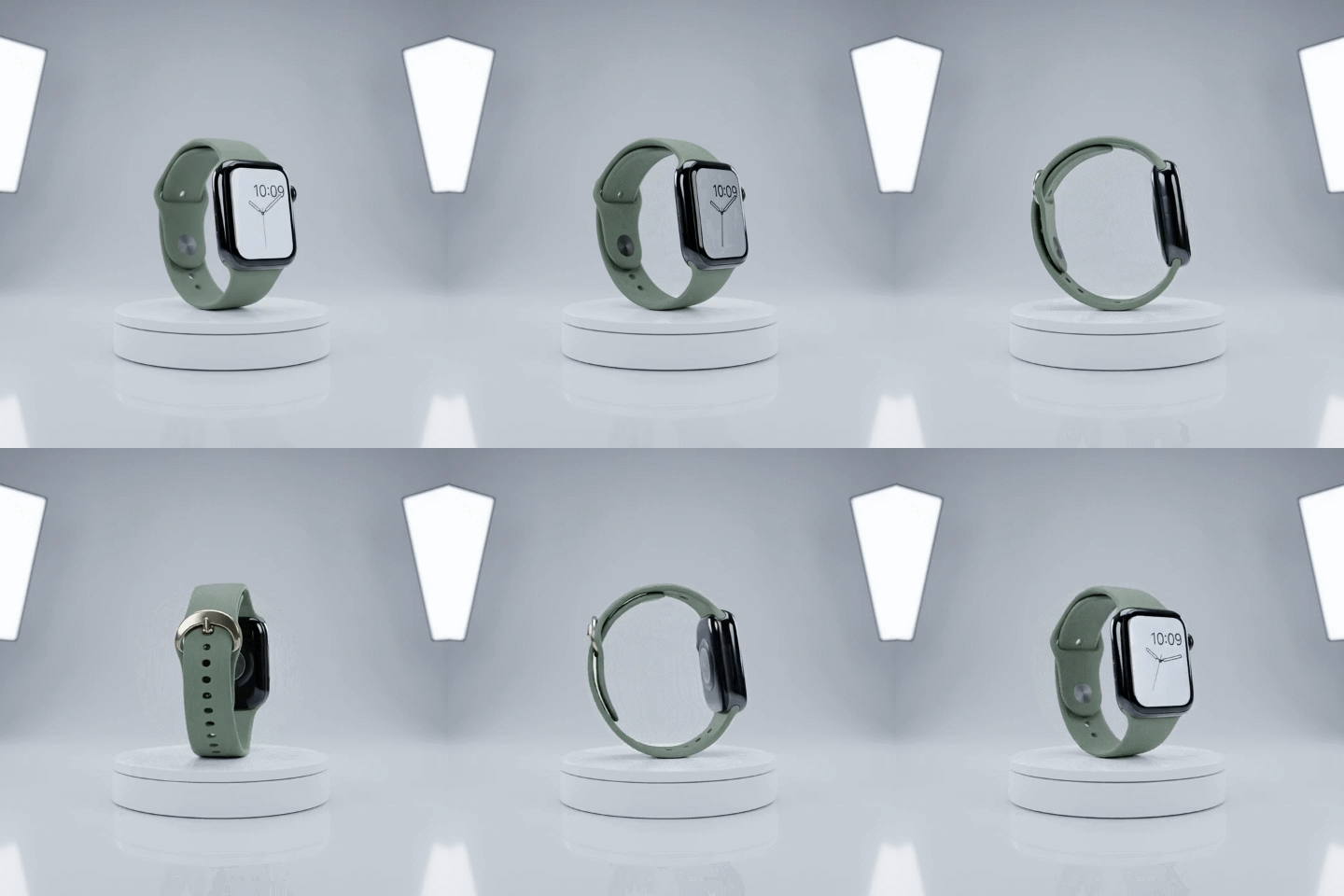 GIF · 1.0 MB
480 × 480 · 15 fps
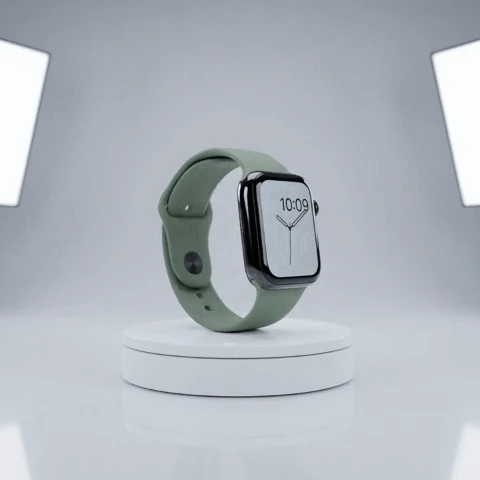
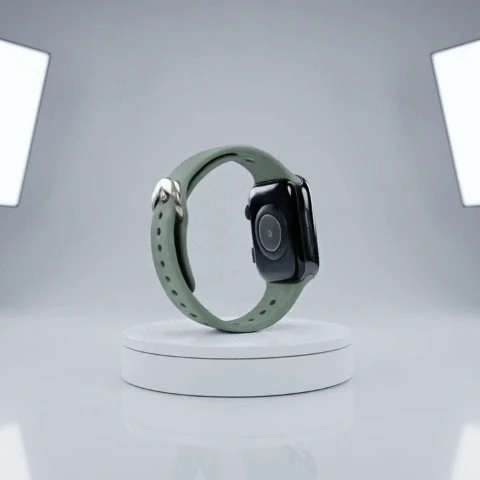
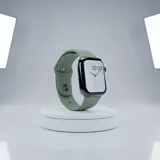
A steady studio backdrop lets delta-frame encoding keep a smooth 15 fps spin at 480 px right around 1.0 MB for web pages and email.
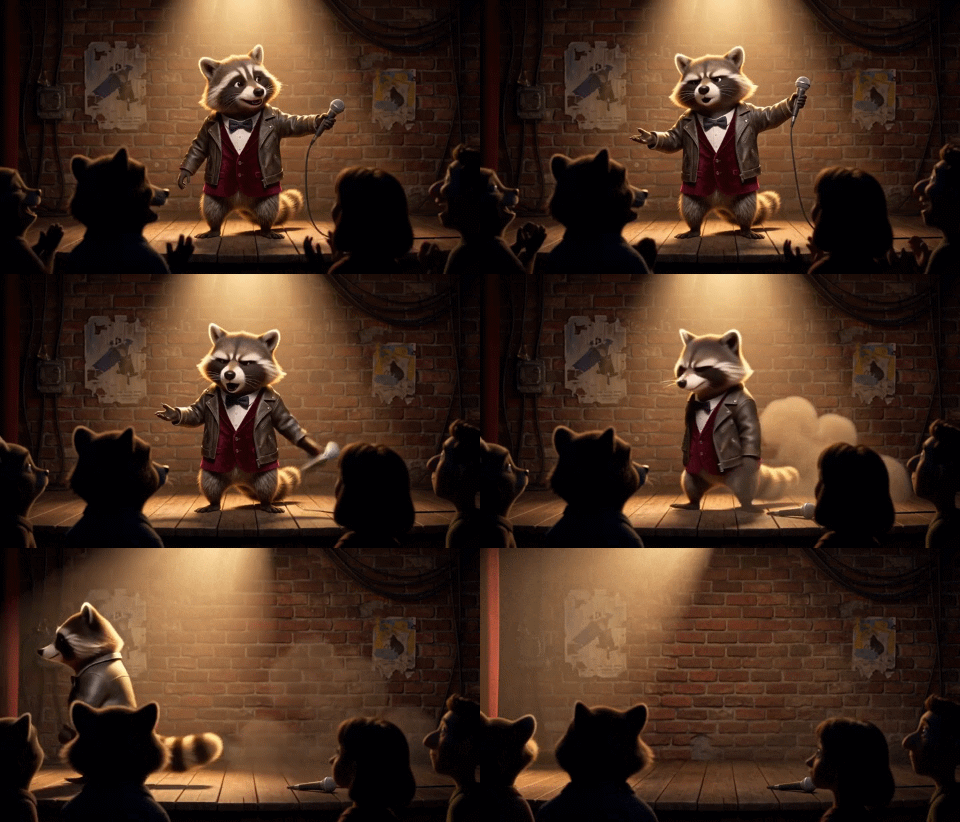 GIF · 1.5 MB
480 × 274 · 12 fps
High-contrast lighting and a dark backdrop let the shared palette hold a crisp 480 px loop at 12 fps near 1.5 MB for team chat.
Export clean loops locally in seconds without installing desktop software or waiting on upload queues.
Pick an MP4 video from your phone, camera, or screen recorder. Frames decode locally from memory so private drafts never leave your device.
Drag start and end handles on the filmstrip, choose 5 to 30 fps, set speed from 0.5x to 2x, adjust the crop box, and watch the live size estimate update.
Click Make GIF to quantize a global palette and encode delta frames off the main thread. Check playback, pixel dimensions, and bytes, then download.
Built for real web weight budgets, accurate frame timing, and clean color inside modern browsers.
Everything runs inside your browser tab using native video decoding, Canvas capture, and a background encoder worker. Clips stay private, encoding starts immediately without upload delays, and the tool keeps working offline once loaded.
Ten evenly spaced thumbnails let you isolate the exact gesture, reaction, or click fast. Moving handles or switching speed across 0.5x, 1x, 1.5x, and 2x loops the preview strictly inside your chosen span.
The encoder samples frames across your trim range to build one shared palette of up to 255 colors, or 128 in smaller-file mode. One global palette stops color flicker while tuned Floyd-Steinberg dithering softens gradients cleanly.
Each pixel compares against its last-drawn source color rather than dithered noise. Static areas stay transparent so the prior frame shows through, letting LZW collapse still backdrops and merge identical frames automatically.

Sample pairs across your clip predict finished megabytes before encoding. Choose a 5 MB, 8 MB, 10 MB, or 15 MB ceiling and the auto-fitter walks a width-and-FPS ladder so your MP4 to animated GIF clears upload limits on the first try.

Reframe widescreen footage into 1:1, 4:5, 9:16, or 16:9 directly on the preview. Pick 320, 480, 640, 800 px, or full source width, and set playback to loop forever, play once, or repeat three times.
Five practical engineering notes on frame rates, dimensions, dithering, target limits, and motion complexity.
Frame count scales file weight linearly, so picking the right FPS controls output size faster than any other slider. Screen recordings and UI steps read cleanly at 8 to 10 fps. Reactions feel natural at 12 to 15 fps, while 20 to 30 fps fits short sports bursts under three seconds.

When you turn MP4 into GIF, cutting two seconds of idle lead-in saves far more megabytes than cramping resolution down to 240 px. Scrub the filmstrip to start right as motion begins, end cleanly on the punchline, and use 1.5x or 2x speed to condense longer screen demos.
Guessing settings wastes time when chat apps reject an upload by a few kilobytes. Selecting 5 MB, 8 MB, 10 MB, or 15 MB lets the auto-fitter step down a quality-first ladder that protects pixel width before lowering FPS, re-encoding tighter automatically if needed.
Camera clips with skin tones and soft lighting look cleaner with Floyd-Steinberg dithering enabled to smooth 256-color banding. Flat interface tutorials with solid panels compress smaller and look sharper with dithering off and smaller-file mode capping the palette at 128 colors.

Delta-frame optimization saves huge weight on locked shots, product spins, and desktop recordings where backgrounds stay still. Handheld footage changes every pixel each tick, so pairing 480 px width with 12 fps keeps your finished animation nimble on both desktop and mobile.
Built for product teams, social managers, support writers, and engineers sharing quick visual motion.

Clip a three-second reaction from an MP4 video, set an 8 MB or 10 MB cap, and drop a crisp looping reply straight into team channels.
Build silent MP4 to GIF demos from short screen recordings so GitHub issues, changelogs, and help docs show exact clicks without a video player.

Embed lightweight 480 px product spins and feature teasers that auto-play cleanly across inbox clients where embedded video fails.

Crop square or vertical moments from longer MP4 edits to showcase animation reels and interface interactions on landing pages.
Straight answers on privacy, file limits, frame rate, quality, audio handling, and browser compatibility.
Yes. You can export loops as often as you like with zero watermarks, no sign-up walls, and no daily limit. Every animation builds locally on your device and downloads clean.
No. Your browser reads the video locally through an object URL and encodes inside an on-device Web Worker. Nothing travels over the network, keeping private recordings strictly on your machine.
The GIF format only stores frames, palettes, and timing delays with no audio track specification. Sound is stripped automatically when you convert MP4 to GIF, ideal for silent auto-playing loops.
For most reactions and product clips, 480 px wide at 12 or 15 fps balances smooth playback and modest megabytes. Drop to 8 or 10 fps for static screen tutorials, or use target-MB auto-fit.
The estimator samples neighbouring frame pairs plus evenly spread frames across your trim range through the real delta encoder. If a 5, 8, 10, or 15 MB goal still runs slightly over, the tool steps down automatically.
Because GIF lacks modern inter-frame video compression, clips past one minute grow very heavy in memory. The warning is advisory only and never blocks you from trimming or exporting.
Alongside H.264 MP4 files, the tool reads MOV, WebM, and M4V clips natively supported by your browser. If a rare codec fails to decode, try another browser or re-save as standard MP4.
Use our related ImageToPsd.AI browser tools below to compress an existing animation with tighter palettes, resize exact pixel dimensions, or crop moving frames locally.
Drop your clip into our free browser studio on ImageToPsd.AI to trim, crop, preview exact megabytes, and save crisp loops with zero uploads.
Convert an MP4 now