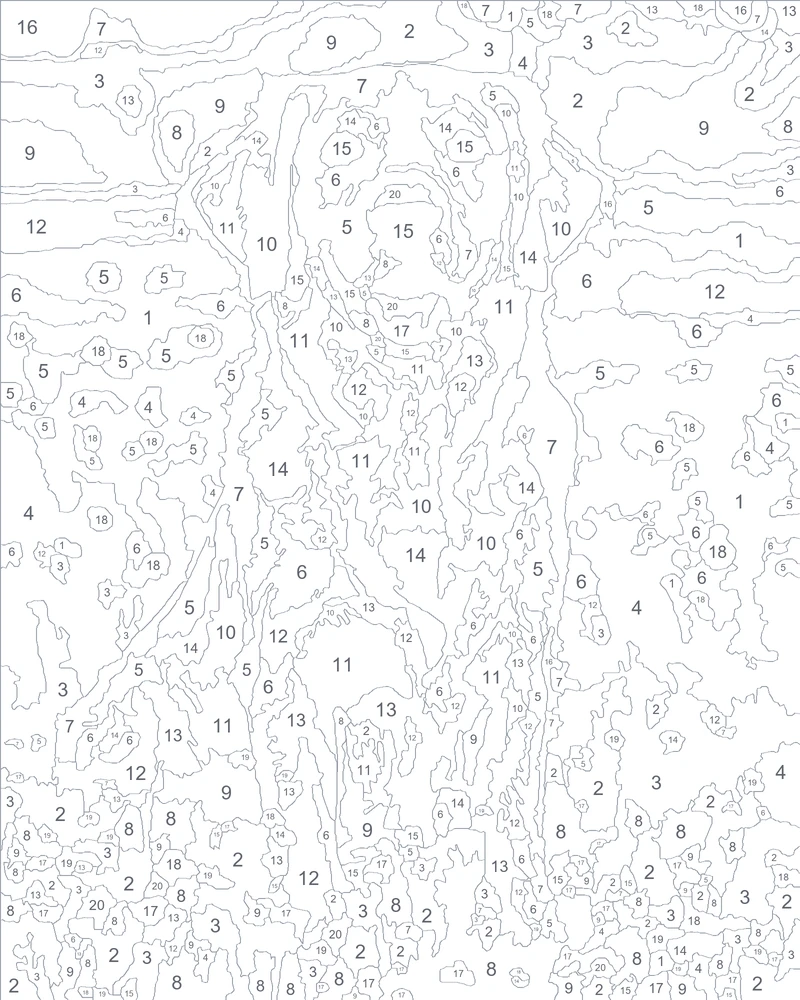
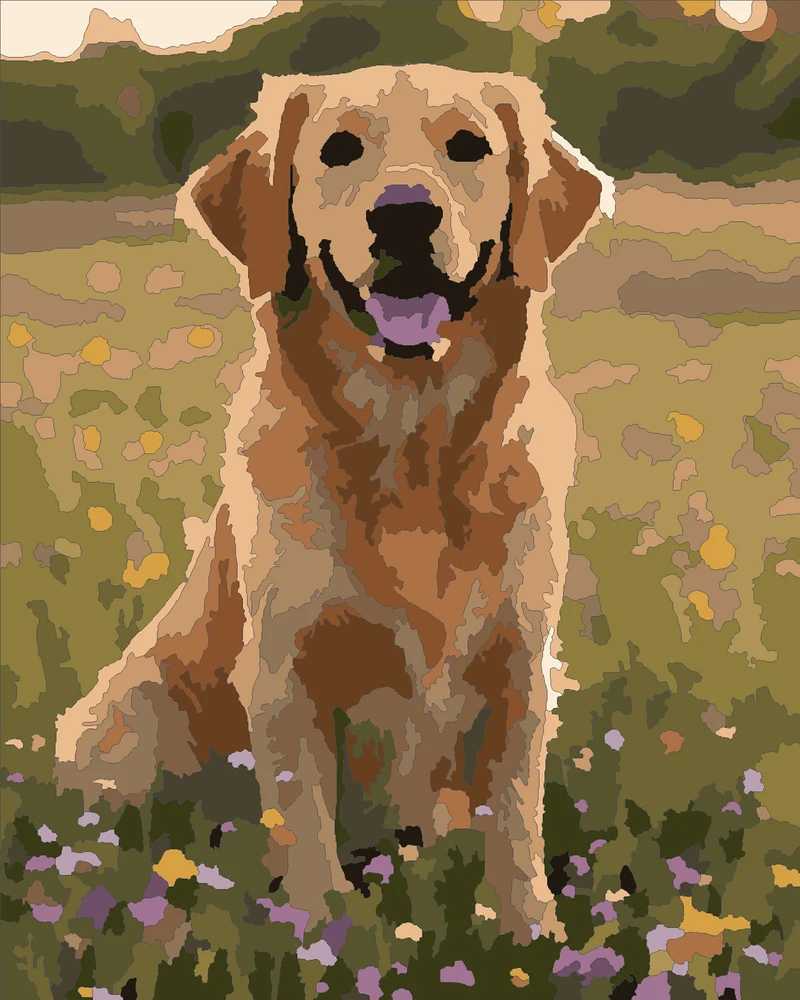
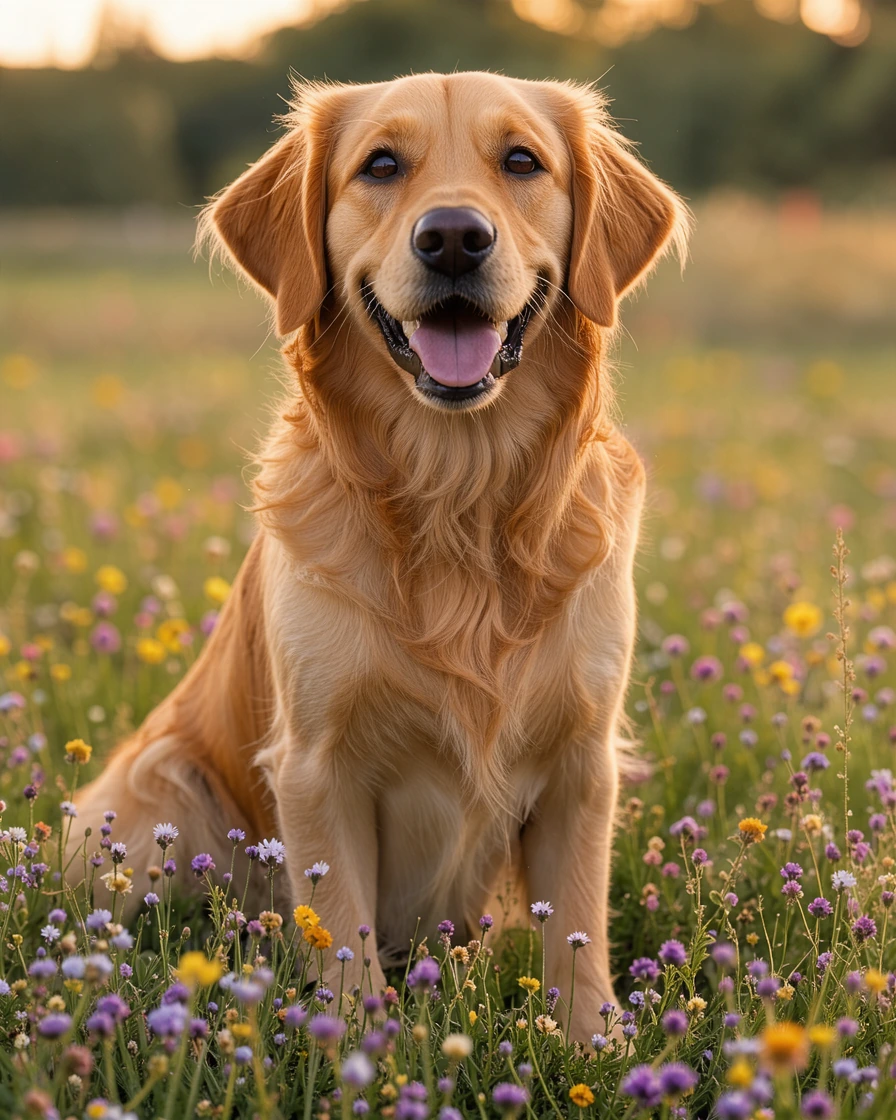
Golden retriever
20 colorsA custom paint by number of a pet in a meadow: fur, flowers and a happy face in 20 colors.
Turn a photo of your pet, your family or a favorite place into a template to paint: this paint by number maker numbers every area, draws smooth outlines and prints the template at paper or canvas size, free in your browser.
Drop a picture to make a paint by number template
A photo of a pet, a person, a place or a painting: PNG, JPG, WebP or GIF. You can also paste one with Ctrl+V.
Each template below was made here from the photo in its corner: the numbered template on the left, the finished painting on the right.
A custom paint by number of a pet in a meadow: fur, flowers and a happy face in 20 colors.
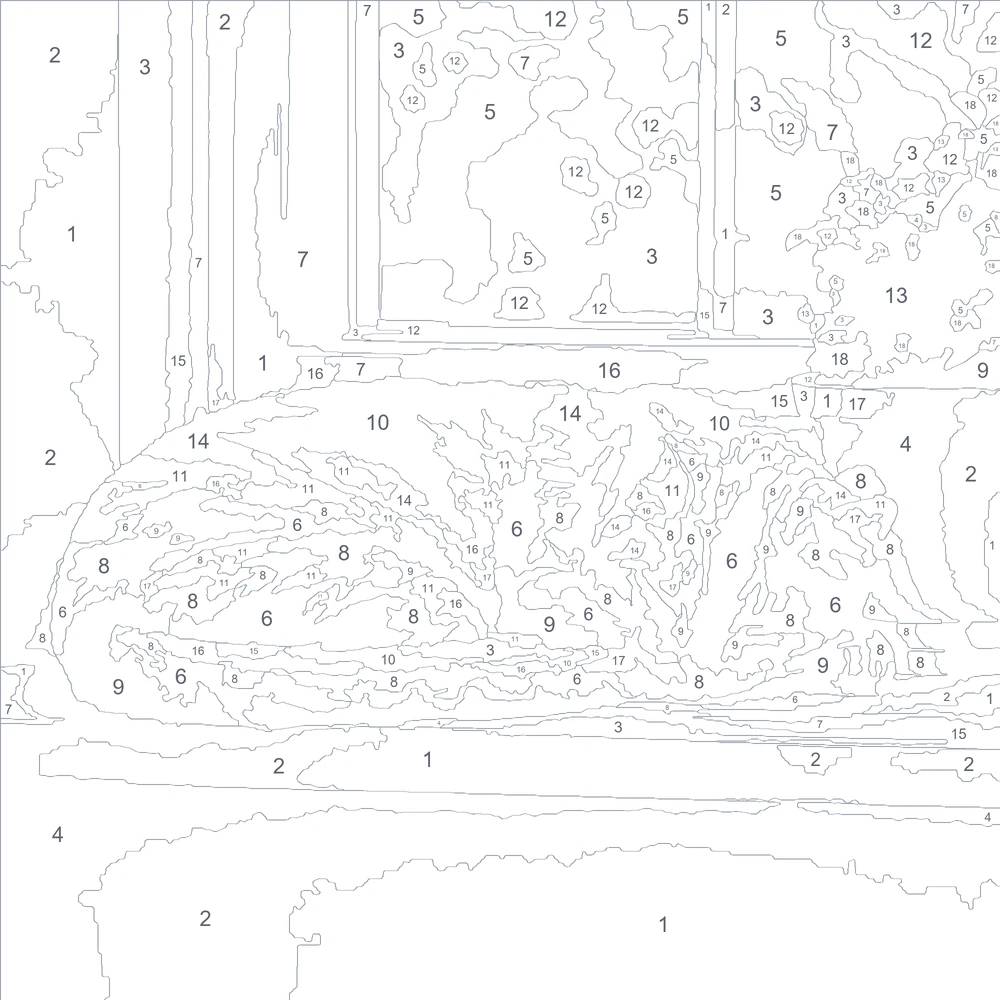
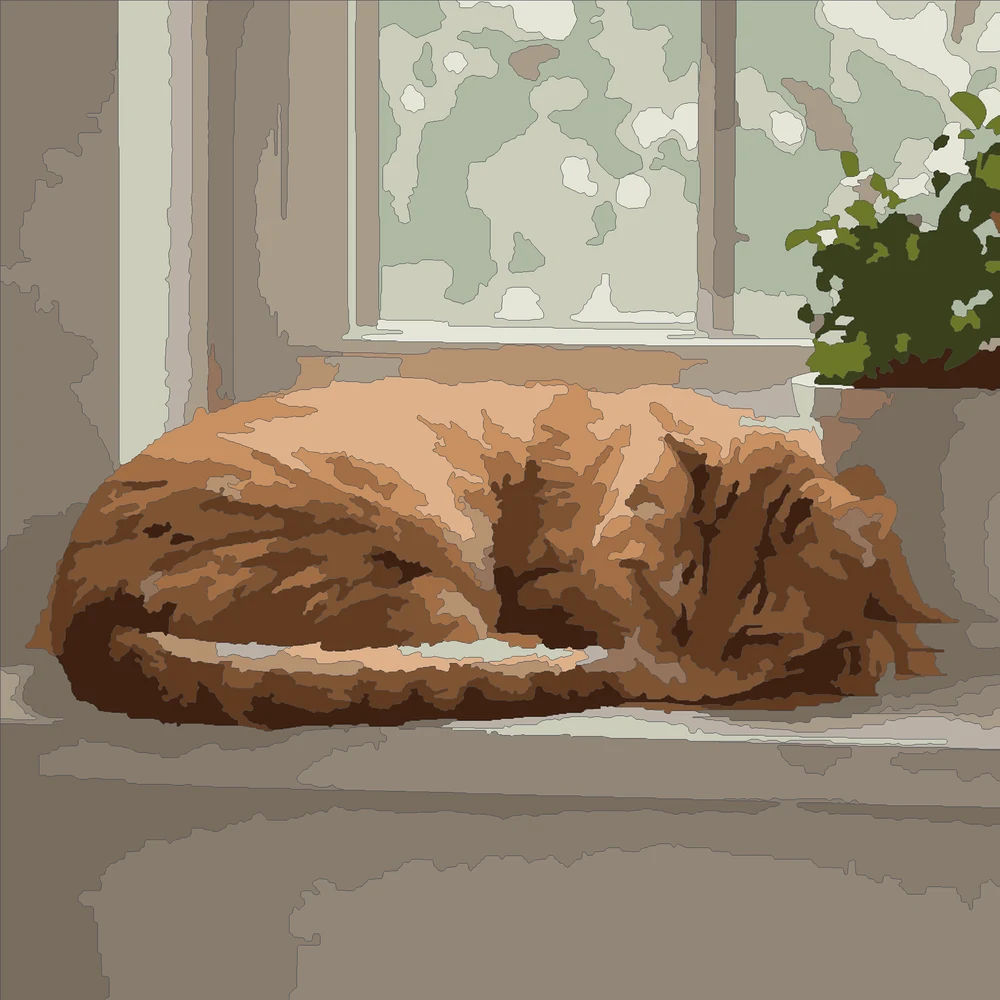
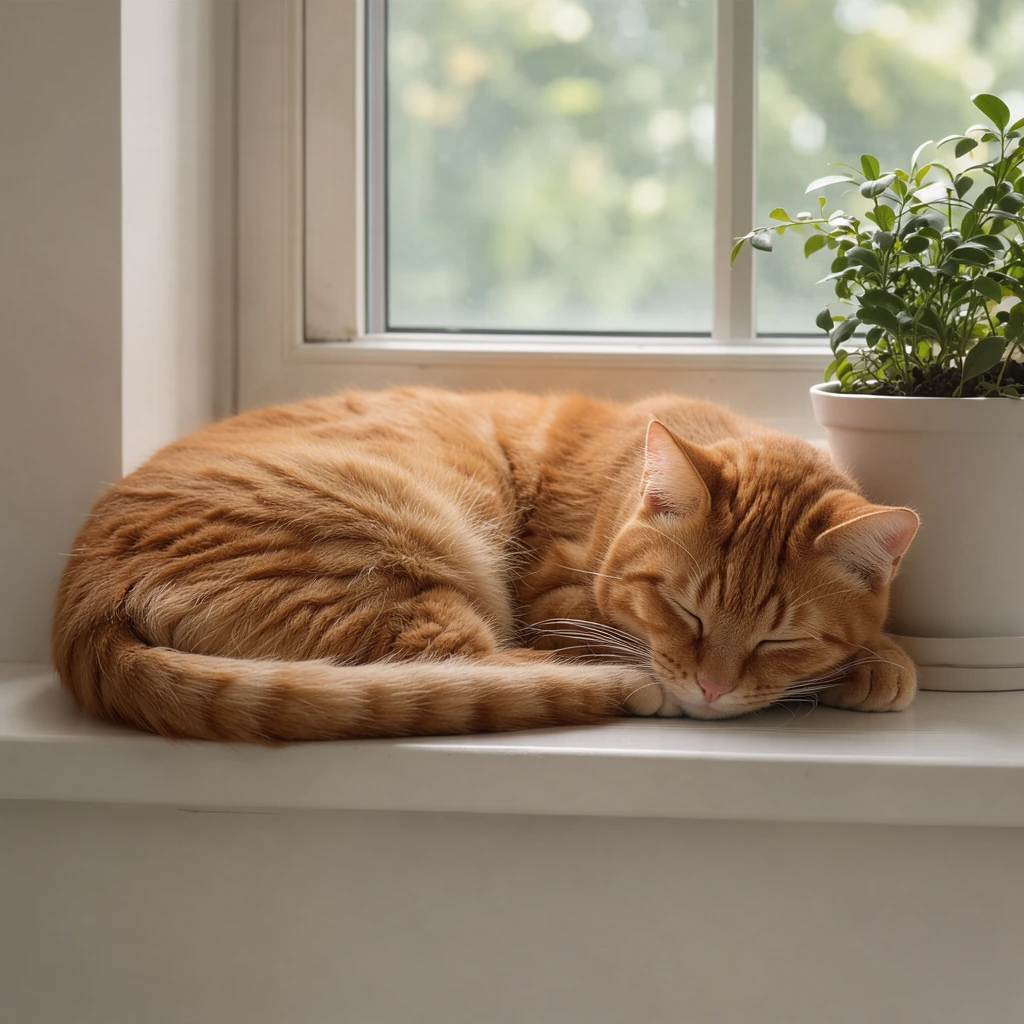
A ginger cat on a sunny windowsill, soft light in large, easy areas.
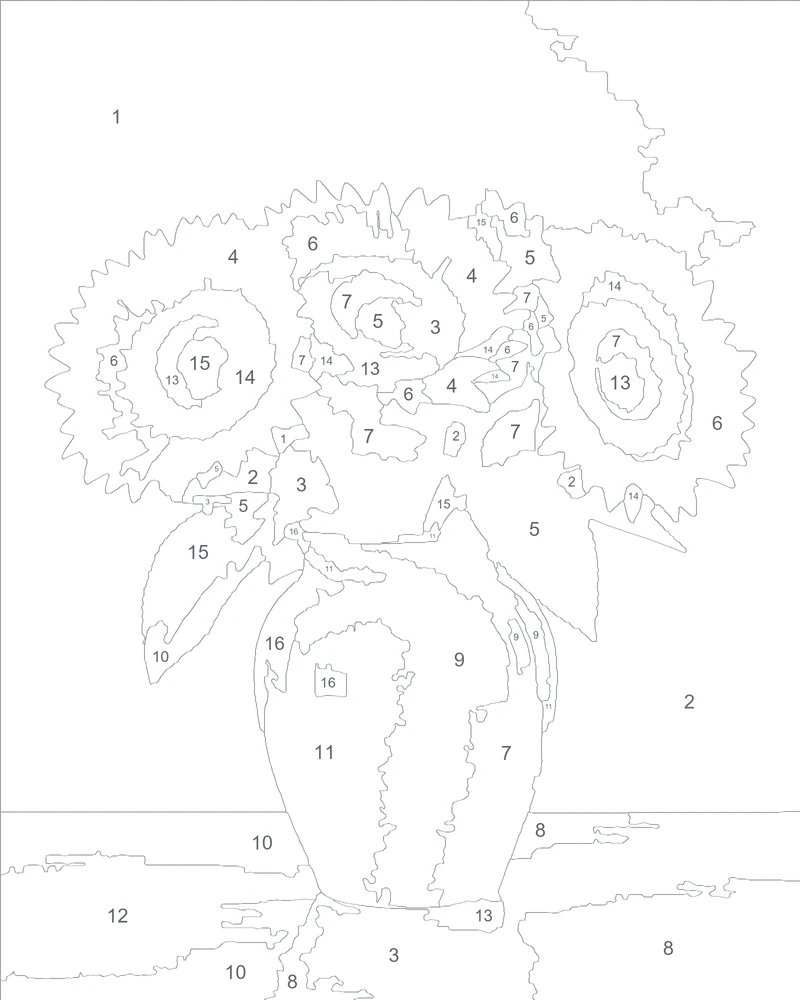
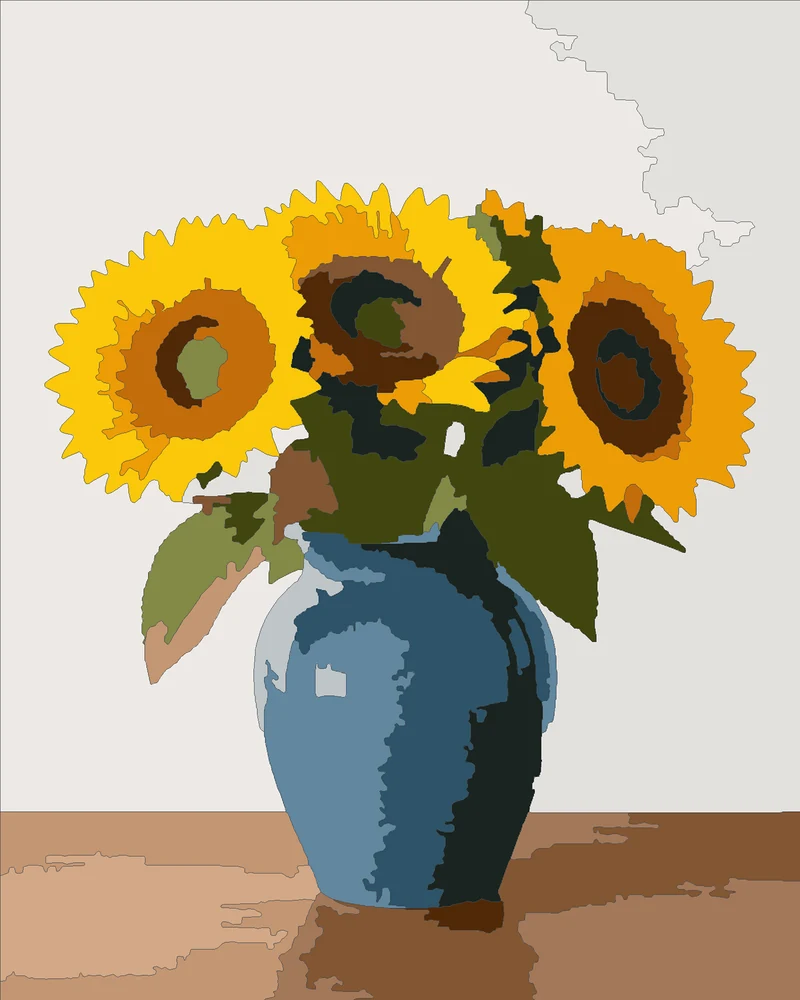
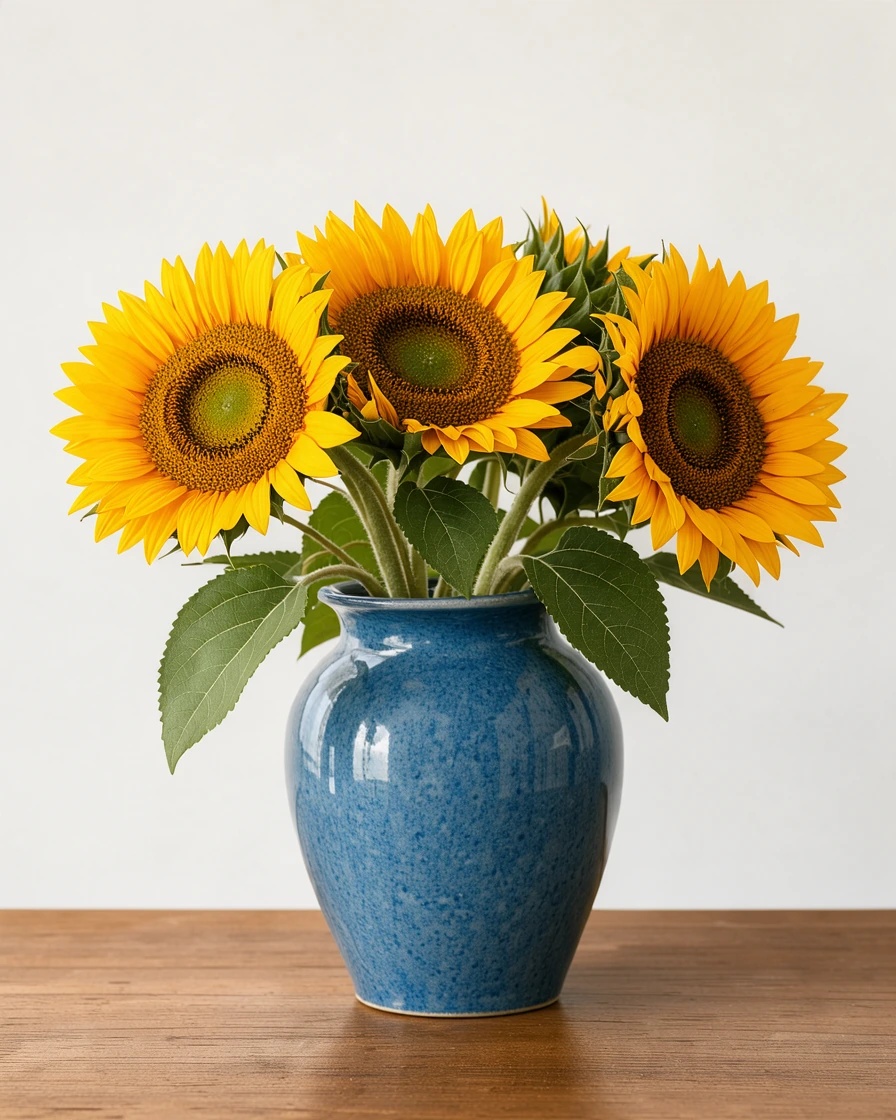
A bold still life with big areas: a relaxing first painting.
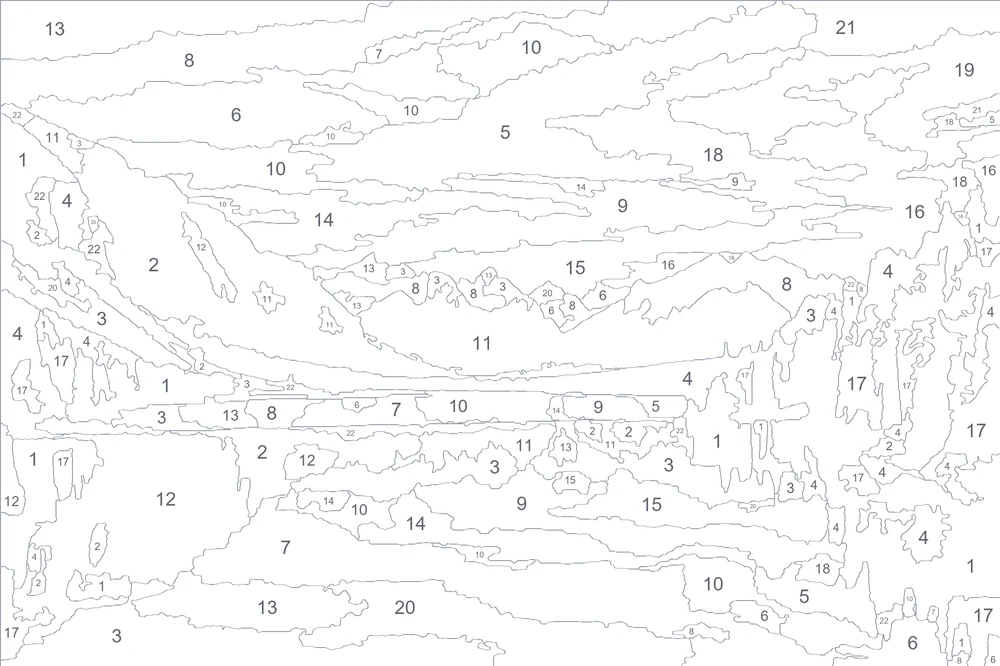
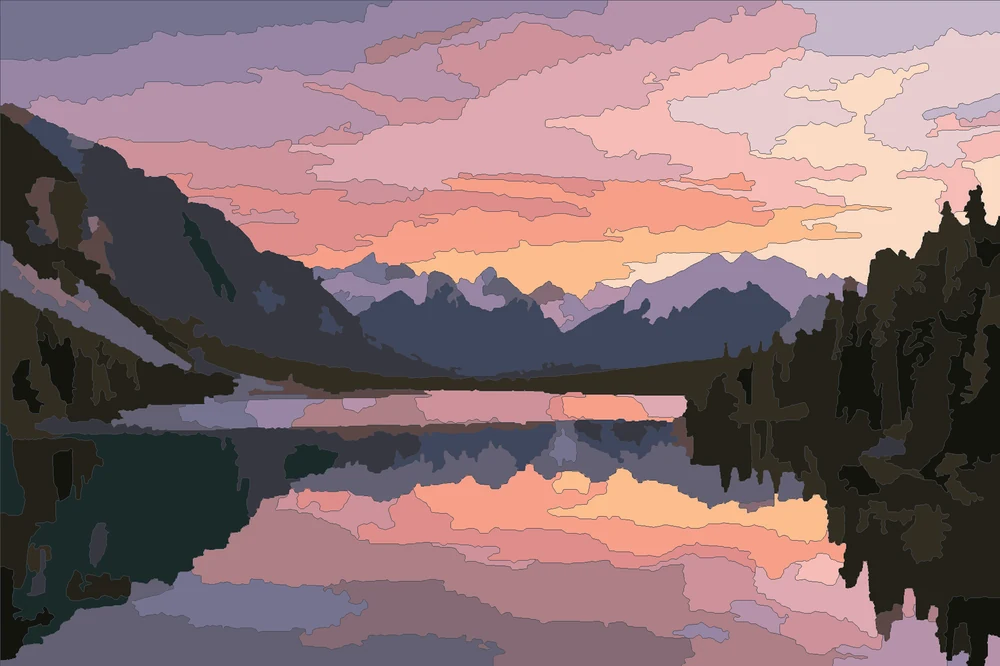
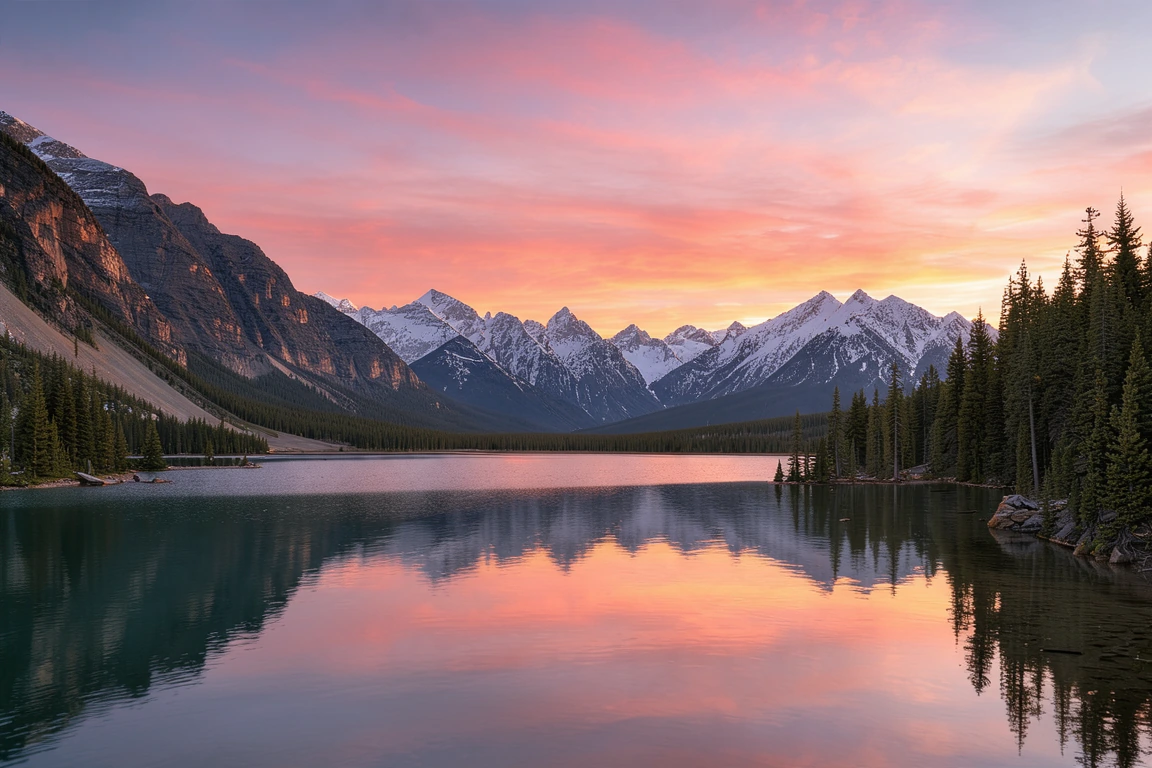
A sunset sky and its reflection, the clouds painted shape by shape.
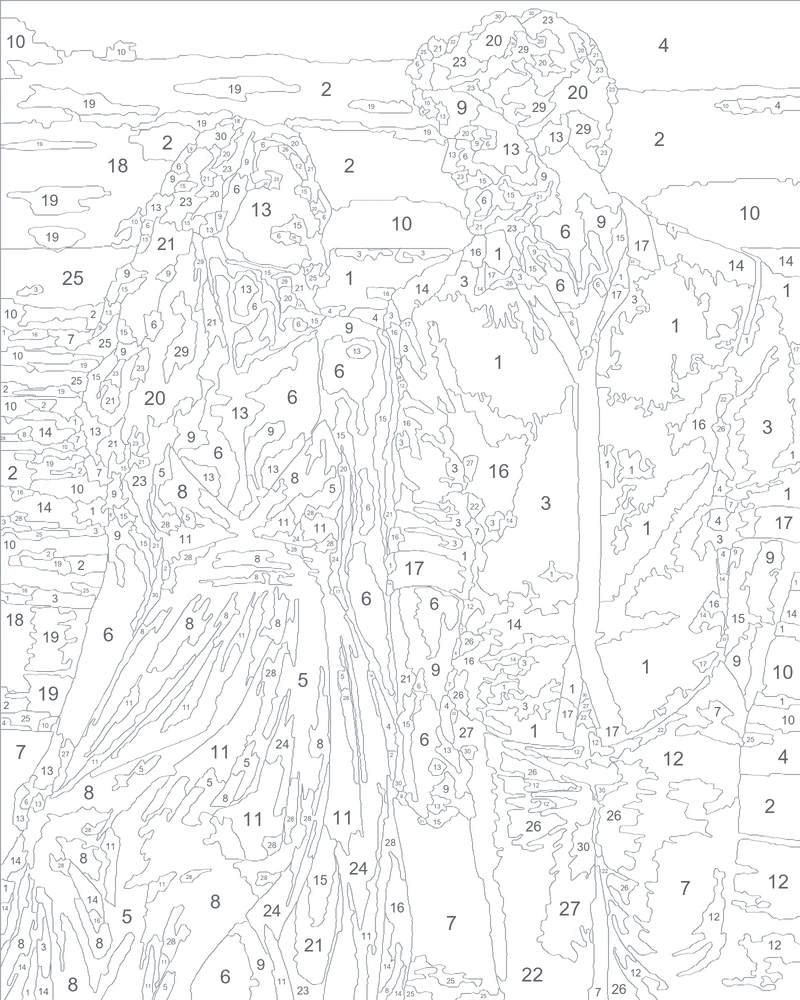
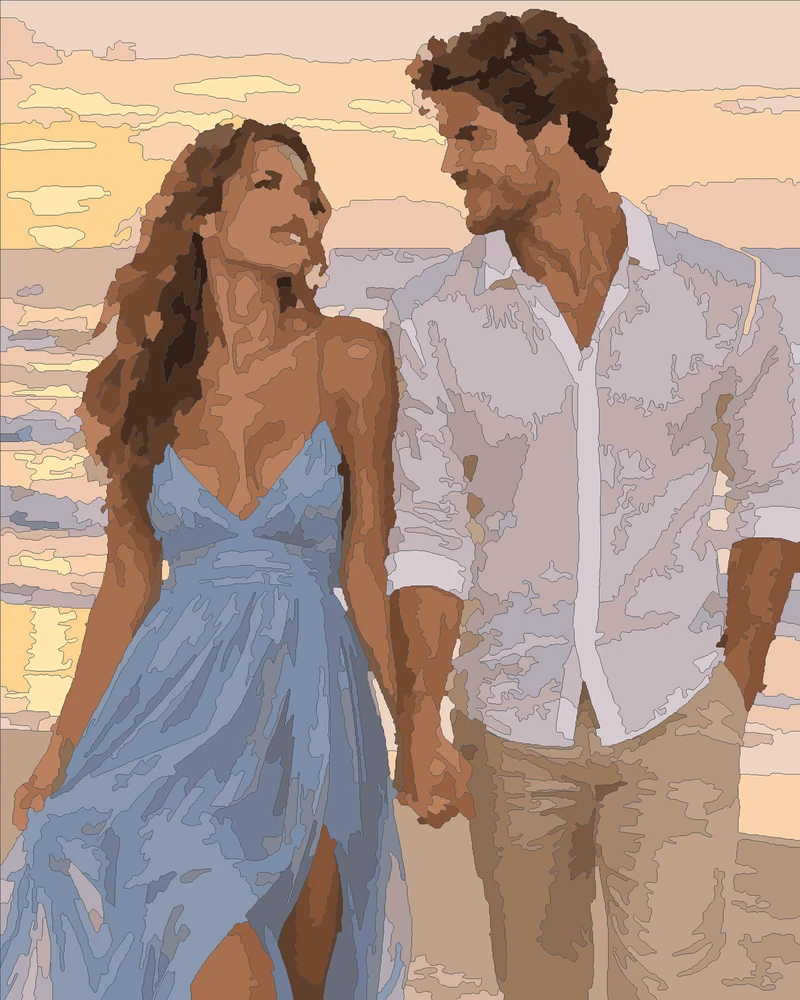
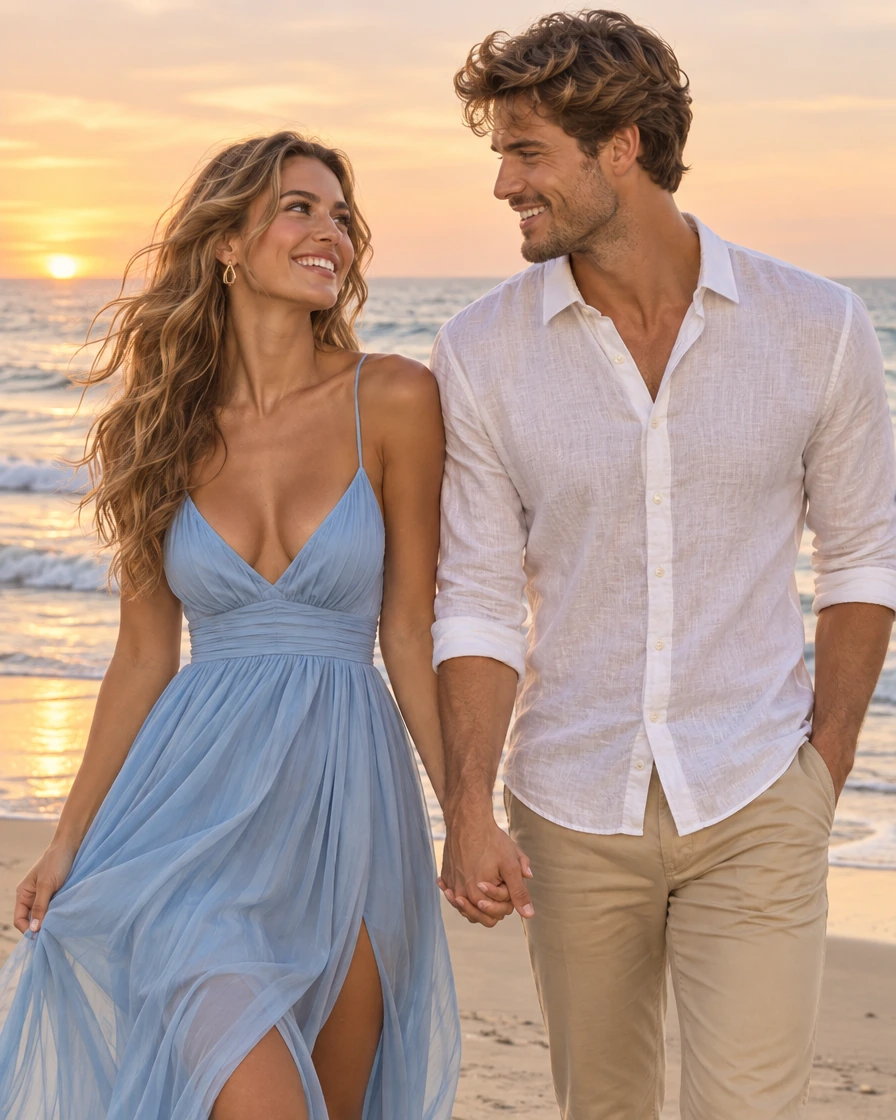
A couple at golden hour with fine detail kept: eyes, smiles and hair.
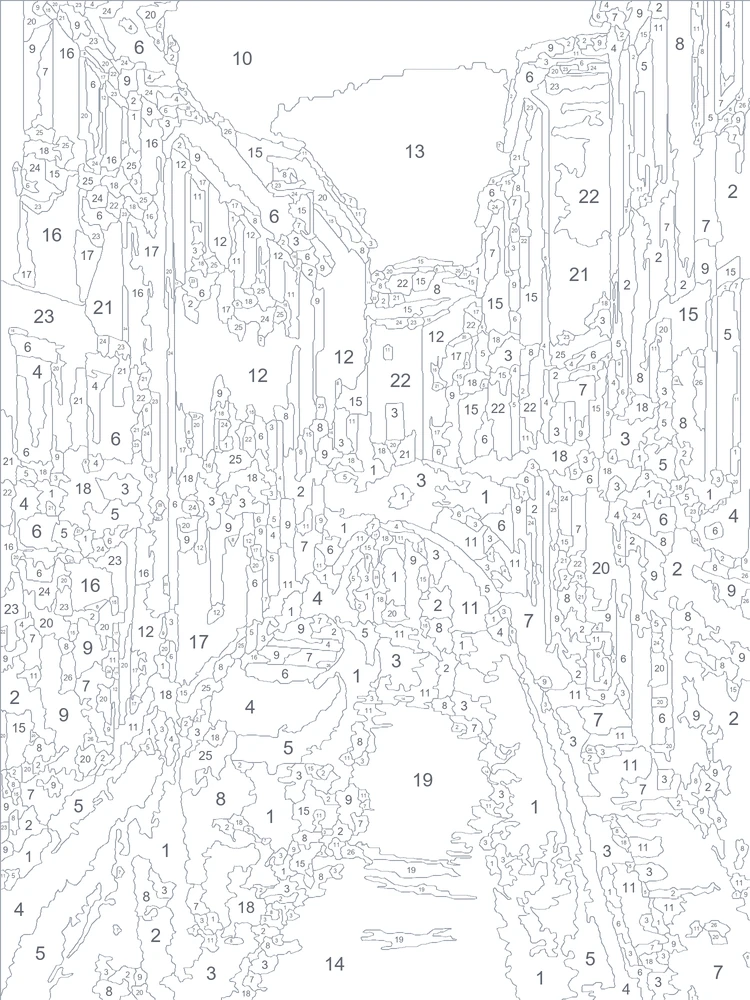
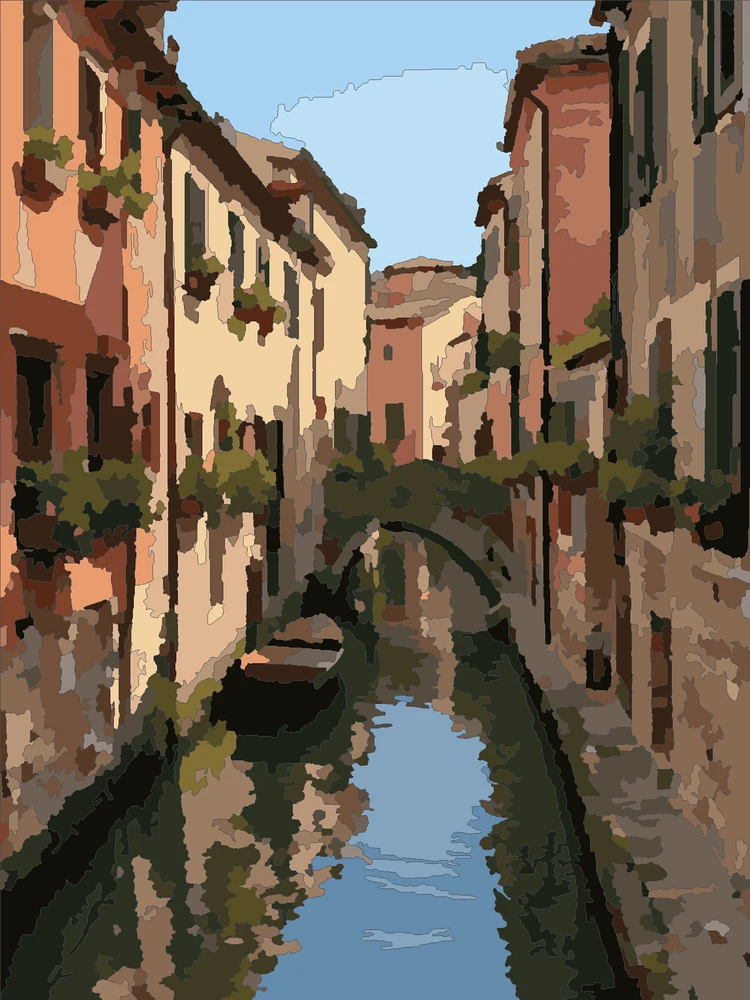
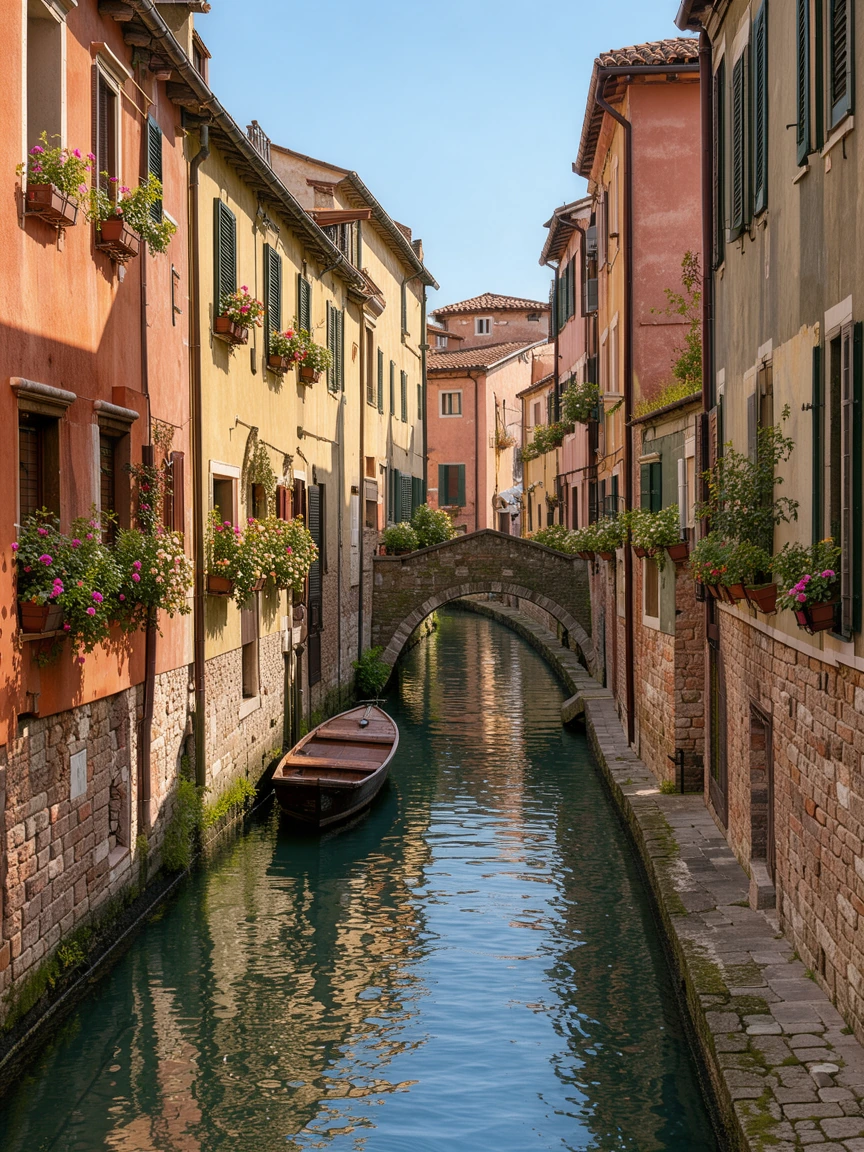
Colorful houses, boats and a bridge in fine detail for a longer project.
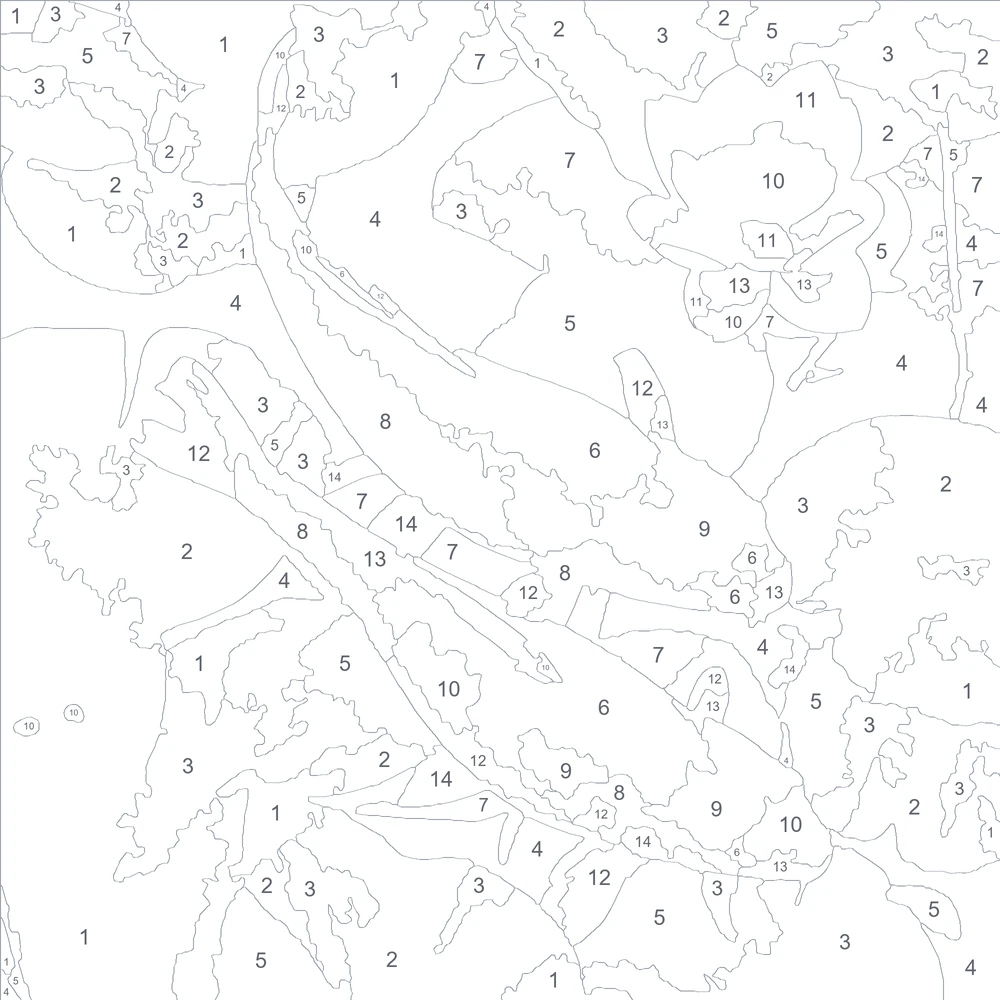
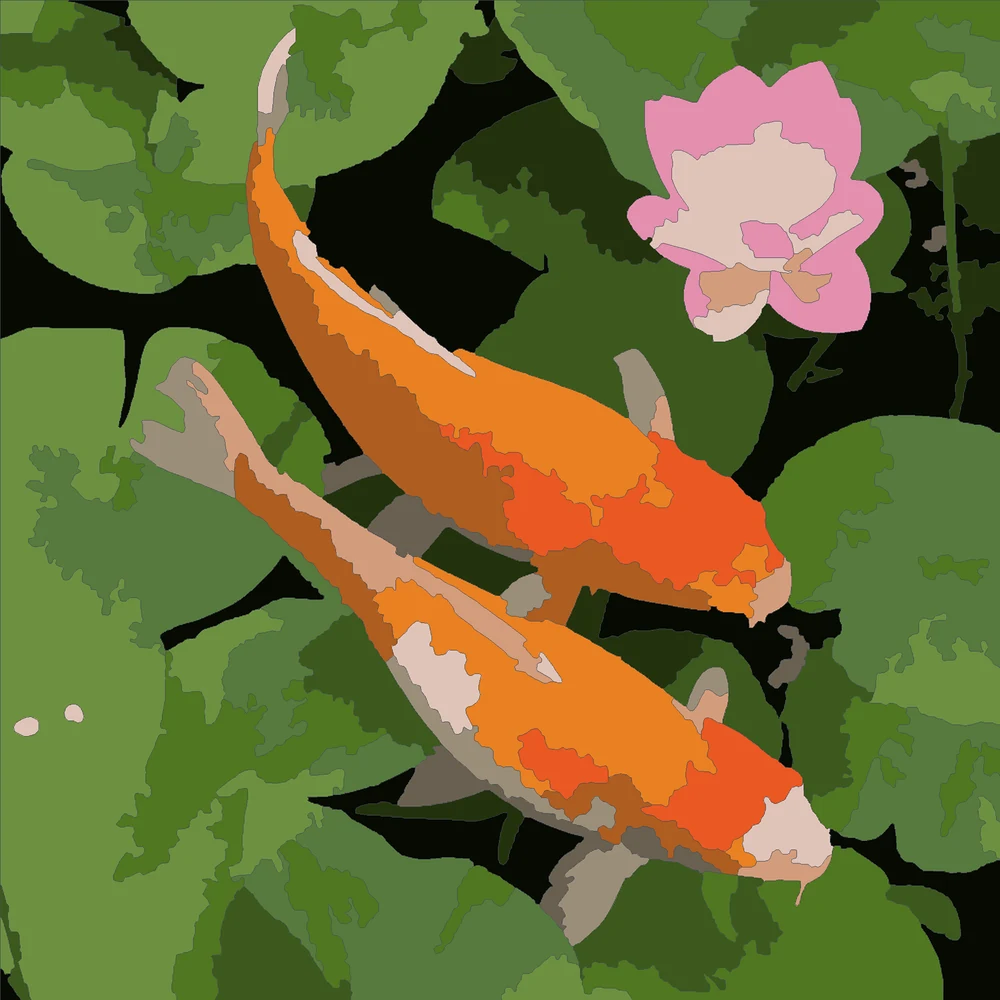
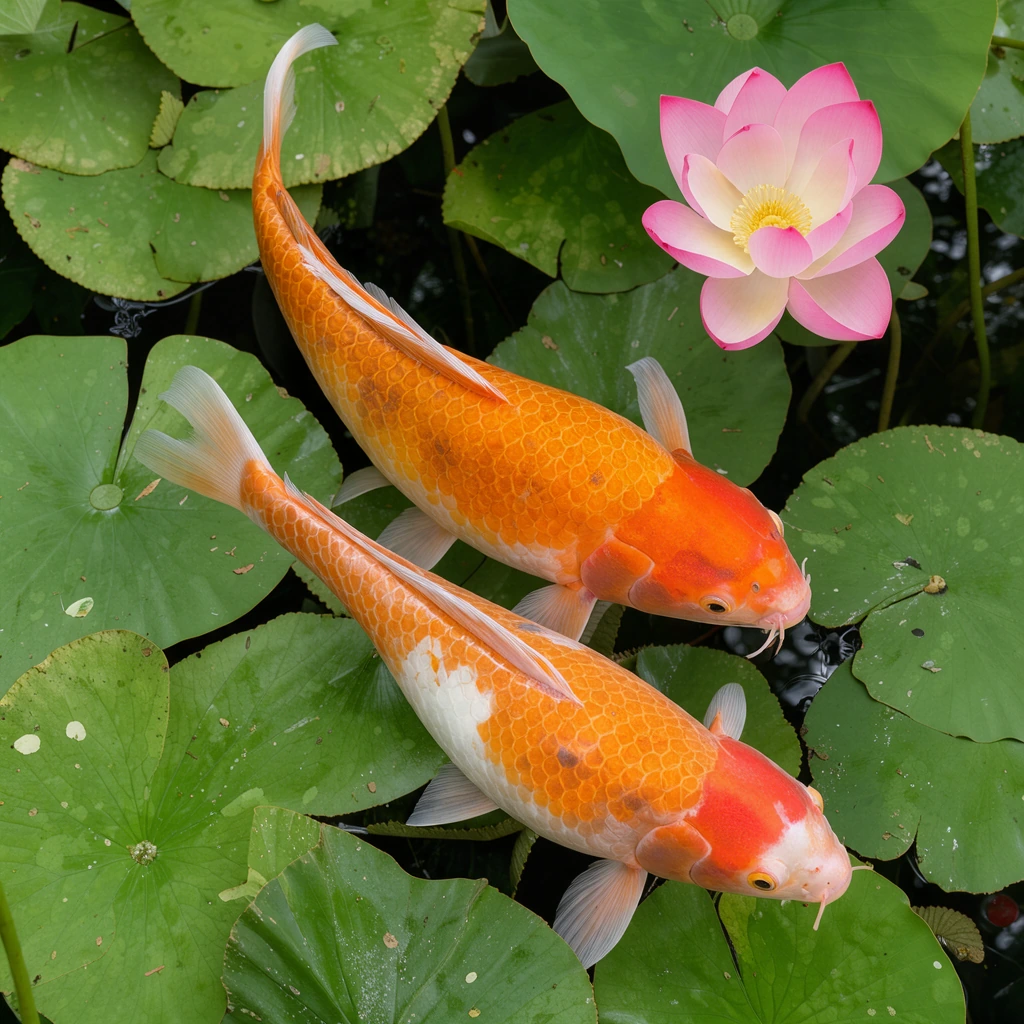
Koi and a lotus among lily pads, in large shapes and clear colors.
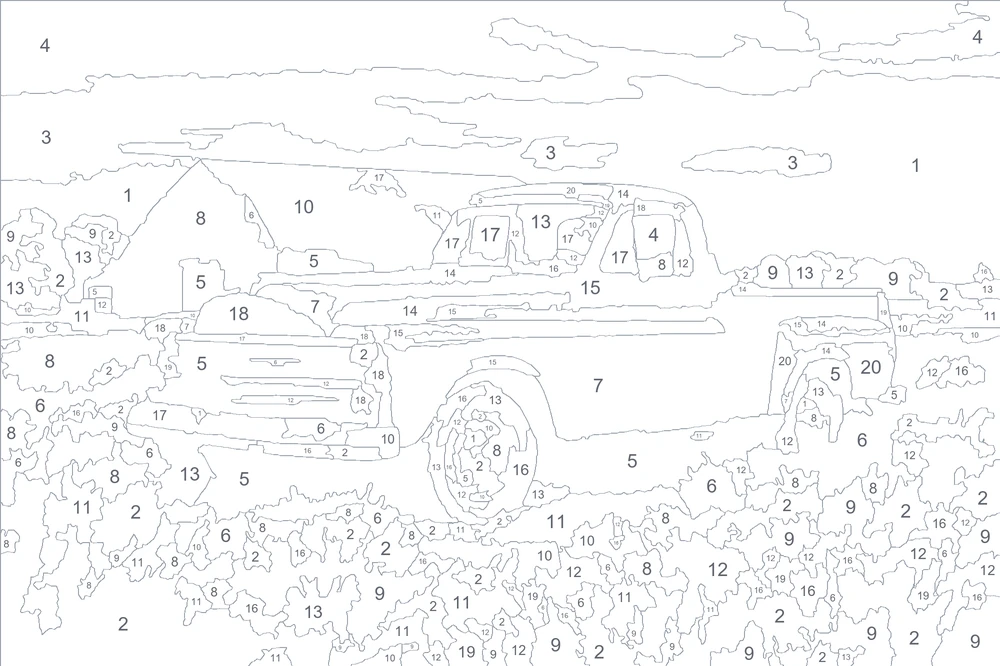
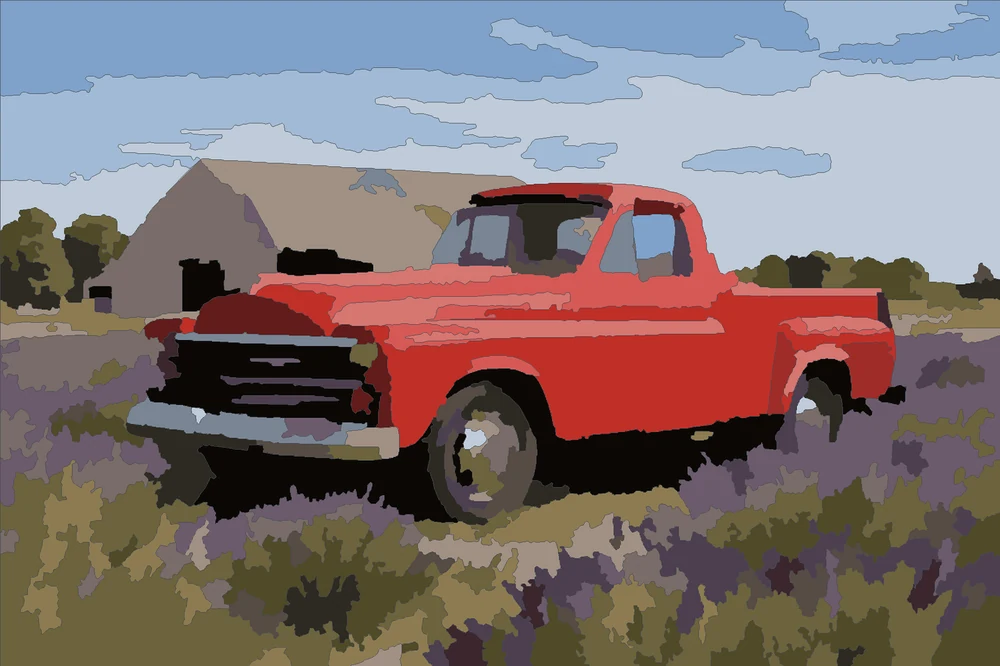
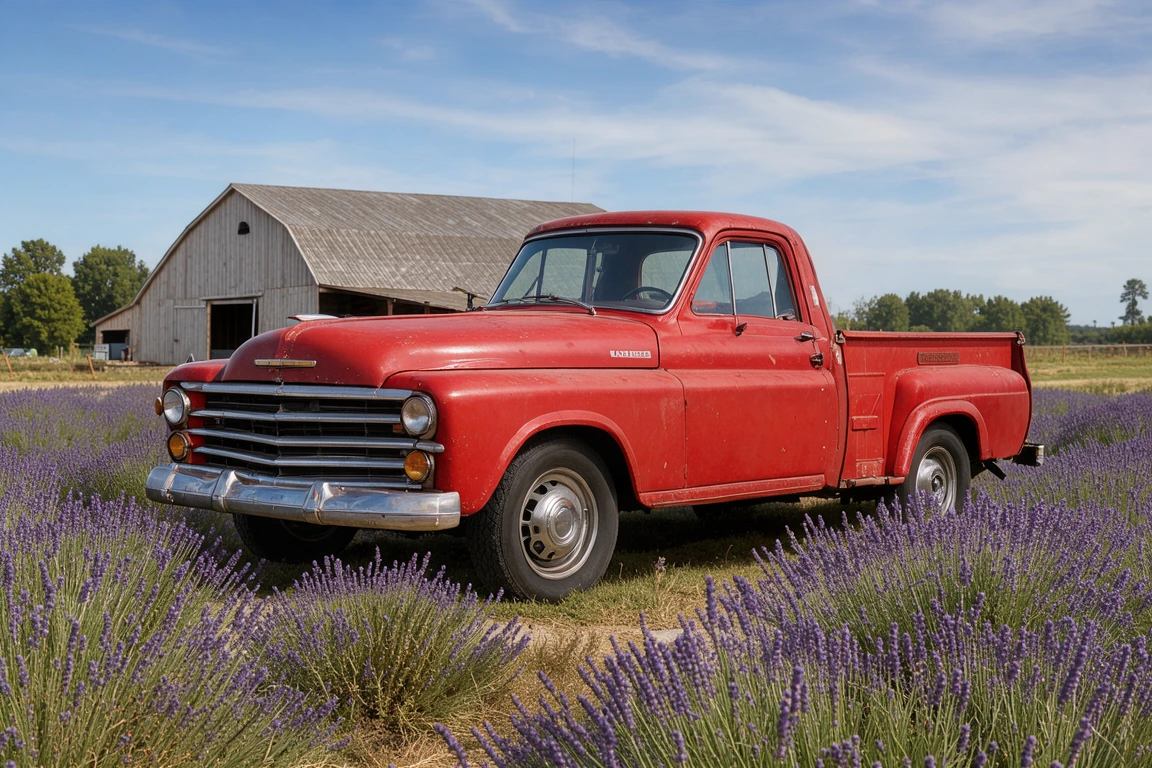
A vintage truck in a lavender field, the chrome and the clouds included.
Three steps, all in your browser.
Drop a photo, choose a file or paste one with Ctrl+V. A first template appears in a few seconds.
Set the most paint colors and the size of the areas: large for a relaxing project, fine detail for faces and busy scenes.
Download a PDF with the template and the color key, on Letter or A4, at a canvas size, or at real size across home printer pages.
Six things that make a template a joy to paint.
Outlines follow the shapes in smooth curves that neighbors share, and each area gets its number at its widest point, sized to fit.
Eyes, smiles and highlights stay as their own small areas, while grain and texture merge into larger shapes that are easy to paint.
Choose 4 to 36 paint colors and large, balanced or fine areas. The paint by numbers template updates as you change them.
Print on Letter, A4, Tabloid or A3, at canvas sizes from 8 × 10 to 16 × 20 inches or 30 × 40 and 40 × 50 cm, or at real size across Letter or A4 pages that overlap to line up.
The PDF ends with a painted preview and every color's number, swatch, hex code and area on the canvas, so you know how much of each to mix.
Every template and file is free, with no account and no watermark. Your photo is turned into a template on your own device and never uploaded.
Five short notes on photos, colors, detail, printing and painting.
A clear subject in good light makes the best template. Faces and pets should fill a good part of the frame; crop away busy backgrounds first. Sunsets, flowers and landscapes paint beautifully at any detail.
12 to 16 colors give a bold, graphic painting and a relaxing evening. 20 to 30 colors bring out skin tones, skies and reflections. Each color is one paint you mix once and use in every area with its number.
Large areas suit beginners, children and small canvases. Fine detail suits portraits and bigger canvases, where small areas are still wide enough for a brush. The tool shows the smallest area's width in millimeters at the size you print.
Print on paper to trace onto a canvas with a light box or a window, or have a print shop print the canvas-size PDF on canvas. On a home printer, real-size pages overlap by 10 mm: trim one page along the dashed line and tape it over the next.
Use acrylic paint and a few small round brushes. Paint the large areas and the light colors first, then the dark ones and the details, two thin coats where the outline shows through. Light outlines disappear under paint; dark outlines are easier to see on canvas.
Anyone who wants to paint their own picture.
A template from a photo you love, painted as a keepsake.
A printed template of a shared memory, given with paints and brushes.
Simple templates with large areas for children, classrooms and art nights.
Travel photos and favorite places turned into calm evenings of painting.
Answers about templates, colors, printing and paint.
Open the photo here, choose the number of colors and the size of the areas, then download the PDF with the template and the color key. It takes about a minute.
Yes. Every template, the PDF, the SVG, the PNG and the color list are free, with no sign-up, no watermark and no limit.
12 to 16 colors suit a first painting and bold pictures; 20 to 30 colors suit portraits, skies and detailed scenes. You can choose from 4 to 36.
Letter, A4, Tabloid and A3 paper, and canvas sizes from 8 × 10 to 16 × 20 inches or 30 × 40 and 40 × 50 cm, as one page for a print shop or at real size across Letter or A4 pages.
Have a print shop print the canvas-size PDF on canvas, or print it on paper and trace the outlines onto your canvas with transfer paper, a light box or a sunny window.
Acrylic paint works best. Each number has a swatch and a hex code: mix your paint to match it, and the key shows each color's area on the canvas so you mix enough.
Yes. Use a clear photo where the face fills a good part of the frame and choose fine detail and 24 colors or more, so the eyes and smile keep their own areas.
No. Your photo is opened and turned into a template on your own device, and the PDF and the other files are made in your browser.
Open a photo and download a template to paint, free in your browser.
Open a photo