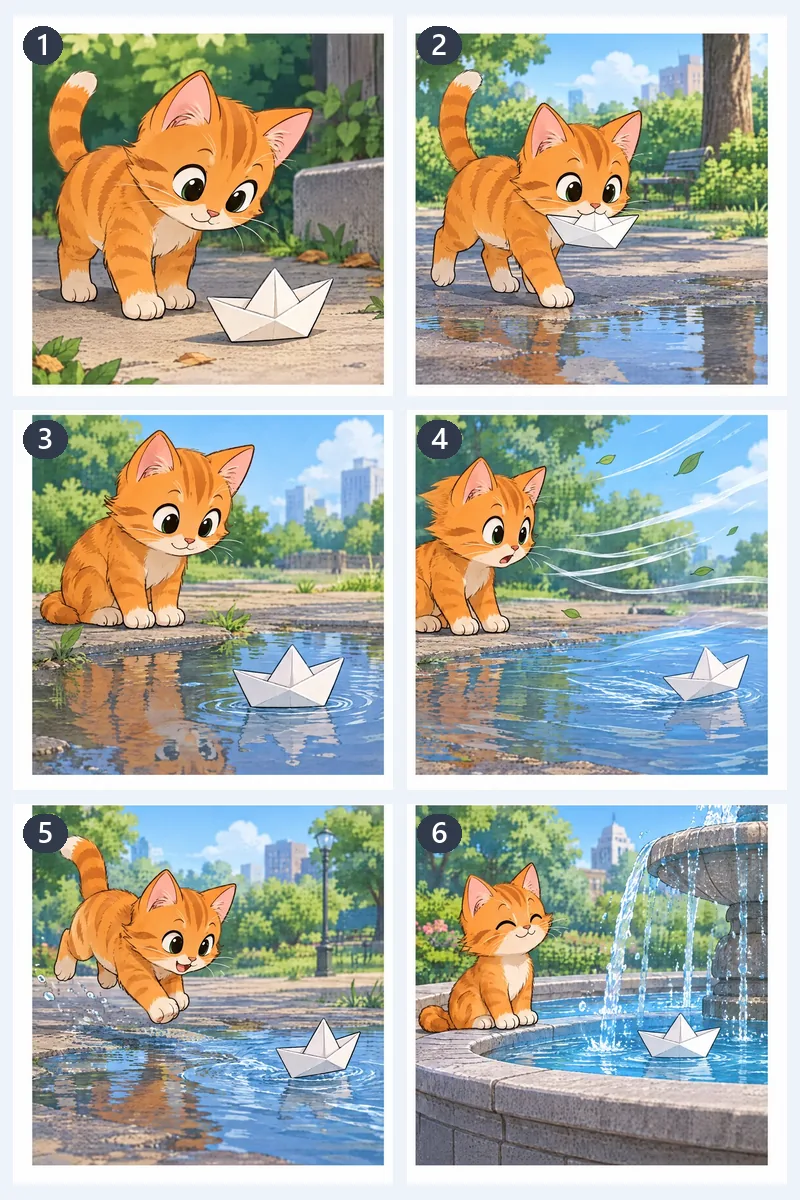
Six-panel comic page
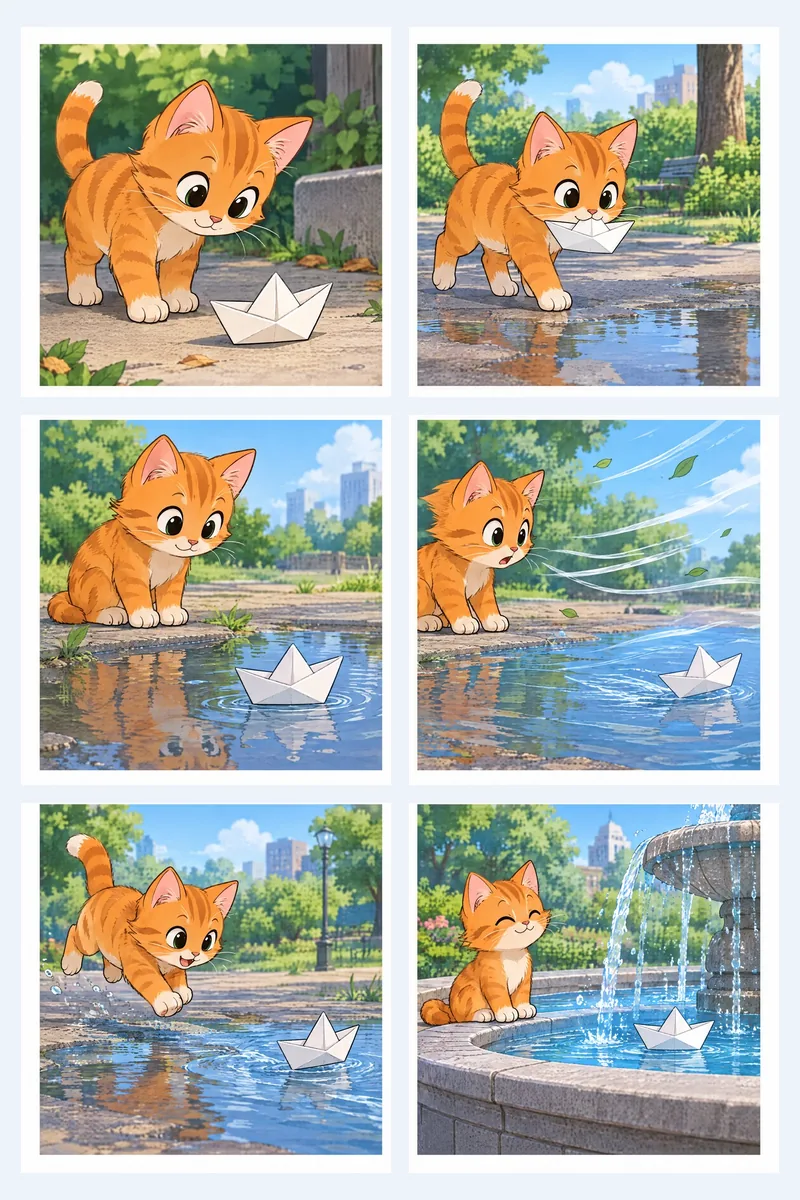
Grid with 3 rows and 2 columns: one file per panel, numbered row by row in reading order for a carousel.
This image splitter cuts one picture into a grid, an Instagram grid, a seamless carousel or a poster you print on several pages. Every piece keeps the original pixels, and your image never leaves your device.
Or start with an example
Six original pictures run through this image splitter, each with the mode that suits it. Open one to load the same picture and settings.
Grid with 3 rows and 2 columns: one file per panel, numbered row by row in reading order for a carousel.
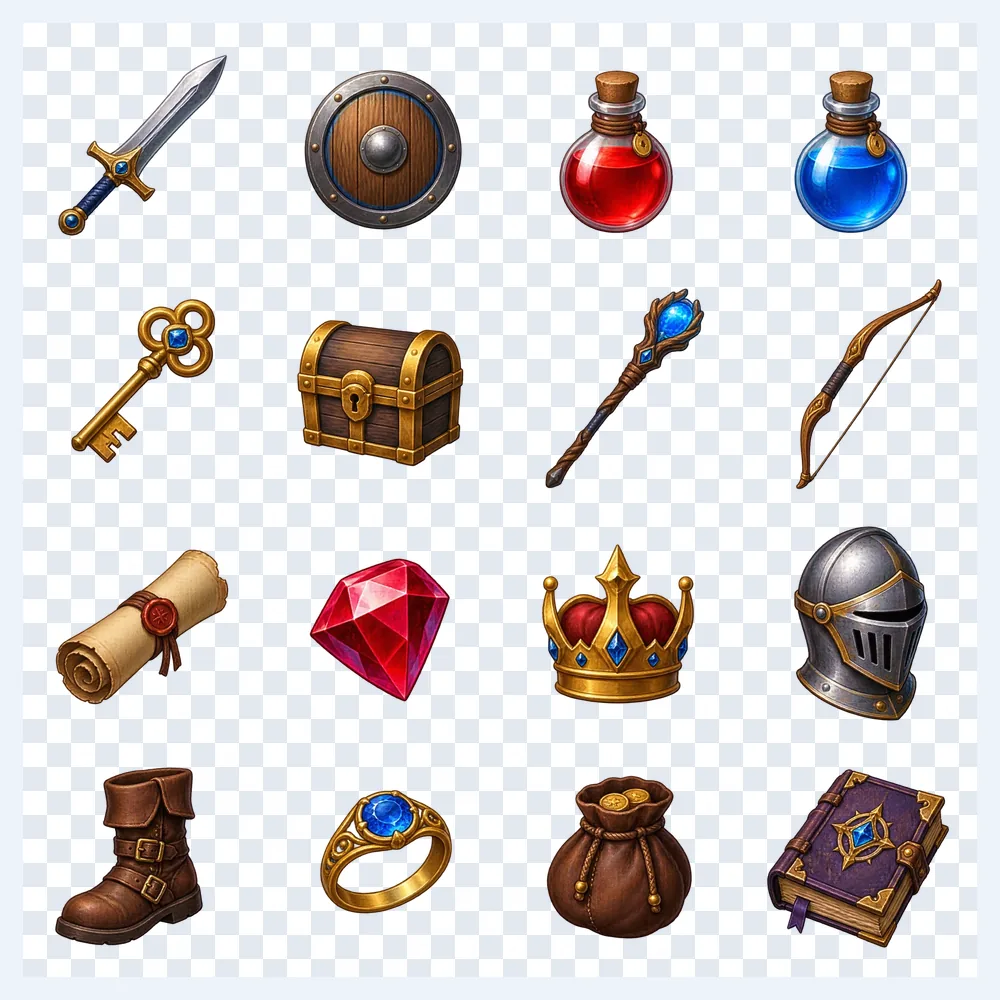
Grid 4 × 4 with PNG output: the transparent sheet becomes 16 equal icons, each a transparent PNG ready for a game engine.
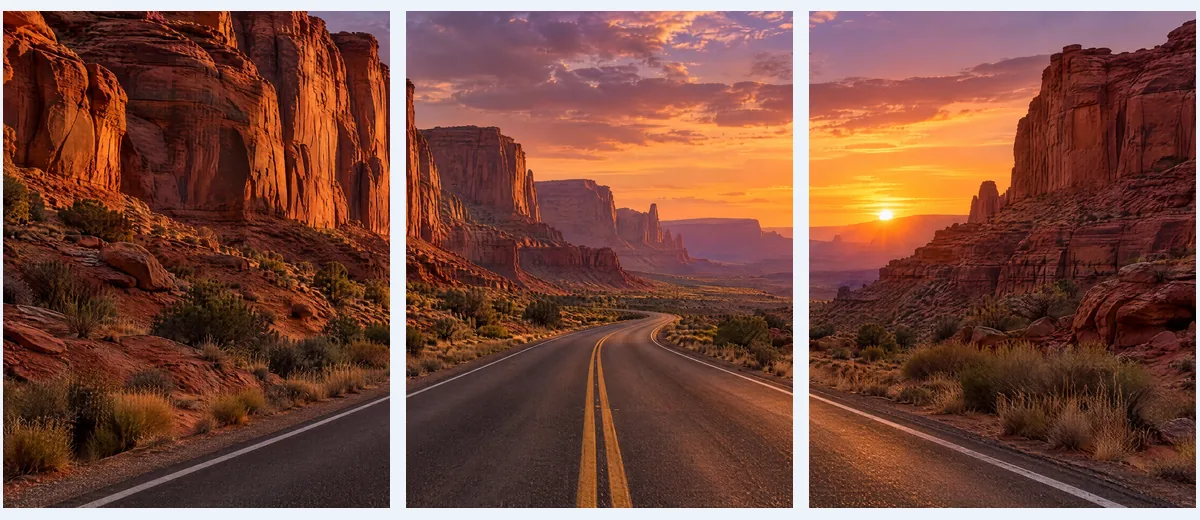
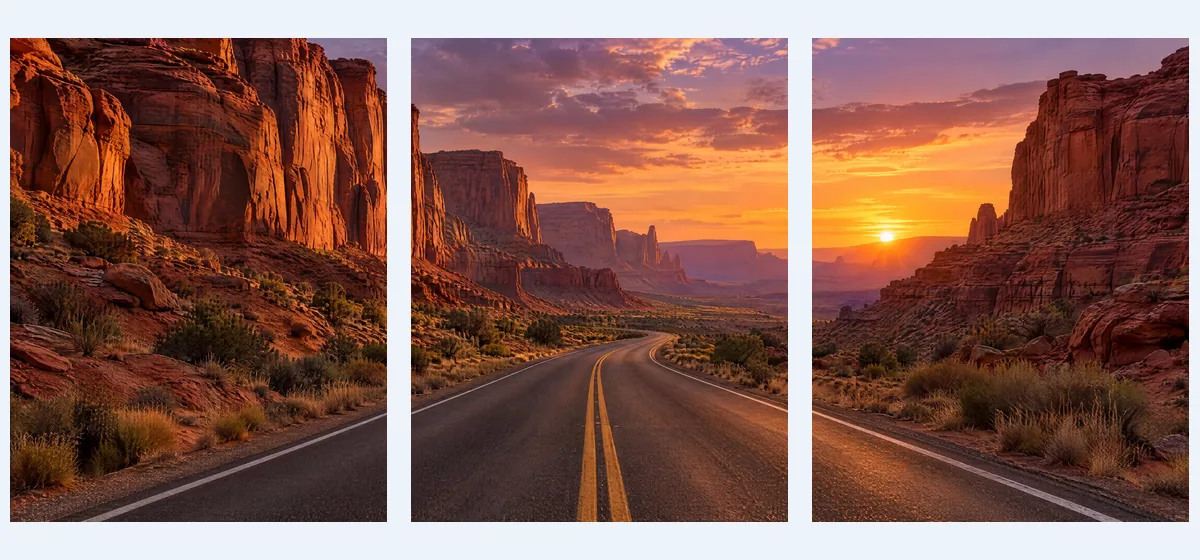
Grid with 1 row and 3 columns: three vertical panels to print and hang side by side as wall art.
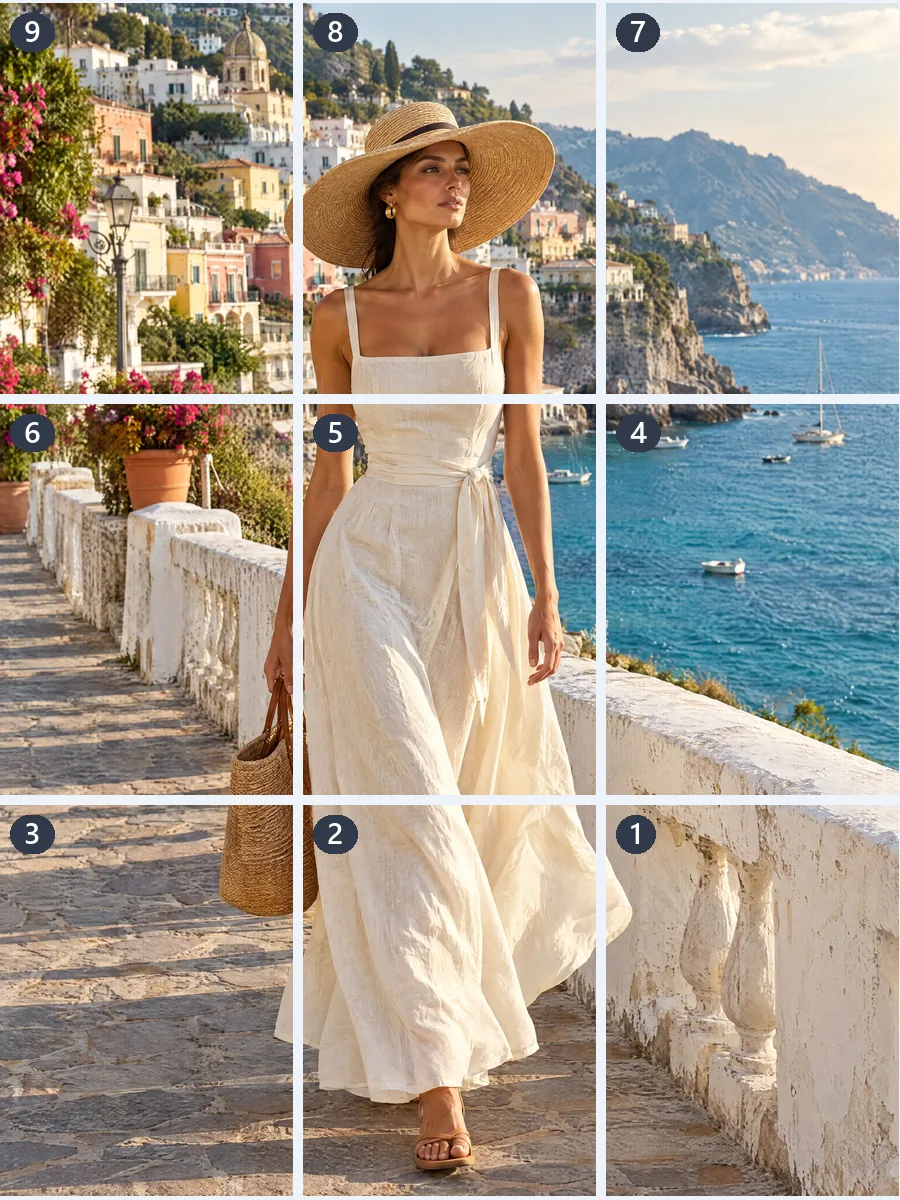
Instagram grid, 3 × 3 at 3:4: nine tall tiles numbered in posting order, so the profile shows the whole picture.
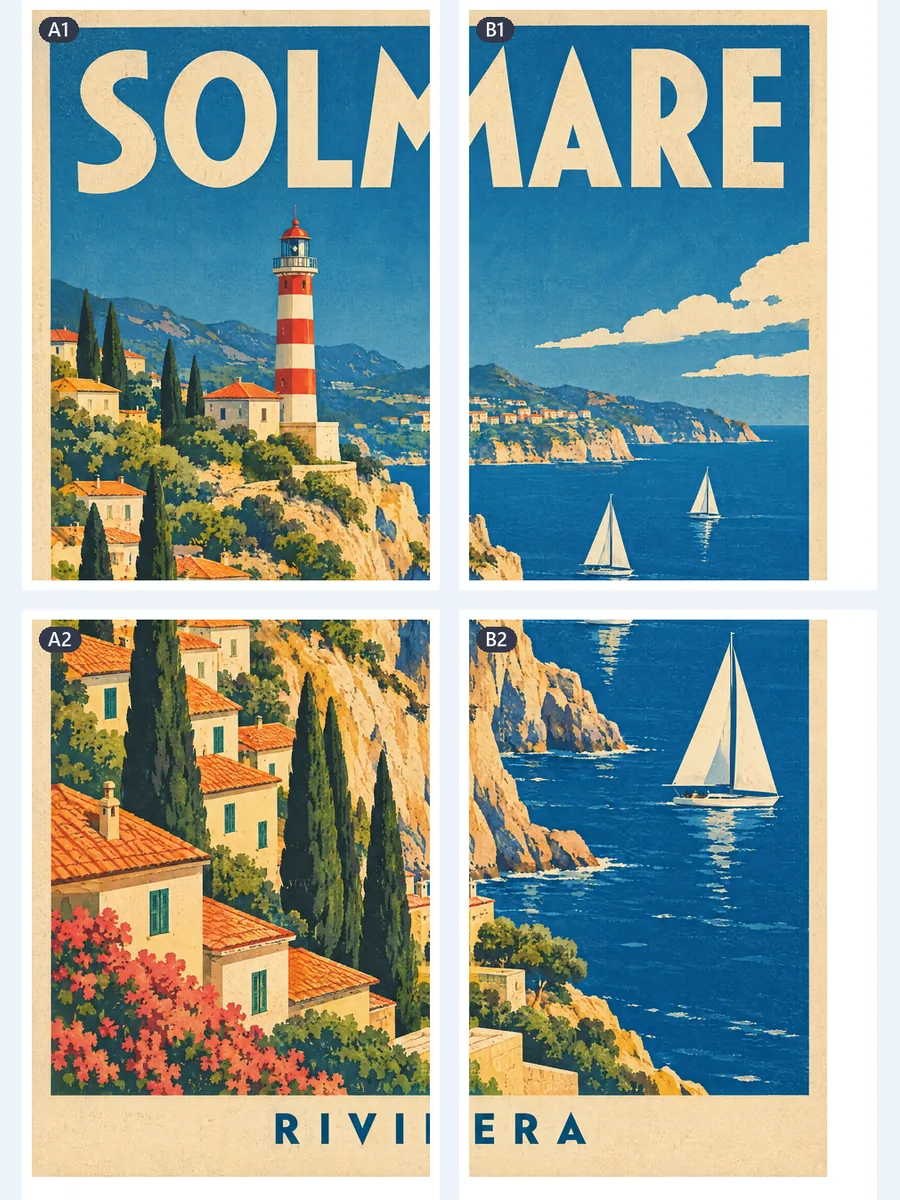
Print poster on 2 × 2 A4 pages, 37.5 × 56.3 cm, with 5 mm overlap, cut lines and page numbers: trim, tape, and the town hangs as one poster.
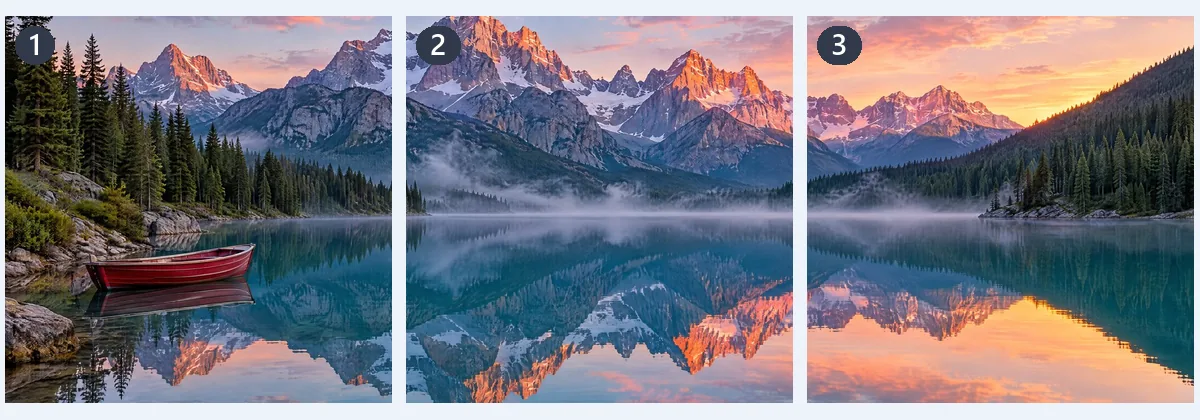
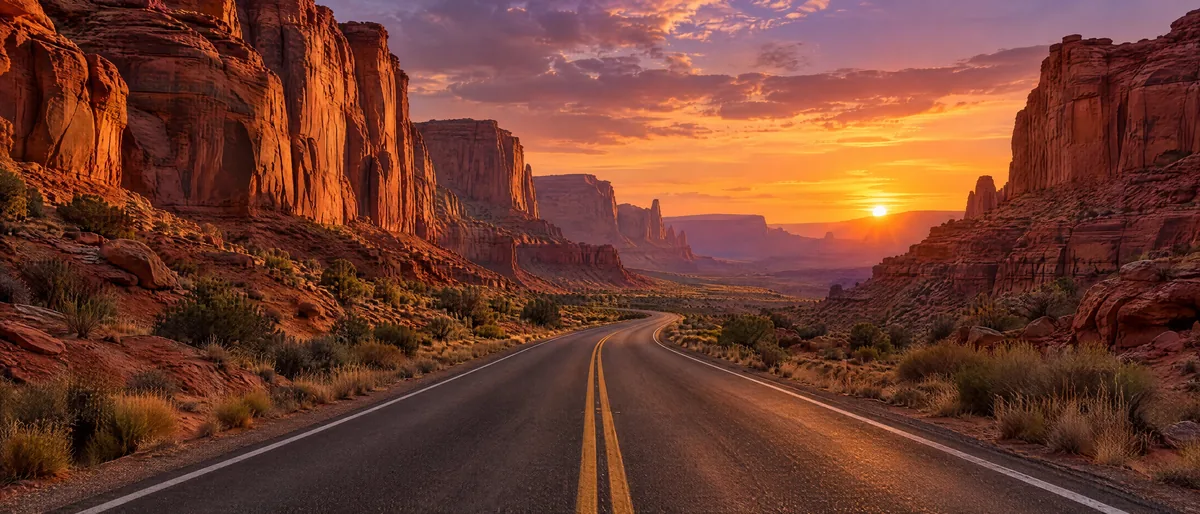
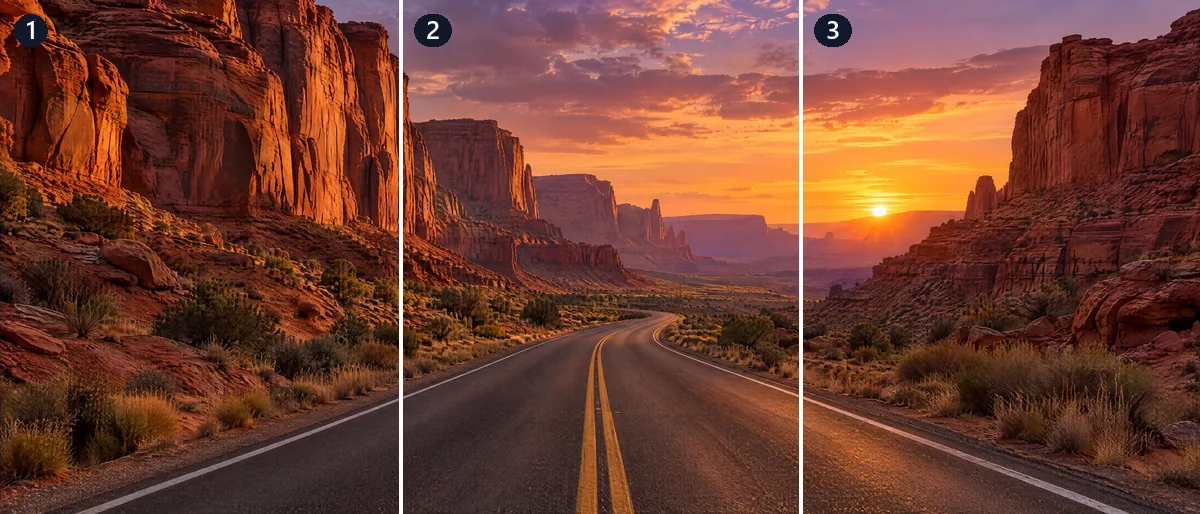
Carousel of 3 square slides: the shoreline runs across each seam without a break as people swipe.
Grid with 3 rows and 2 columns: one file per panel, numbered row by row in reading order for a carousel.
Carousel of 3 square slides: the shoreline runs across each seam without a break as people swipe.
Instagram grid, 3 × 3 at 3:4: nine tall tiles numbered in posting order, so the profile shows the whole picture.
Grid 4 × 4 with PNG output: the transparent sheet becomes 16 equal icons, each a transparent PNG ready for a game engine.
Print poster on 2 × 2 A4 pages, 37.5 × 56.3 cm, with 5 mm overlap, cut lines and page numbers: trim, tape, and the town hangs as one poster.
Grid with 1 row and 3 columns: three vertical panels to print and hang side by side as wall art.
Add a picture, pick a mode, download. The preview shows every cut line and number as you go.
Drop, choose or paste a JPG, PNG, WebP, GIF, AVIF or BMP up to 100 MB. Phone photos are turned the right way up before the split.
Choose Grid, Instagram grid, Carousel or Print poster, then set the rows and columns, the slides or the paper.
Download ZIP, save to Photos on a phone, or download a PDF to print. Each piece keeps the original pixels, as PNG, JPG or WebP.
Six things this image splitter does best, from exact grids to posters you print at home. Every piece is cut from your own pixels, so nothing is resized or lost.
 Original
Every pixel of your picture, or of the crop you choose, lands in exactly one piece at its original size. When a side does not divide evenly, neighboring pieces differ by one pixel at most, so no edge is cut off. A PNG stays PNG and a JPG stays JPG at quality 92, both with their DPI, and a WebP stays lossless WebP.
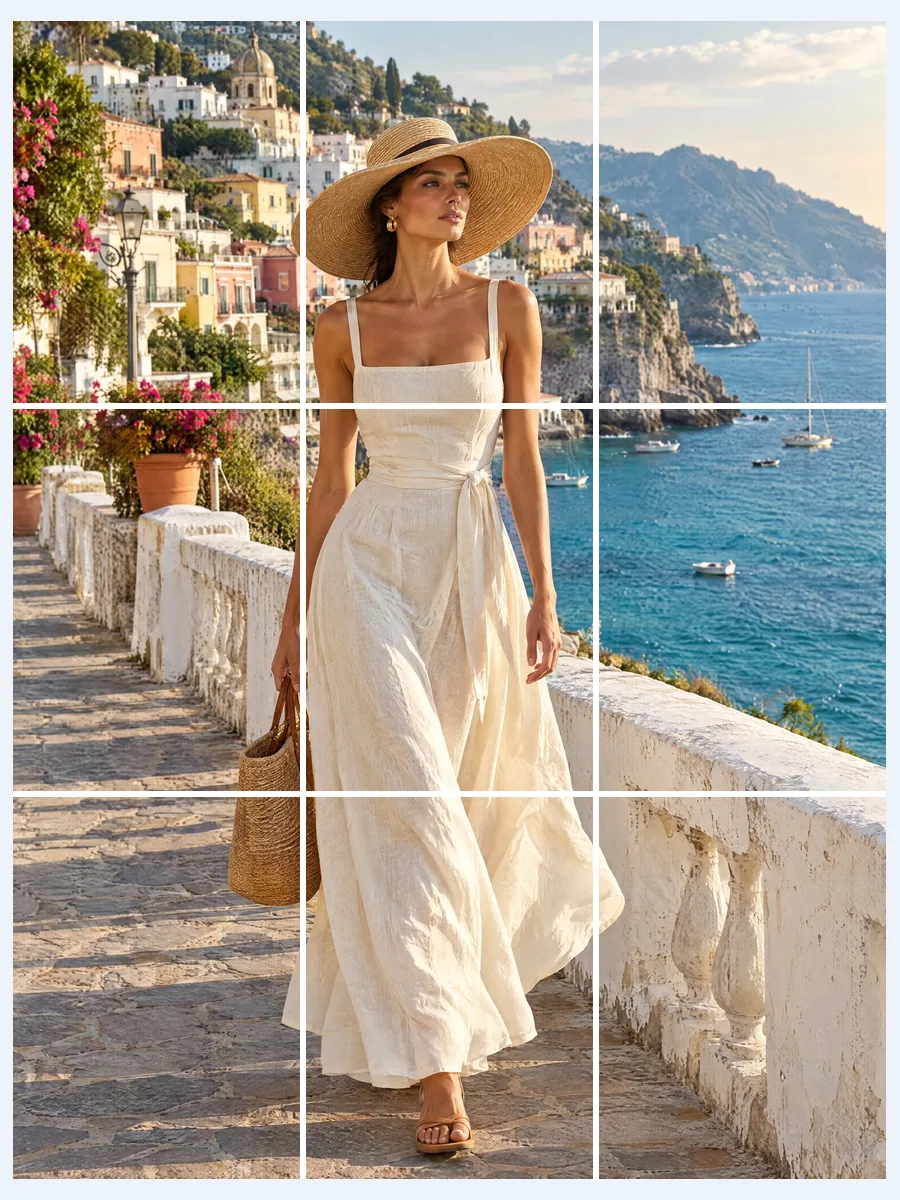
Instagram profiles now show posts as 3:4 tiles. The Instagram grid mode crops to 3:4, or 1:1 if you prefer, with 1 to 5 rows of 3 tiles. The files are numbered in posting order, and on a phone Save to Photos puts them in your library in that order.
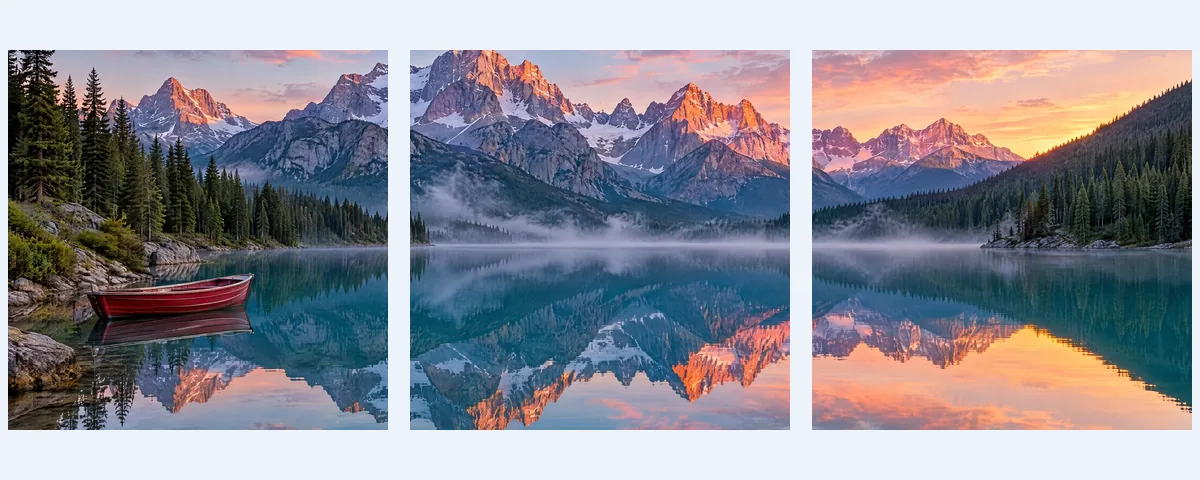
The Carousel mode splits a wide picture into 2 to 20 slides at 4:5, 1:1 or 3:4, all the same shape. The crop frame stays locked to that shape; drag it to choose what stays, and each seam lines up as people swipe.
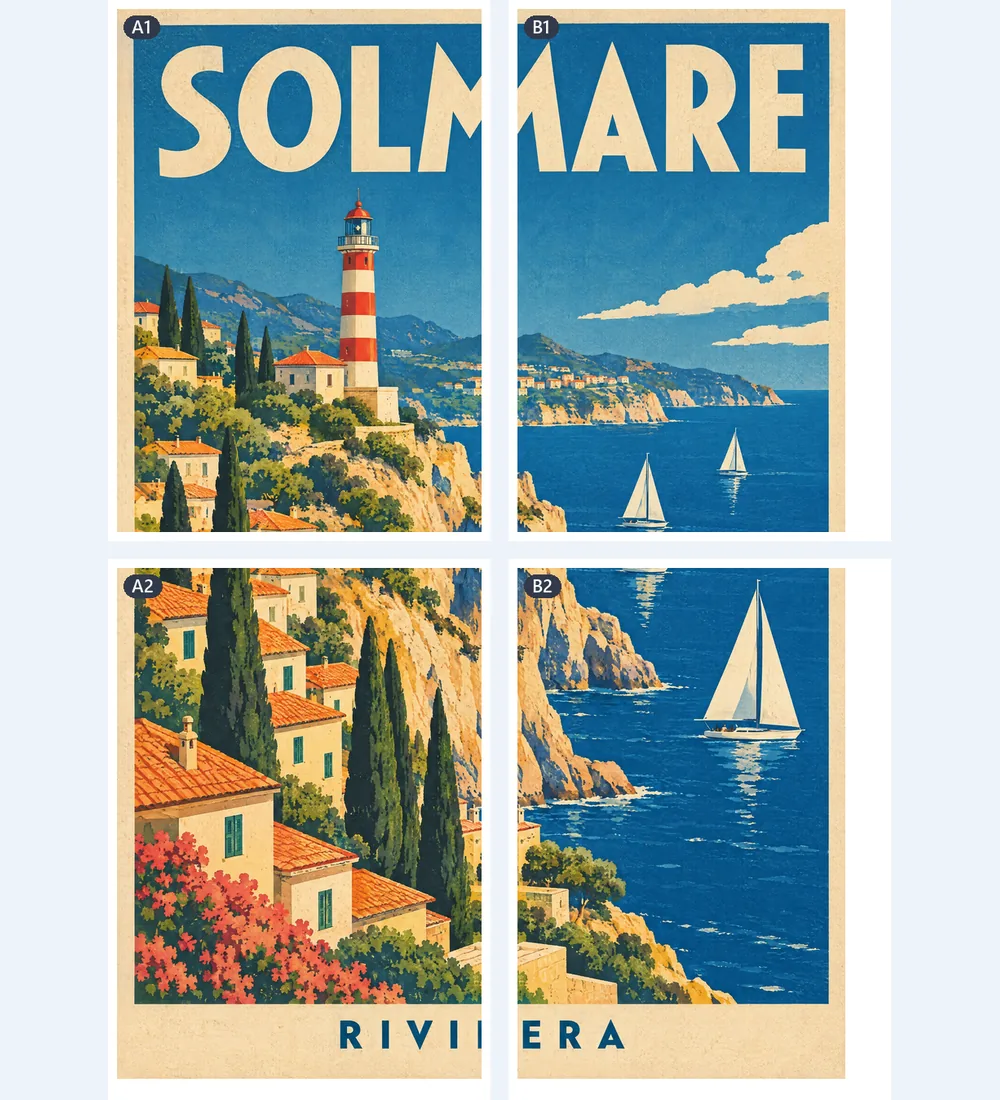
The Print poster mode lays the picture across A4, A3, Letter, Legal or Tabloid pages in one PDF, with margin, overlap, cut lines and page numbers. Set margin and overlap to 0 for borderless pages. A JPG goes into the PDF byte for byte, as sharp as your file.
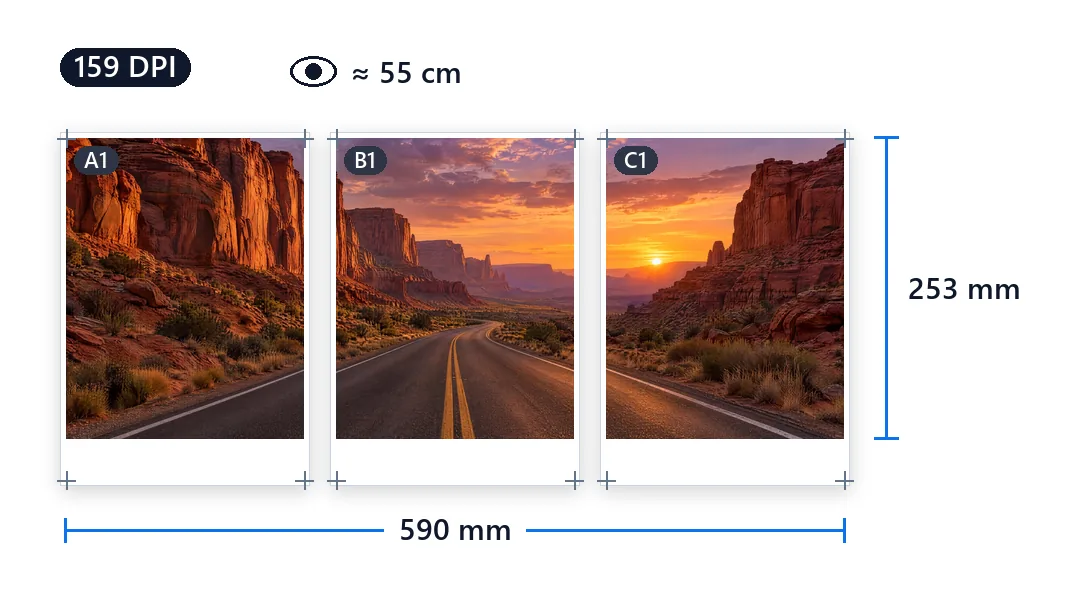
The page count, the finished size in cm and inches and the DPI on screen are exactly what the PDF prints. The image splitter also shows how far away the poster looks sharp, so you can choose its size with confidence.
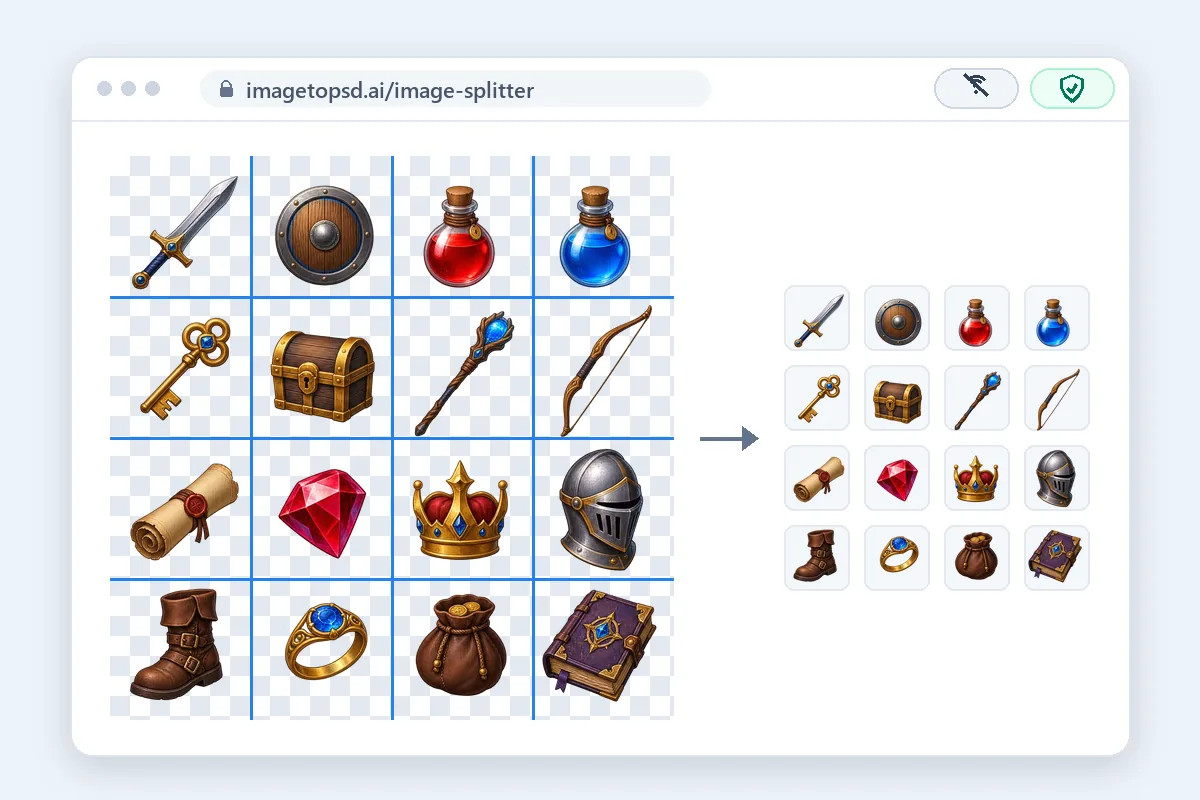
No sign-up, no watermark, no usage limit. Your picture is split on your device and never uploaded, so once the page has loaded it keeps working without a connection.
How to split an image for each job, with the sizes that work best.
To make a grid, add the picture, pick Grid and set Rows and Columns, 1 to 20 each, or tap a preset such as 2 × 2, 3 × 3 or 4 × 4. The preview draws every cut line and numbers each piece. For strips, set 1 row and several columns for vertical strips, or 1 column and several rows for horizontal ones. Files are named by row and column, such as photo-3x3-r1-c1.png, so they sort in order.
The Instagram profile grid shows each post as a 3:4 tile, 1080 × 1440 pixels. For a 3 × 3 grid, start from a picture of at least 3240 × 4320 pixels, pick Instagram grid and drag the crop frame onto your subject. Post the pieces in number order: post 01 is the bottom right tile, and the top left goes up last. Pinned posts stay at the front of the profile, so unpin them while you post, or rearrange the grid in Instagram afterwards.
A seamless carousel is one wide picture split into slides that join as people swipe. Pick Carousel and set 2 to 20 slides. 4:5 slides, 1080 × 1350 each, fill the most screen; three of them need a picture about 3240 × 1350 pixels. Drag the crop frame so faces and words sit away from the seams, then post the slides in order, slide 01 first. Instagram gives every slide the shape of the first one, which is why each slide here has the same ratio.
Pick Print poster, choose the Paper and set the size by pages across or by width; the page count, finished size and DPI update as you change them. A Margin of 5 mm and an Overlap of 5 mm suit most home printers. Print the PDF at Actual size or 100%, and check the 100 mm line on page 1 with a ruler. Trim along the cut lines, lay the pages out by their numbers, A1 at the top left, and tape them from the back. 300 DPI looks sharp up close; 150 DPI is plenty for a poster seen from 1 to 1.5 meters away.
For two halves, pick Grid with 1 row and 2 columns for left and right, or 2 rows and 1 column for top and bottom. For equal parts, set the count you need: 2 × 2 gives four quarters, and 1 × 3 or 3 × 1 gives thirds. The halves and quarters match to the pixel; when a side does not divide evenly, the extra pixels are spread out so no piece differs by more than one.
The image splitter runs in your phone's browser on iPhone and Android, with no app to install. Open this page, tap to choose a photo, pick a mode and tap Save to Photos: the pieces go to your photo library in posting order, ready to pick in Instagram. Download ZIP and single pieces work in every browser too, on a phone or a computer.
Four everyday jobs for a free image splitter.
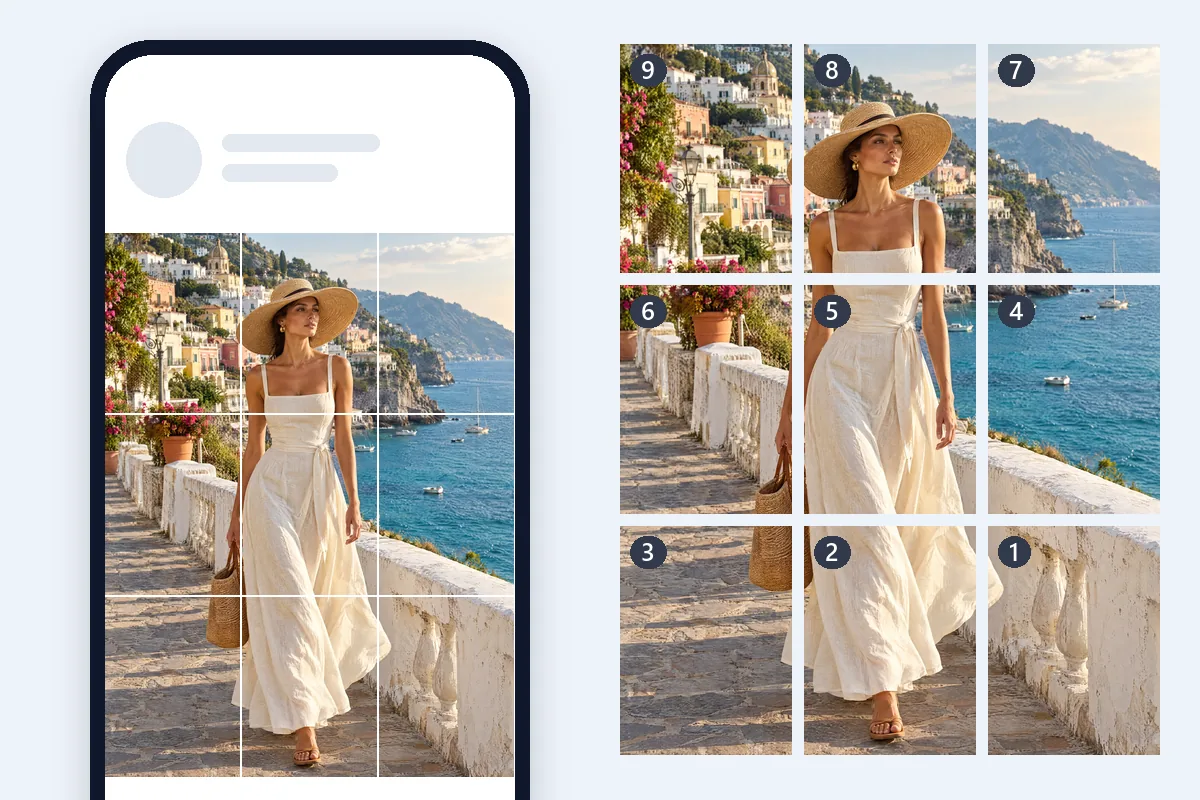
One photo across 3, 6, 9 or up to 15 posts, so the profile reads as a single big picture.
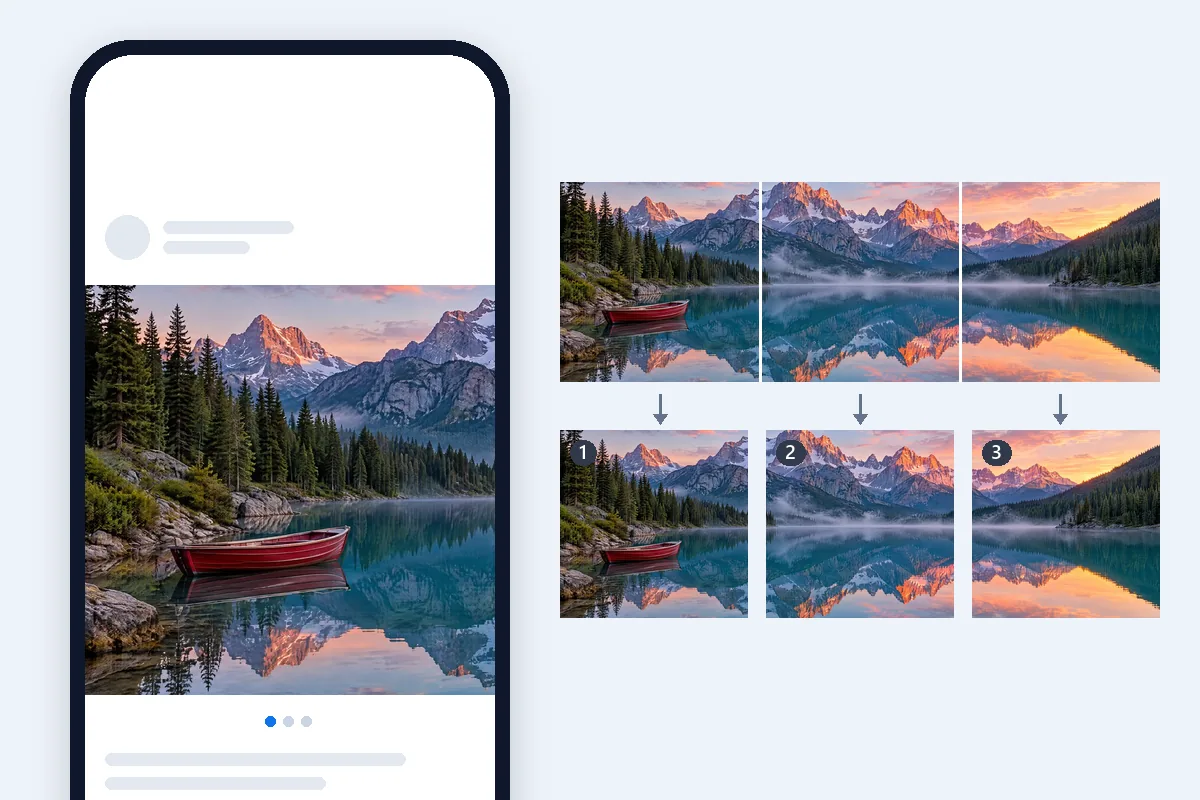
Travel panoramas and wide group shots split into slides that join as people swipe.
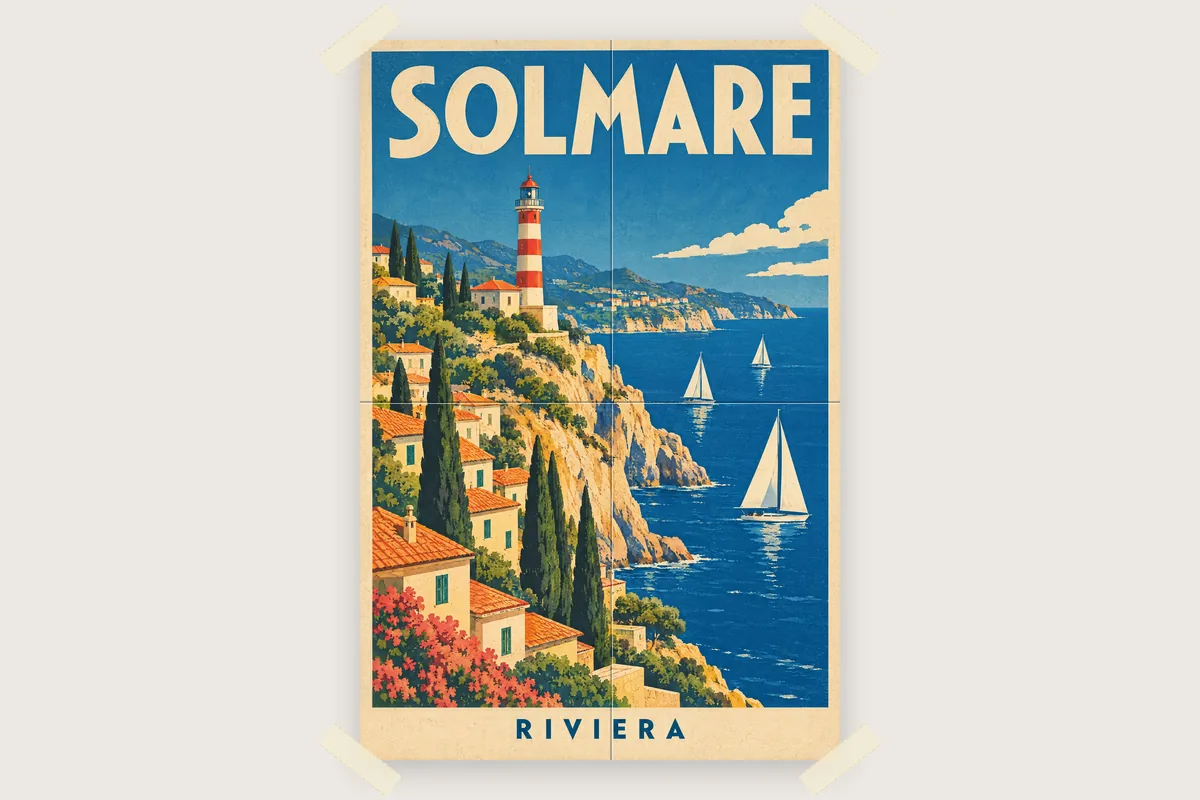
Maps, timetables and event posters printed big on A4 or Letter pages from any home or office printer.
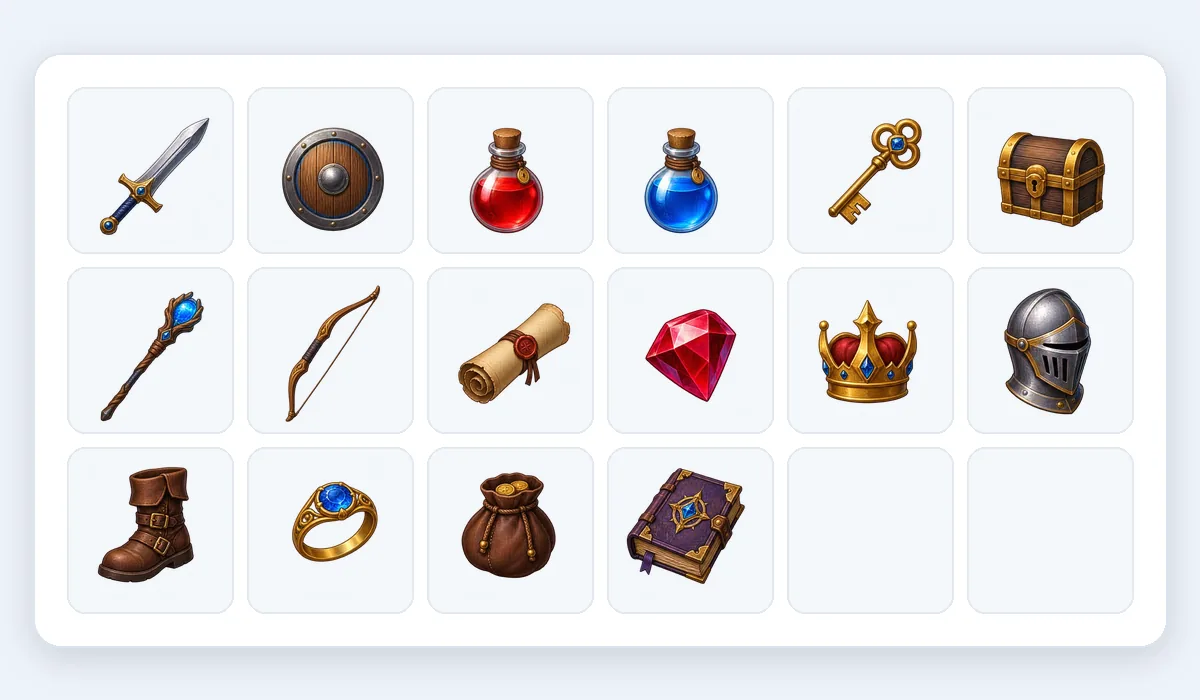
Sprite sheets and tile sets on a regular grid cut into equal PNGs, with transparency kept.
Price, grids, Instagram, halves and quarters, printing, quality, phones and layers.
Drop a picture, pick Grid, Instagram grid, Carousel or Print poster, and download. A free image splitter, nothing uploaded.
Split an image