Logo locked on a white artboard rectangle
Isolates and strips the full-width white canvas rect exported by desktop tools while preserving every foreground brand letter and negative-space cutout.
Delete solid white and colored canvas backdrops straight from vector markup with our browser-local svg background remover. Detect and strip full-canvas rect, polygon, path, and CSS background layers without rasterizing a single Bezier curve, preview on a live checkerboard, and export crisp transparent SVG, EPS, or 2x PNG.

Click any sample to test our svg background remover live on white artboard rectangles, tinted badge fills, and solid icon containers while comparing before and after transparency.
Isolates and strips the full-width white canvas rect exported by desktop tools while preserving every foreground brand letter and negative-space cutout.


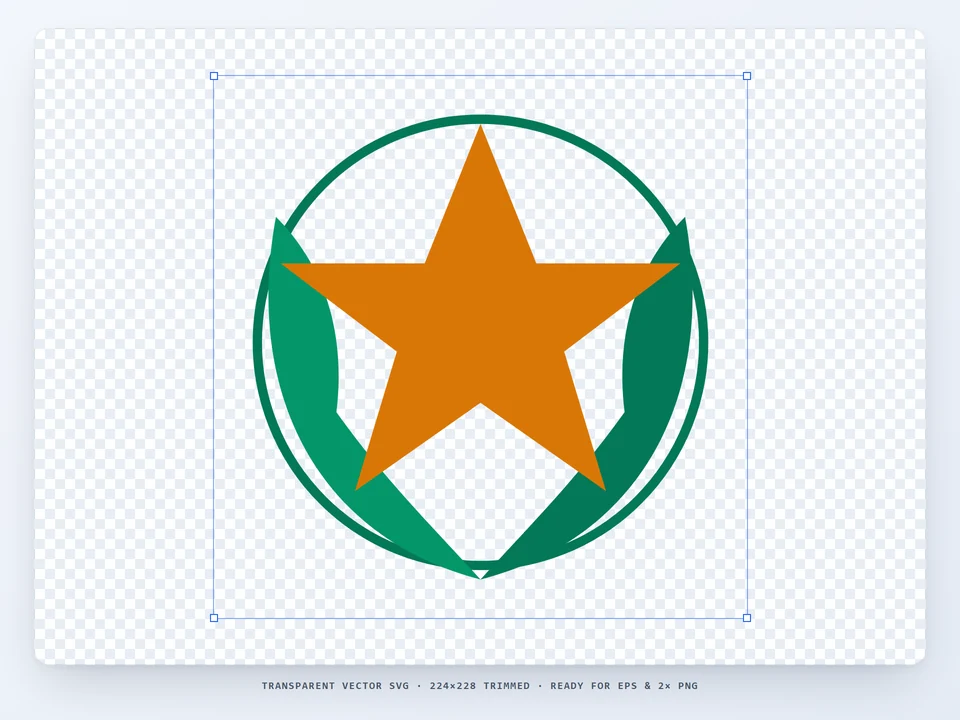
Detects a saturated square canvas fill behind a circular shield emblem and clears it cleanly so the badge floats smoothly on dark or light web headers.


Removes both a CSS canvas background property and a padded vector square while optionally trimming the viewBox tightly around the clean glyph paths.
Clean stray white boxes and solid canvas layers out of your vector files in seconds while keeping 100% mathematical precision.
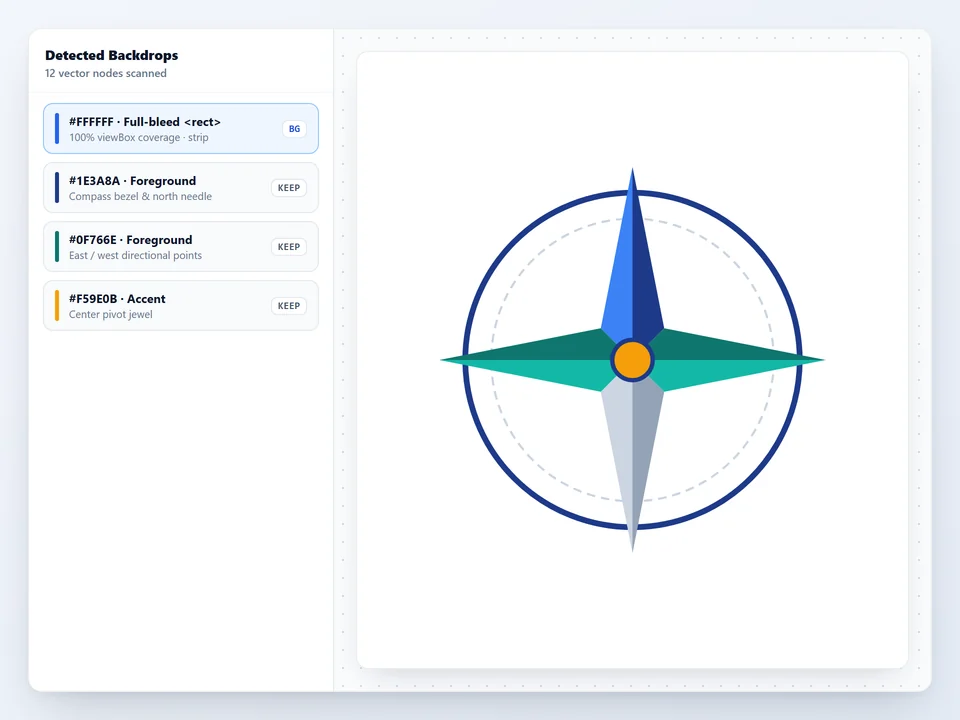
Drop any SVG logo, badge, or icon pack into the svg background remover. The inspector immediately scans root attributes, style blocks, and full-canvas vector shapes to list detected backdrop candidates.
Pick white or any custom backdrop swatch, nudge color tolerance to catch off-white grays, toggle individual detected layers, and optionally enable auto-trim viewBox while verifying edges on a live checkerboard preview.
Save your stripped transparent SVG with untouched foreground paths, convert straight to PostScript EPS for print layouts, or export a crisp 2x transparent PNG preview.
Built specifically for XML vector trees so foreground curves, gradients, and strokes stay untouched while unwanted canvas fills vanish.
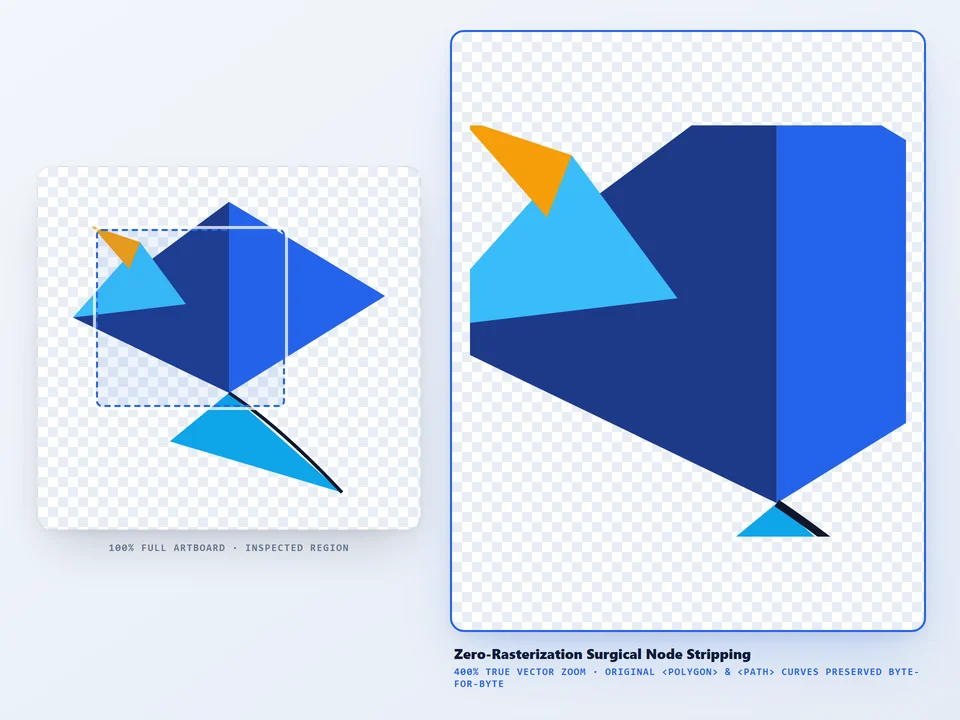
Pixel cutout apps flatten clean vector logos into jagged bitmaps. This svg background remover edits the real XML tree directly, removing full-canvas rect, polygon, and path backdrop nodes while keeping every foreground curve infinitely sharp.
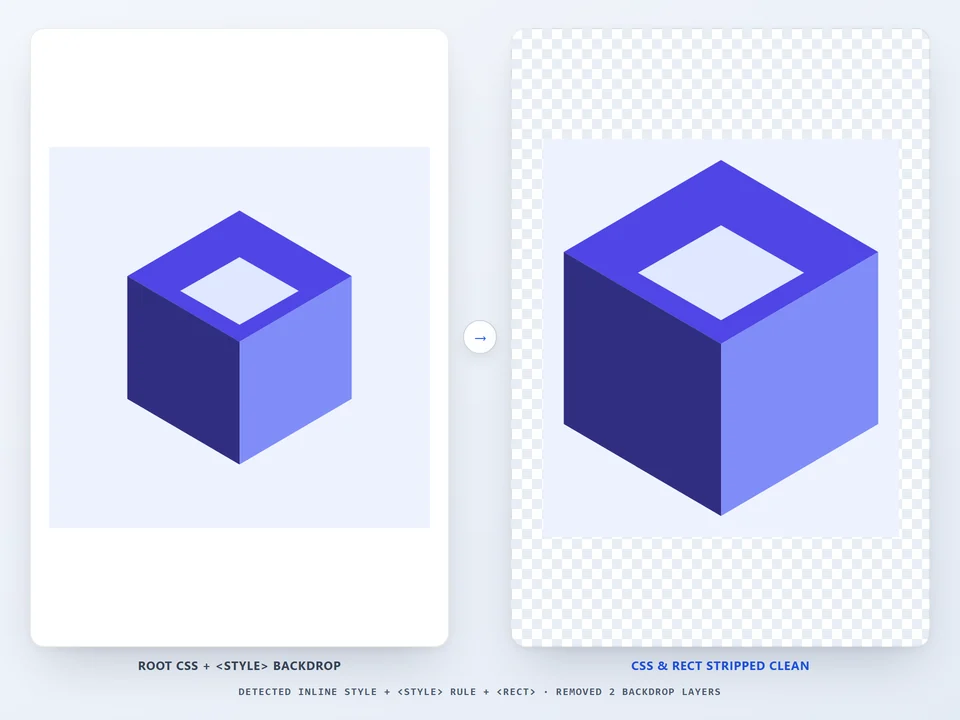
Many vector files hide solid fills inside root style attributes or internal stylesheet rules. The engine inspects inline background CSS alongside geometric shapes to make svg background transparent in one click.
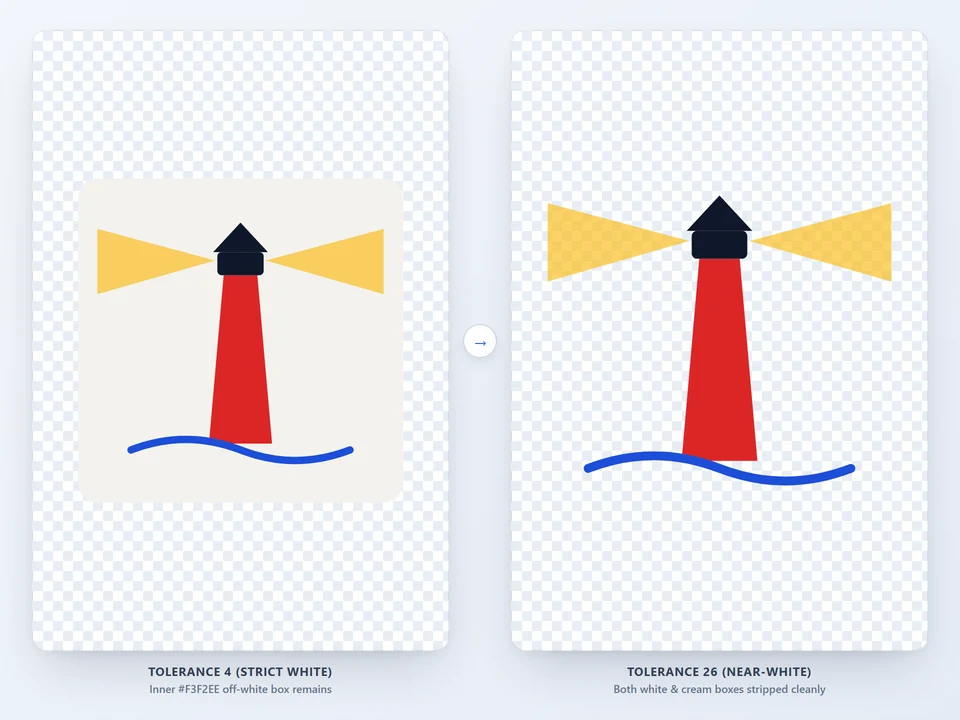
Catch pure #FFFFFF boxes, warm off-white #FAF9F6 scans, or multi-tone matte backdrops by clicking target color swatches and dialing exact RGB tolerance with instant visual feedback.
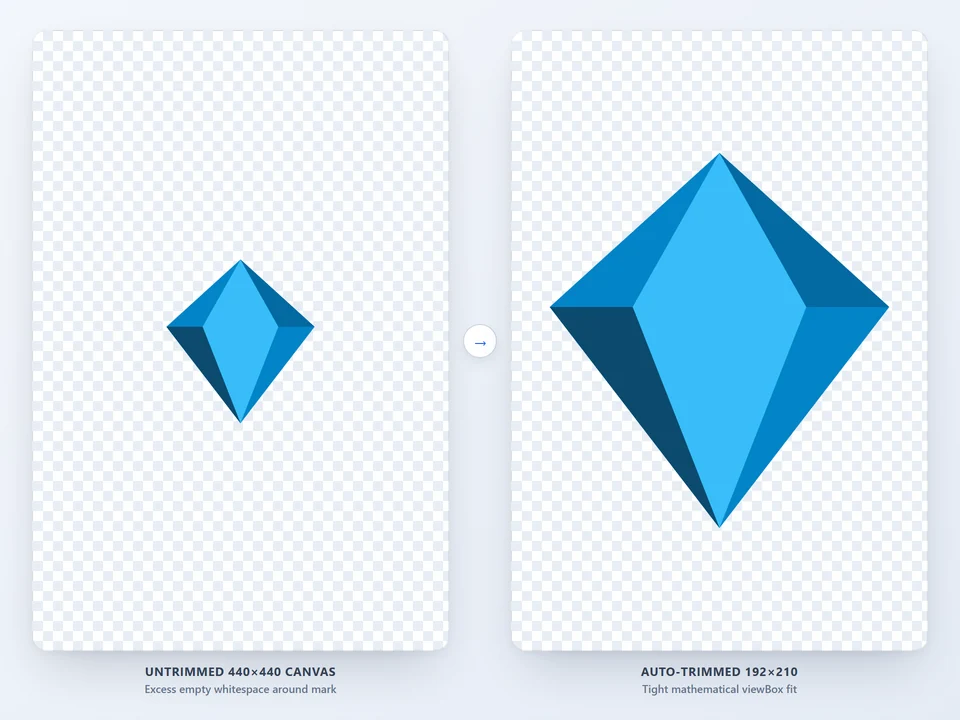
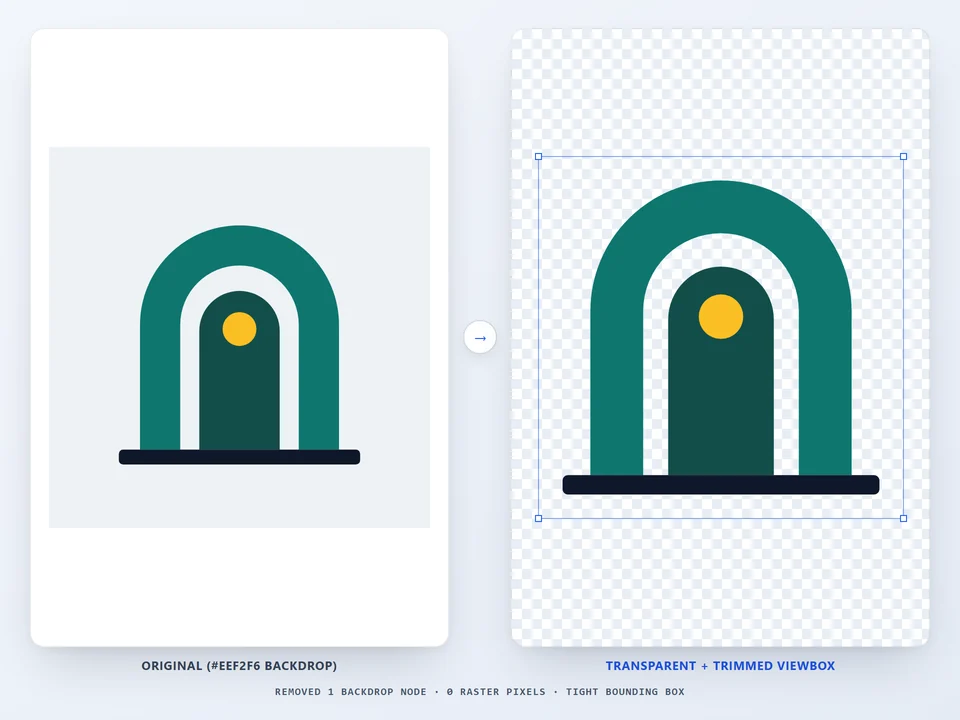
Once you strip svg background fills, oversized artboard padding often remains. Enable one-click viewBox auto-trimming so the transparent vector wraps tightly around your logo or icon bounds.
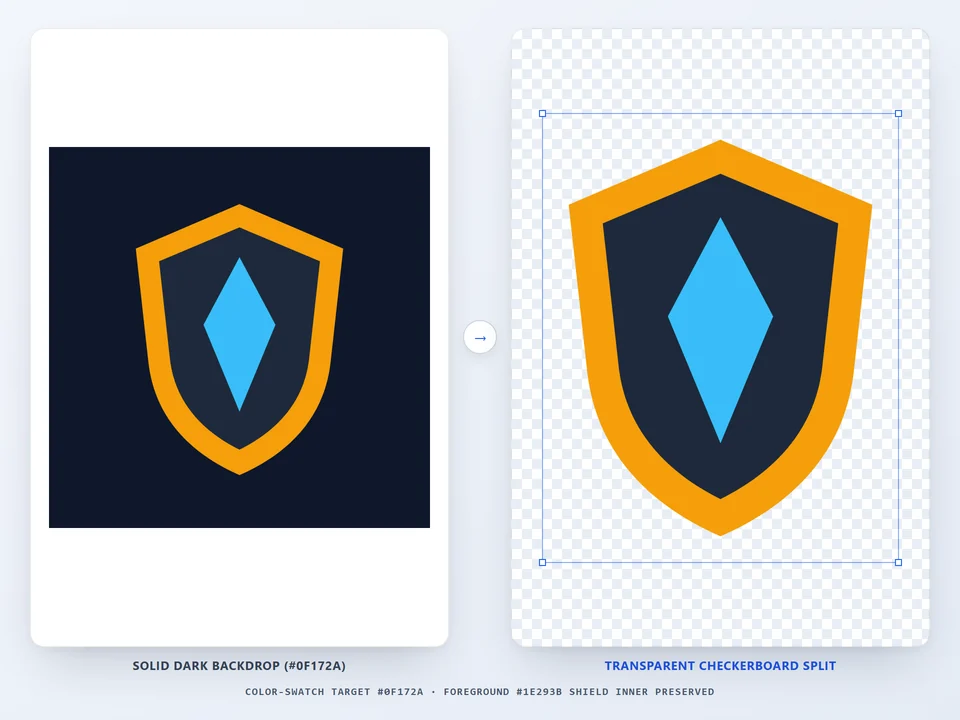
Inspect subtle white highlights and transparent cutouts against a neutral checkerboard toggle, then download transparent SVG, PostScript EPS, or sharp 2x PNG ready for web and slide decks.

Unreleased company logos, proprietary icons, and client vector kits process entirely in your browser tab with zero remote server transfers.
Five vector-hygiene techniques that keep logos, icons, and traced badges crisp across dark mode interfaces, print proofs, and cutting workflows.
Vector graphics appear transparent on a white desktop artboard until you drop them onto a dark website header, colored presentation slide, or printed packaging mockup and suddenly see a stark white rectangle behind the mark. That box usually comes from an exported artboard rect element, an auto-traced background path, or a root CSS background-color rule left over from a diagram generator. Using a dedicated svg background remover inspects the document hierarchy directly so you delete only the unwanted backdrop node while keeping every foreground stroke, gradient fill, typography curve, and clip-path completely intact.
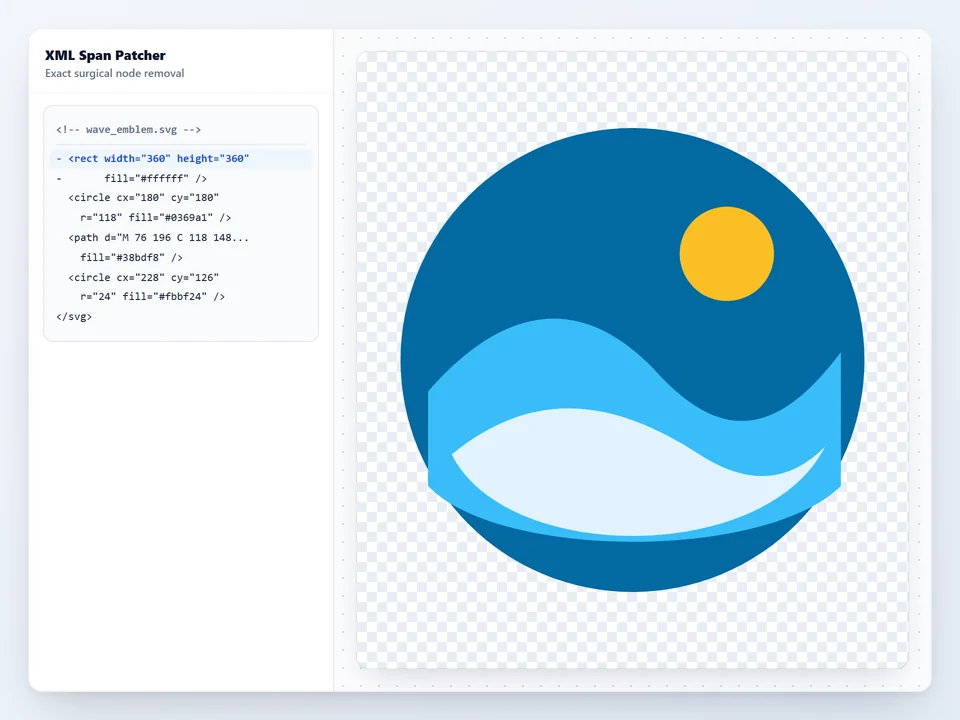
Running an SVG through a pixel cutout tool converts crisp vector paths into a fixed-resolution bitmap, permanently sacrificing infinite scalability and leaving fuzzy anti-aliased fringes around thin diagonal strokes. When you remove background from svg markup structurally inside our browser studio, the output remains a lightweight text-based XML vector ready for immediate editing. Anchor points, Bezier handles, stroke widths, dashed line caps, and compound path cutouts stay 100% exact, letting your transparent brand mark scale cleanly from a 16-pixel browser favicon up to a wide trade-show banner without redrawing anything.
Logos vectorized from scanned stationery or compressed JPEGs rarely produce a single pure #FFFFFF backdrop; instead, the outer canvas fill often sits at #FBFBFB, #F4F5F7, or pale warm ivory. Raising the color tolerance slider slightly inside our transparent svg maker catches those near-white shapes cleanly without touching mid-tone artwork elements or brand tints. When an illustration contains both a colored square canvas and an inner cream mat, select multiple swatches in sequence, review the detected layer list, and verify every fine foreground detail against the live checkerboard preview before downloading.
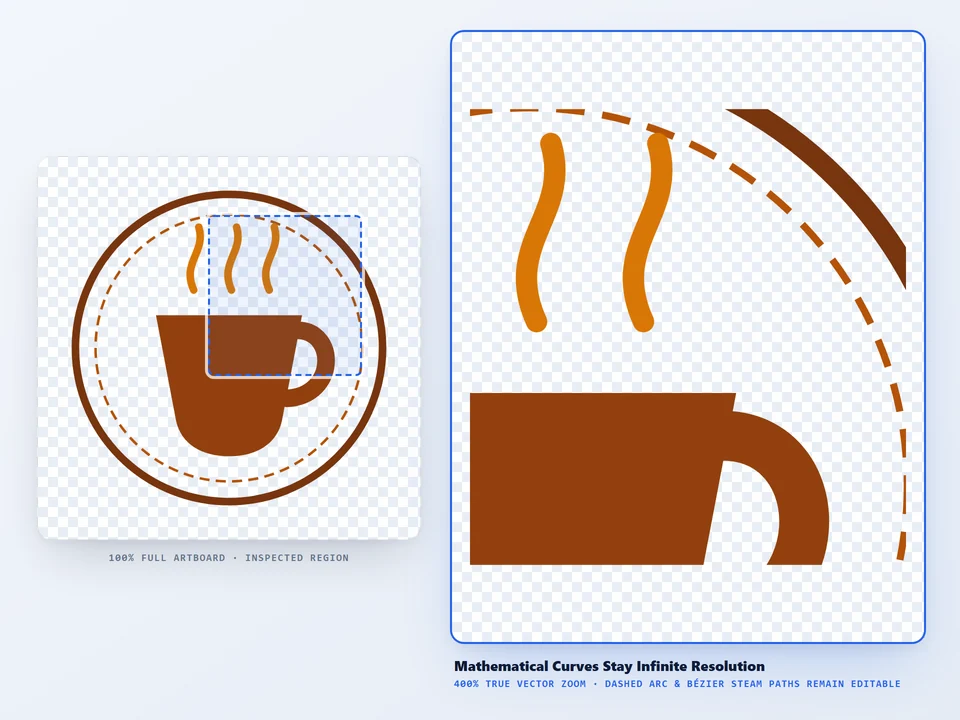
Many emblems pair a stray outer white canvas with intentional white accents inside the design, such as sparkling icon highlights, crisp white badge lettering, closed letter counters, or bright eyes on a brand mascot. Because our detector evaluates canvas coverage, bounding box geometry, and DOM element order alongside your active color swatches, you can strip svg background layers cleanly while keeping smaller interior white shapes completely opaque. Always inspect the live checkerboard before and after toggle to confirm interior white highlights stay bright while the surrounding canvas turns genuinely transparent.
After removing a full-page backdrop rectangle, your logo may still sit inside a giant empty viewBox that throws off vertical alignment in Figma frames, HTML flexboxes, or PowerPoint slide layouts. Turn on auto-trim viewBox inside this vector studio to snap the coordinate box tightly around visible foreground paths, then download clean transparent SVG for web and design systems, PostScript EPS for commercial print proofs, or sharp 2x PNG for slide decks. Continue refining your vector assets with Crop SVG, SVG Optimizer, SVG Color Changer, or convert rasters in SVG to PNG.
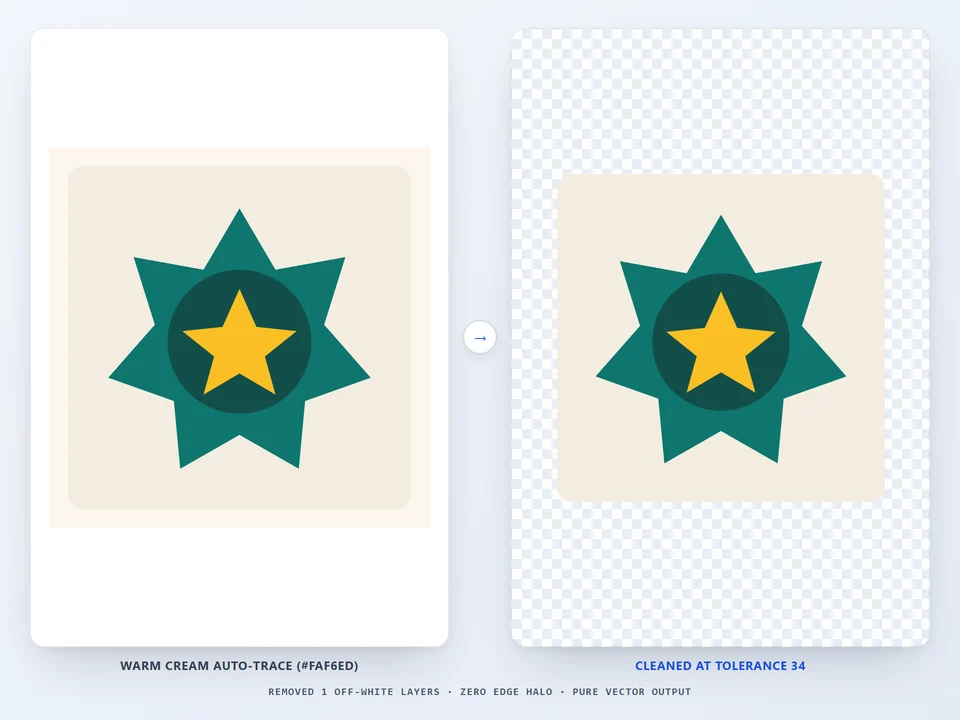
Instant lossless backdrop cleanup for web developers, brand designers, presentation builders, and craft makers.

Clean solid boxes out of partner logos and icon libraries with this svg background remover so assets blend cleanly across light and dark mode themes.

Strip exported artboard rectangles from client vector files in seconds without launching heavy desktop suites or disturbing original anchor points.
Make svg background transparent before placing diagrams, seals, and sponsor marks onto dark hero sections, PowerPoint decks, and PDF proposals.
Delete unwanted canvas rectangles from traced vector files before sending clean transparent SVG or EPS artwork to Cricut Design Space, screen printers, or DTF transfers.
Direct answers on lossless DOM backdrop removal, tolerance controls, CSS fills, auto-trim viewBox, and export formats.
No. The tool parses your SVG XML tree directly in the browser and removes backdrop shapes and CSS background declarations cleanly without rasterizing a single vector curve, gradient, or stroke.
It detects full-canvas rect, polygon, and path backdrop layers as well as root inline style and stylesheet background properties, covering white, off-white, and solid colored fills.
Yes. Detection weighs canvas coverage and layer position so outer backdrop elements clear cleanly while intentional foreground white fills remain intact, and you can toggle individual detected layers anytime.
Auto-traced SVGs often contain slightly tinted #FAFAFA or warm gray canvas shapes rather than pure white. Increasing tolerance lets the transparent svg maker match and strip those near-white tones accurately.
Yes. Multi-swatch selection lets you pick multiple solid background colors or outer matte layers simultaneously and verify the result live on the checkerboard preview.
Auto-trim measures the true bounding box of your remaining foreground paths and updates the SVG viewBox tightly around the artwork, eliminating empty outer canvas whitespace.
You can download a clean transparent SVG for web, Figma, Illustrator, and Inkscape, a PostScript EPS file for commercial printing, or a crisp 2x transparent PNG.
No. Every DOM scan, backdrop removal, viewBox trim, and export runs 100% inside your local browser memory so private brand files stay strictly on your device.
Strip solid white or colored SVG canvas layers losslessly, auto-trim your viewBox, and export transparent SVG, EPS, or 2x PNG locally.
Remove SVG background now