8BPS v2 · 300 DPI4 layers
Highway billboard print master
Multi-layer out-of-home campaign canvas at 300 DPI showing background grid, prism emblem, display typography, and warm color-grade stack ready when you view psb file art.
Open massive 64-bit Photoshop Large Document files straight inside your browser without installing heavy desktop suites or uploading confidential artwork. This fast psb viewer online parses native 8BPS version 2 headers, layer trees, blend modes, and color profiles so you can open psb file canvases up to 300,000 pixels and export PNG, JPG, or PDF locally.
No .psb handy? Try an instant 64-bit sample PSB (~44 ms):
Load any built-in 64-bit PSB master inside this workspace to test smooth zooming, individual layer visibility toggles, channel inspection, and instant flat exports before opening your own oversized Photoshop archive.
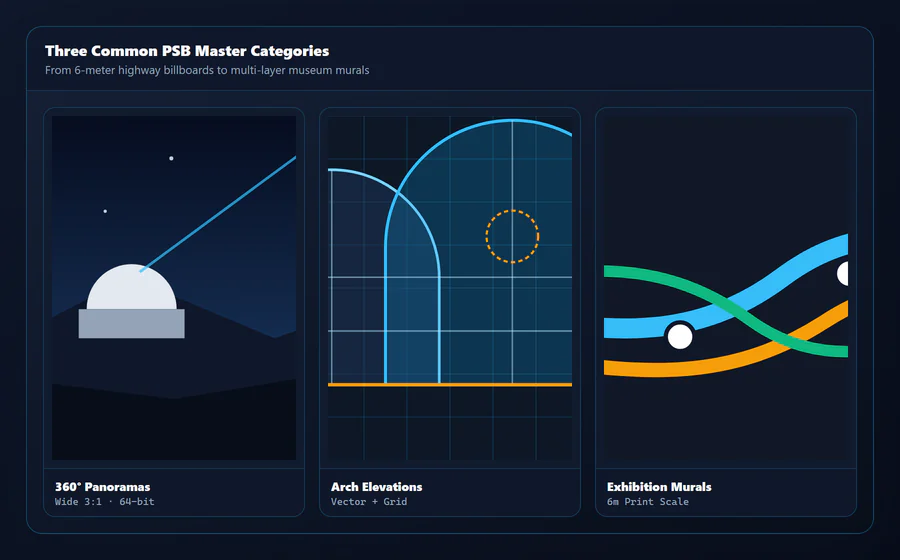
Multi-layer out-of-home campaign canvas at 300 DPI showing background grid, prism emblem, display typography, and warm color-grade stack ready when you view psb file art.

Wide 3:1 matte-style composite separating aurora sky, layered mountain silhouettes, compass badge, and mist glow to demonstrate multi-layer inspection without lag.

High-resolution carton layout combining paperboard stock, structural fold rules, gold medallion badge, and sheen overlay to test crisp preview clarity.
Inspect oversized Photoshop Large Documents, check layer hierarchy, and save shareable proofs directly in your browser tab.
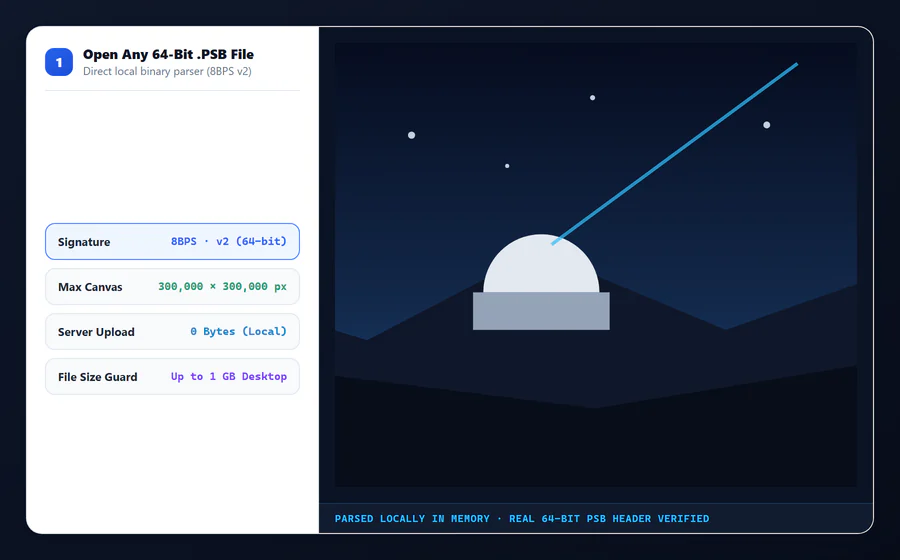
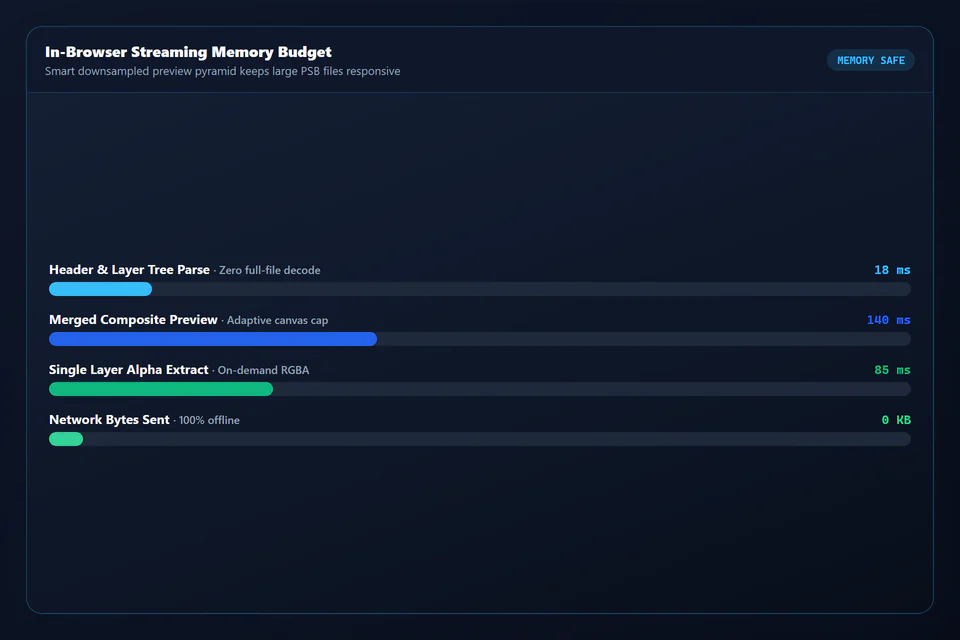
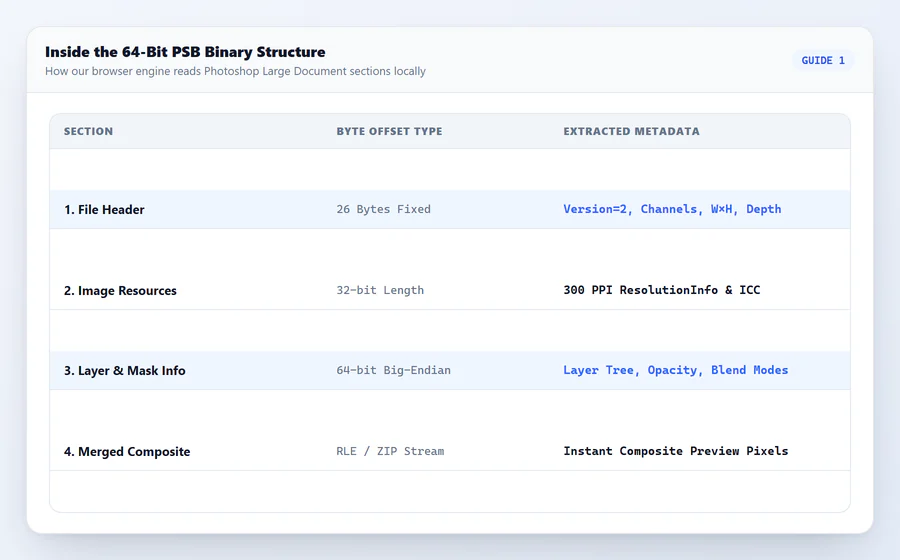
Drag any 64-bit Photoshop Large Document into the drop zone to open psb file bytes directly in local memory. The client parser validates the 8BPS version 2 signature, reads pixel dimensions and DPI metadata, and decodes composite and layer channels with zero server transfers.
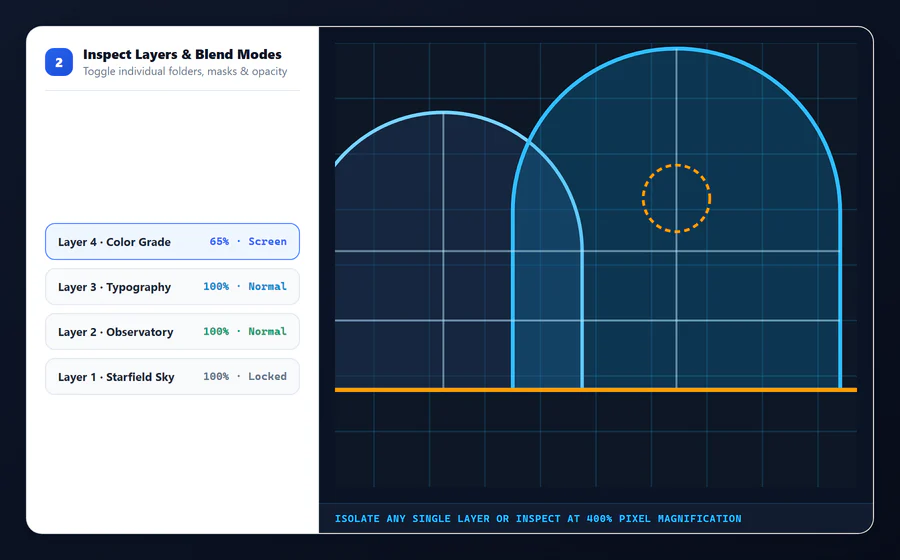
Browse the interactive layer tree to hide or solo individual groups, switch transparency checkerboards or dark studio backdrops, and pan smoothly across wide billboard artboards or stitched panoramas while checking exact canvas width, height, and color mode.
After you view psb file compositions and confirm typography alignment or layer masks, download the visible composite or isolated layers as transparent PNG, compact JPG, or a press-ready PDF proof for clients who lack Adobe Photoshop.
Built around a dedicated client-side 64-bit PSB decoder so massive Photoshop documents render accurately on modern laptops and workstations.
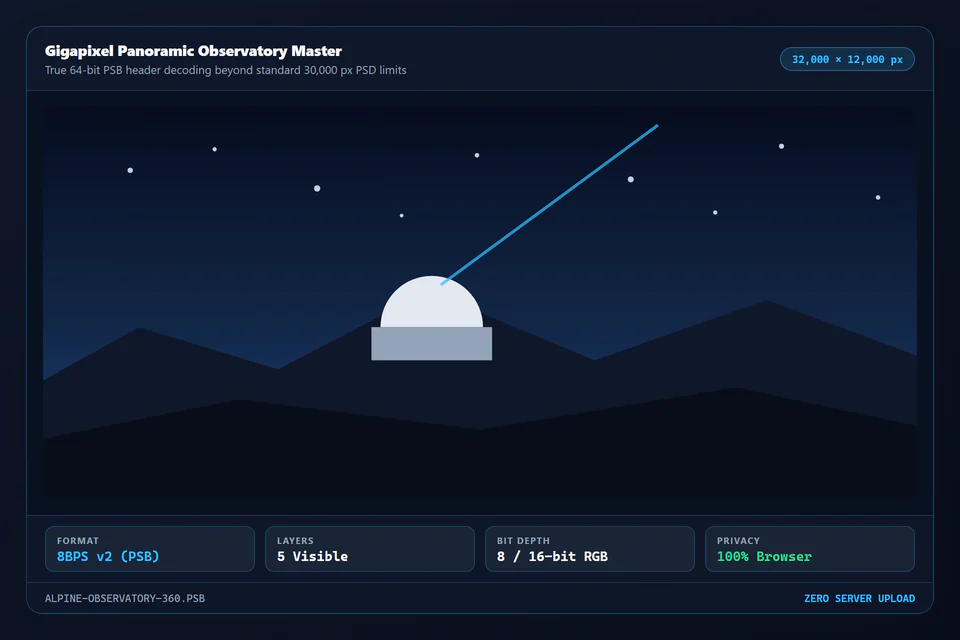
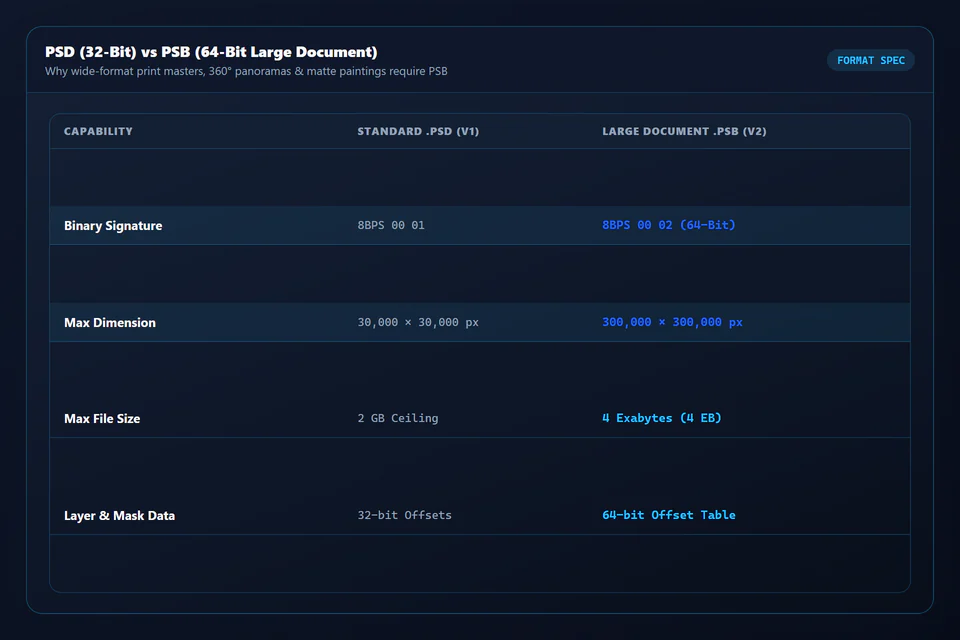
Reads native 64-bit layer lengths, big-endian offset tables, and extended canvas dimensions up to 300,000 by 300,000 pixels, letting this psb viewer online handle files that break standard 32-bit PSD readers.
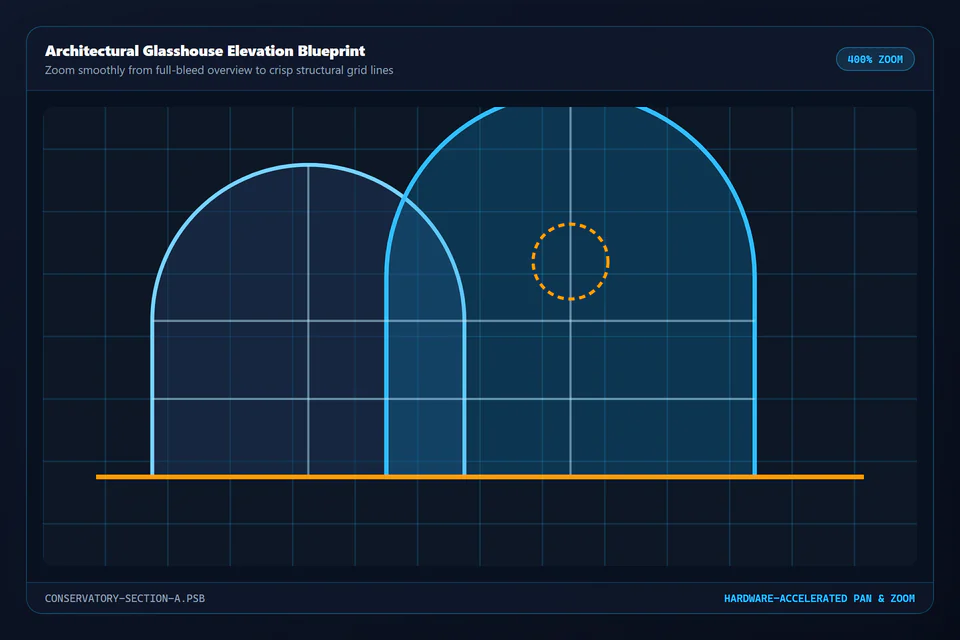
Expand nested layer folders, inspect blend modes and opacity percentages, and toggle any artwork or color-grade layer on or off to verify individual components before sign-off.
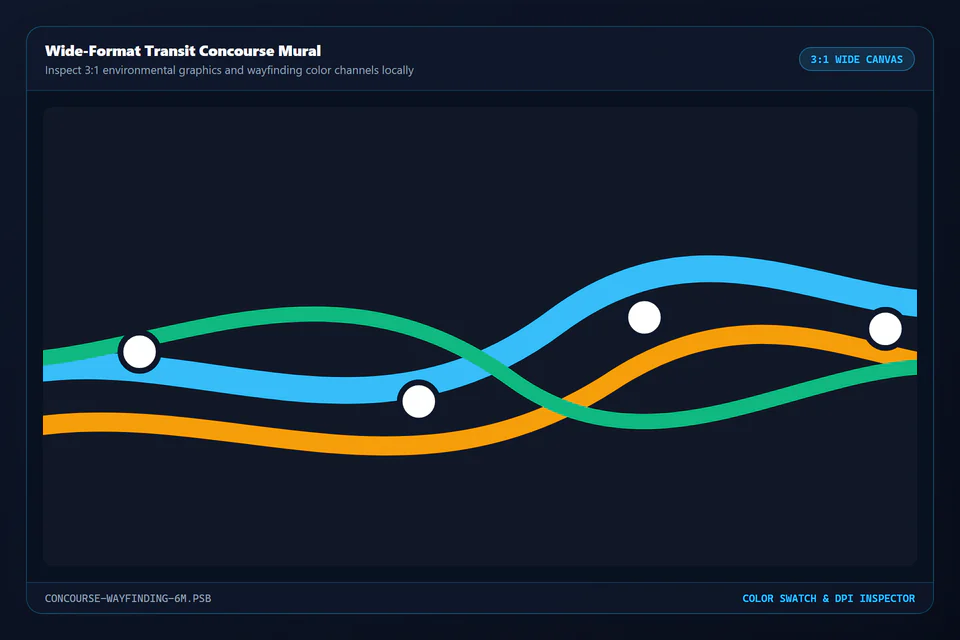
Converts press-targeted CMYK channels and high-bit-depth 16-bit gradients into balanced sRGB screen previews so commercial print artwork looks consistent without washed-out shadows.
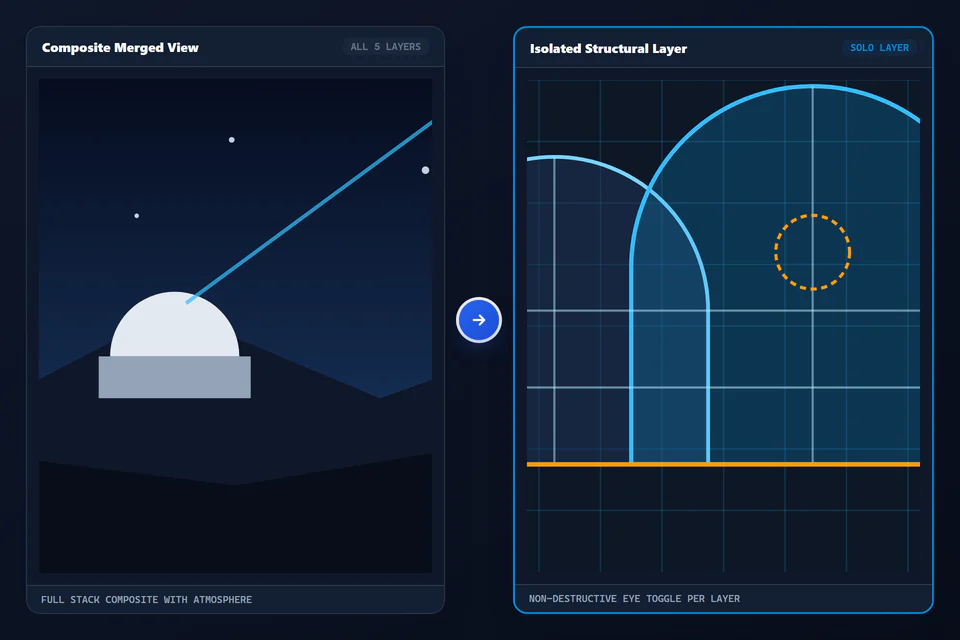
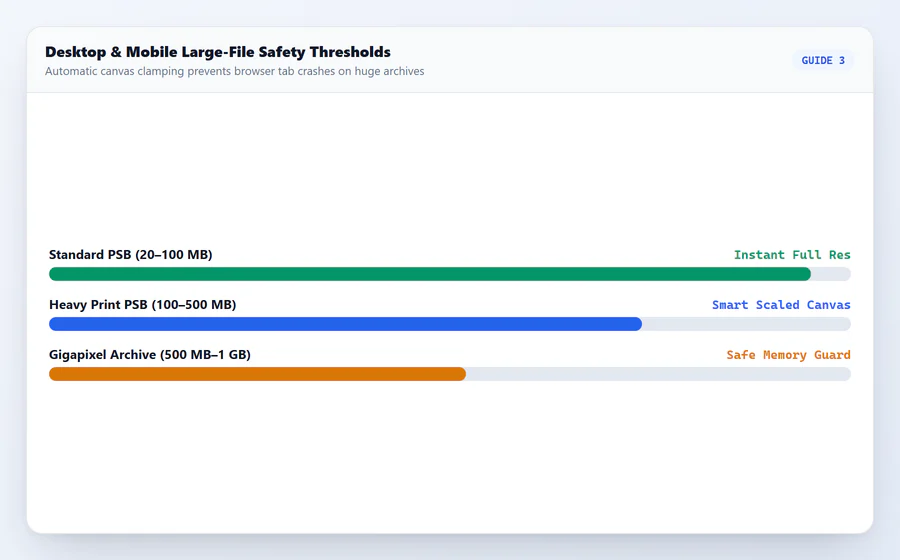
Uses chunked Web Worker decoding and canvas tiling so you can open psb file deliveries up to 1 GB on desktop browsers without freezing your tab or waiting on slow cloud uploads.
Displays exact pixel dimensions, embedded PPI resolution, channel count, and bit depth alongside light, dark, and transparency checkerboard backdrops for checking white text and cutouts.
Download the full merged canvas or your current toggled layer view as lossless PNG, quality-tuned JPG, or a shareable PDF proof straight from the viewer toolbar.
Understand how Photoshop Large Document Format works, why standard viewers reject PSB archives, and how to review huge layered files safely locally.
Photoshop Big, known formally as Photoshop Large Document Format, extends the classic PSD container from 32-bit offsets to 64-bit addressing. Standard PSD files cap out at 30,000 pixels per side and 2 gigabytes total size, which quickly falls short for highway billboards, 360-degree panoramas, and VFX matte paintings. A PSB file supports up to 300,000 pixels per side and terabyte-scale archives while preserving full layers, masks, and adjustment stacks. Using a specialized psb viewer lets you read those version 2 headers natively without converting down first.
Built-in file explorers on Windows and macOS rarely ship codecs for 64-bit PSB binary layouts, and many lightweight image utilities only check for 8BPS version 1 headers. As a result, double-clicking a designer handoff often shows a blank icon or an unsupported format error. When a producer, printer, or account lead needs to open psb file online during a tight approval window, a browser-local reader eliminates software license barriers and sluggish multi-gigabyte cloud transfers.
Large print banners and theatrical key visuals often pack dozens of retouching groups, type overlays, and optional copy translations inside one master file. When you view psb file contents inside our browser workspace, you can toggle individual folders to compare language variants, check transparent edges over dark or checkerboard canvases, and confirm embedded 300 DPI print metadata. Verifying layer states upfront prevents costly misprints caused by accidentally hidden callouts or active guide overlays.
Uploading a 400 MB unreleased campaign key visual or film matte painting to an unknown third-party conversion server wastes bandwidth and violates studio NDA policies. Because this browser workspace decodes 8BPS version 2 streams inside a local Web Worker tab, every byte stays strictly on your workstation RAM. Even on large desktop archives up to 1 GB, decoding begins immediately with zero network round-trip, and mobile browsers receive a helpful memory guard for oversized documents.
Once you open psb file layers and sign off on the final layout, teammates rarely need the raw 64-bit master just to review copy or place a preview in a slide deck. Export a clean preview directly from the toolbar, or switch to dedicated companion converters when you need targeted compression or print packaging: extract lossless cutouts in PSB to PNG, create lightweight email proofs in PSB to JPG, assemble press sheets in PSB to PDF, or open standard files in PSD Viewer.
Designed for print producers, VFX supervisors, retouchers, and brand leads who regularly inspect oversized Photoshop masters away from Creative Cloud.

Check incoming trade-show walls, vehicle wraps, and billboard masters for bleed alignment, DPI resolution, and hidden guide layers before ripping files to wide-format printers.

Quickly view psb file campaign deliveries on any laptop, toggle localized headline layers, and download crisp review images without waiting for a designer to re-export.

Inspect 8K and 16K skybox panoramas, terrain texture atlases, and layered concept paintings locally while keeping studio assets strictly behind local firewalls.

Review gigapixel stitched landscapes and multi-layer 16-bit studio portraits on client machines or field laptops where full desktop Photoshop is not installed.
Answers on 64-bit PSB compatibility, maximum file size, layer inspection, CMYK color rendering, and local browser privacy.
Drop your file directly onto this psb viewer online workspace. Your browser parses the 64-bit Photoshop Large Document header and layer channels locally in memory, displaying the full artwork within seconds on Windows, macOS, Linux, or mobile devices.
The parser supports the full PSB format specification up to 300,000 by 300,000 pixels and handles files up to 1 GB on desktop browsers depending on available system RAM. Mobile browsers display a memory safety warning above 100 MB.
Yes. The layer inspector lists groups, pixel layers, opacity values, and blend modes so you can hide or isolate layers and inspect the updated composite before exporting.
When a document is saved in Photoshop with Maximize Compatibility disabled, no pre-merged preview exists in the file. Our decoder composites the actual layer stack directly in your browser so the canvas renders accurately even without a cached composite.
Yes. Both CMYK print masters and 16-bit-per-channel high-dynamic-range PSB files are decoded and tone-mapped to sRGB for accurate browser display and clean raster exports.
Yes. After inspecting your artwork, export the merged view or active layer selection directly as transparent PNG, quality-controlled JPG, or a printable PDF without switching apps.
Never. All 64-bit binary decoding, layer compositing, and image exporting run 100% locally in your browser tab, so client billboards and studio composites never leave your machine.
Yes. You can open psb file online, inspect layers and metadata, and save local previews completely free in your browser with no account required.
Drop a 64-bit Photoshop Large Document into this free psb viewer to browse layers, check DPI specs, and export PNG, JPG, or PDF previews right in your browser.
Open a PSB document