Layered emblem and typography master
Hide the navy backdrop layer inside this billboard PSB to export floating geometric badges and headline text as a crisp transparent PNG cutout.
Export lossless, crystal-clear PNG graphics from massive 64-bit Photoshop Large Documents directly inside your browser with zero uploads. This browser-local psb to png converter decodes 8BPS version 2 layer stacks, keeps full alpha channel transparency intact, and exports full composites or isolated layers as crisp 32-bit PNGs privately.
Try a genuine 64-bit sample PSB (~44 ms):
Preserves full alpha transparency and lets you export merged images, individual layers ZIP, or both.
Open any built-in 64-bit PSB master inside this studio to test alpha transparency toggling, background layer hiding, lossless PNG edge clarity, and canvas downscaling before converting your own artwork.
Hide the navy backdrop layer inside this billboard PSB to export floating geometric badges and headline text as a crisp transparent PNG cutout.

Demonstrates lossless edge sharpness on silhouette mountain layers, compass markers, and subtle atmospheric glows when you convert a psb file to png.

Isolate the gold medallion badge or export the complete 300 DPI packaging sheet with zero JPEG compression artifacts around fine linework.
Extract lossless transparent PNG images from 64-bit Photoshop Large Documents right inside your browser tab.
Drag any Photoshop Large Document onto the upload zone to begin your psb to png online workflow locally. The client engine parses 8BPS version 2 headers, layer pixel buffers, and alpha masks directly in device memory with no remote server transfer.
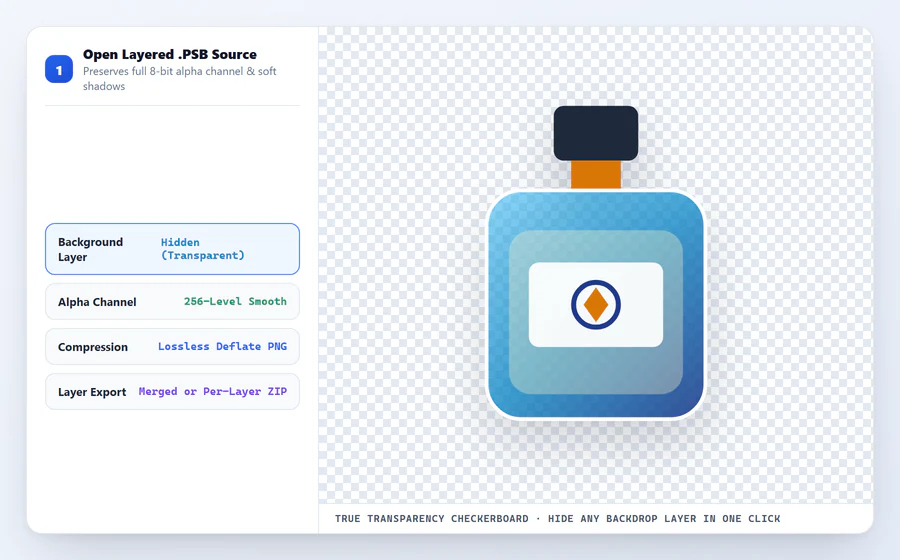
Check your artwork over the live transparency checkerboard, switch off solid background fills to reveal clean alpha cutouts, and optionally choose a target output width when scaling down oversized billboards.
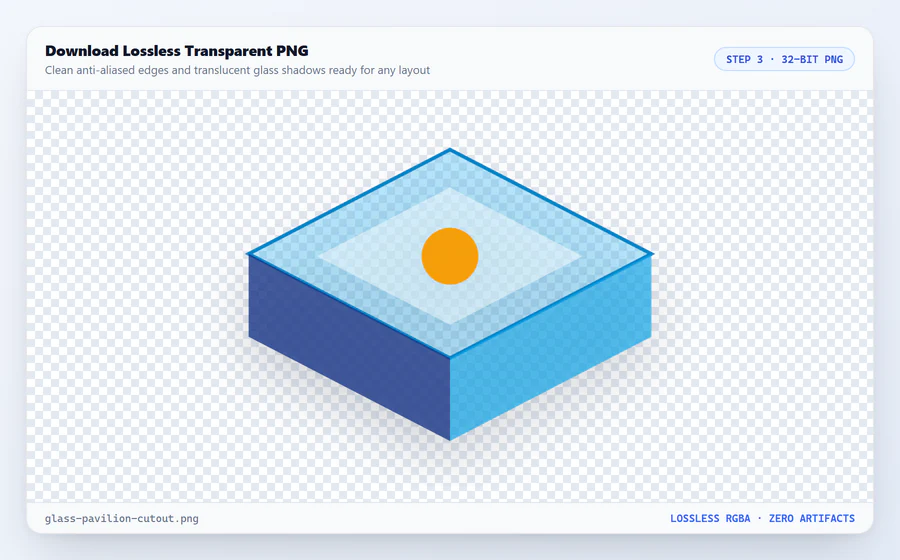
Export the complete composite or any soloed layer as a crisp 32-bit PNG with smooth anti-aliased edges and zero compression ringing, saving your transparent artwork directly to disk.
Engineered for designers and technical artists who need lossless pixel fidelity and intact alpha channels from huge 64-bit Photoshop archives.
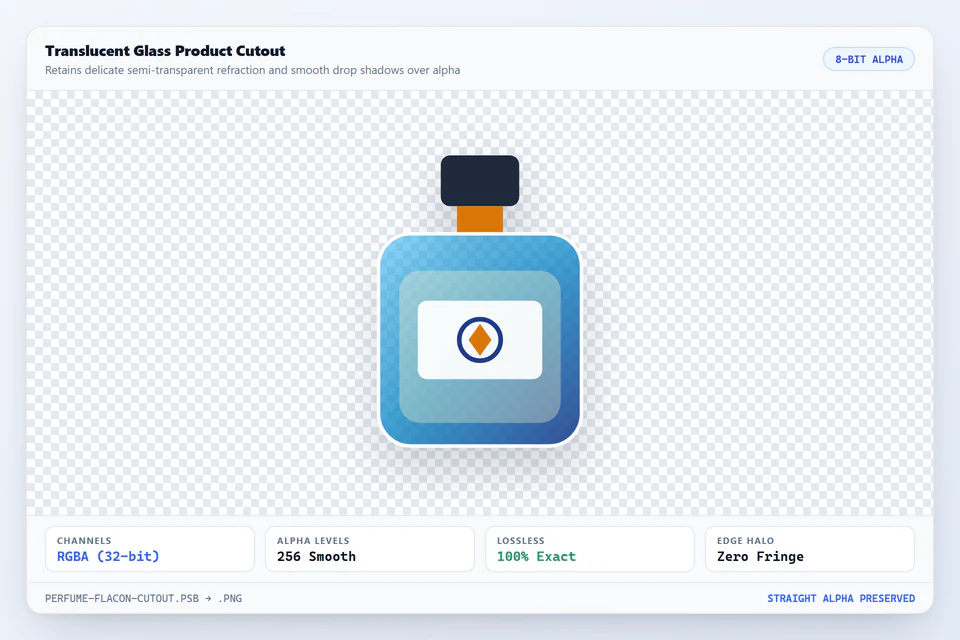
Retains soft feathering, drop shadows, semi-transparent glows, and crisp cutout edges without flattening onto a solid white backdrop whenever you convert psb to png locally.
Turn off solid backdrop or paper-stock layers in the built-in layer list to extract clean transparent overlays, logos, and hero products straight from a multi-layer PSB.
Encodes every pixel without lossy chroma subsampling, keeping hairline rules, UI icons, game sprites, and bold packaging typography razor-sharp at any magnification.
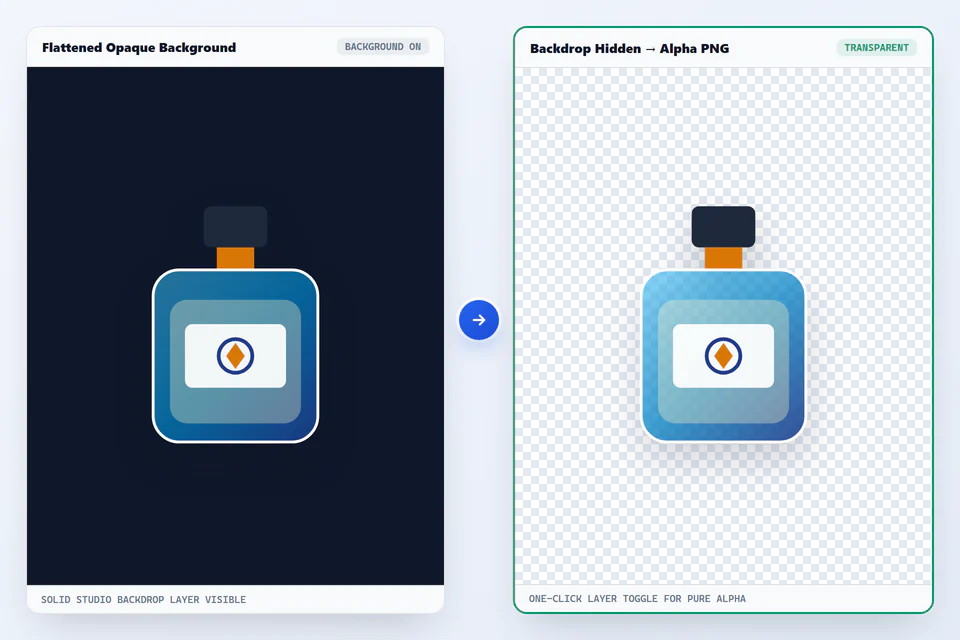
Handles large-format files beyond the 30,000-pixel and 2 GB PSD boundary, decoding 64-bit channel lengths smoothly in a client Web Worker so your browser never hangs.
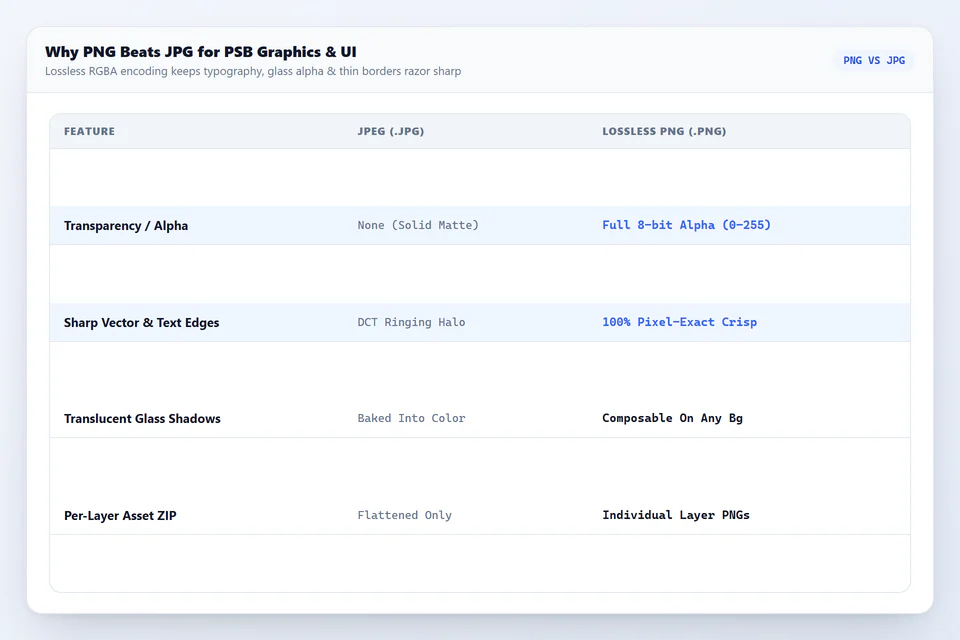
Downscale massive 16,000-pixel masters cleanly into power-of-two texture dimensions, 4K hero assets, or retina web PNGs while preserving exact alpha premultiplication.
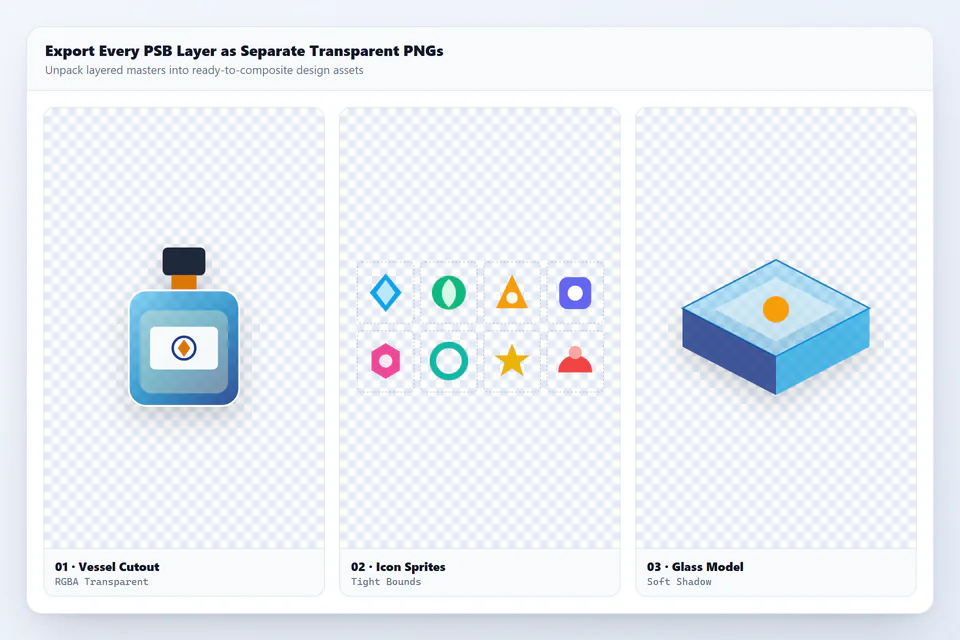
Automatically converts print-ready CMYK and 16-bit PSB channels into standard sRGB PNG color space so transparent cutouts match seamlessly in Figma, Unity, and web layouts.
Learn why PNG is the gold standard for transparent cutouts and crisp graphics from 64-bit Photoshop masters, and how to optimize huge exports.
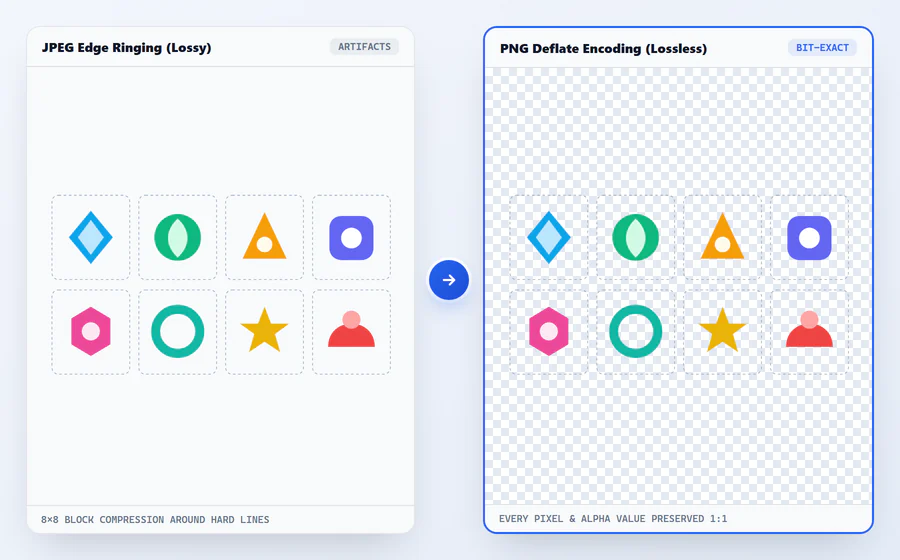
While JPEG excels at compressing continuous-tone photographs into small attachments, it strips alpha transparency and introduces block artifacts around sharp edges and text. Whenever your 64-bit PSB contains floating product cutouts, soft drop shadows, UI panels, signage lettering, or game texture atlases, running a dedicated psb to png converter keeps every edge mathematically crisp and preserves 256 levels of smooth pixel transparency.
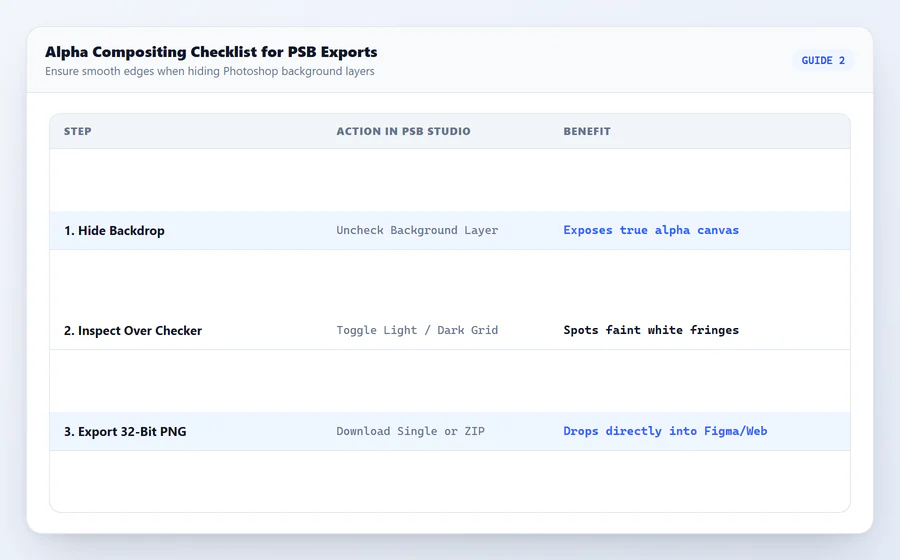
Many studio PSB masters include a temporary preview backdrop or reference grid at the bottom of the layer stack. If you flatten the cached preview blindly, that solid fill gets baked into the output. Inside our browser workspace, simply uncheck the background layer in the layer panel and confirm transparency on the checkerboard canvas before saving your clean alpha-channel PNG.
High-end composite PSB files rely heavily on partial-opacity layers such as ambient shadows, specular highlights, and atmospheric haze. Our straight-alpha compositor blends visible layers accurately in 8-bit sRGB space without dark fringe halos around semi-transparent pixels. That means converting a psb file to png produces ready-to-drop foreground elements that integrate seamlessly onto colored slides, web heroes, or video timelines.
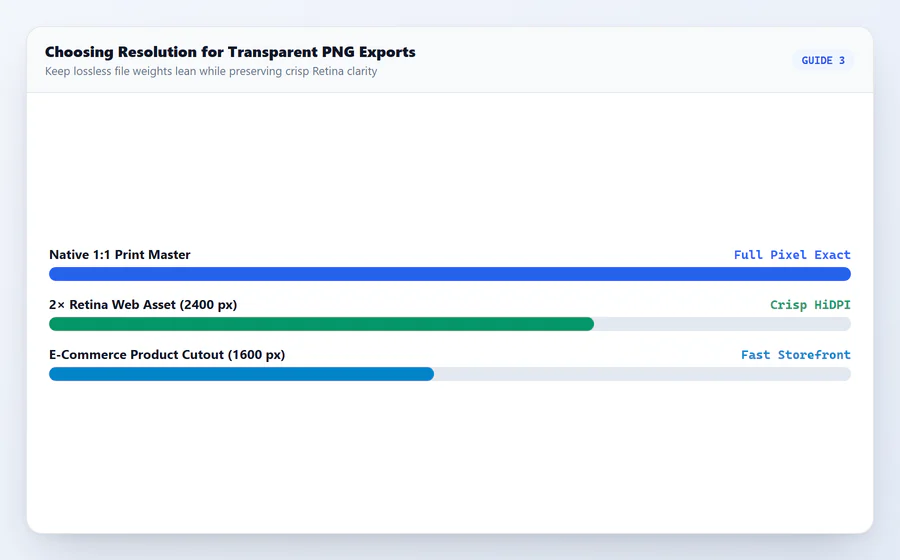
Because PNG stores lossless pixel data, exporting a 20,000-pixel billboard at native scale produces a massive file that many web tools and messaging apps reject. Before clicking download in this local browser studio, evaluate where the asset will live: keep full scale for print composites and DTF apparel transfers, or apply an aspect-locked resize to 4096 px or 2048 px for digital interfaces and presentation slides.
Converting psb to png locally is ideal for transparent web assets, game sprites, and lossless graphic handoffs. For smaller email proofs of full-bleed photography, try PSB to JPG. If you need press-ready pages with embedded DPI and margins, switch to PSB to PDF. You can also audit full layer trees first in PSB Viewer or export regular Photoshop documents in PSD to PNG.
Built for UI designers, game artists, apparel printers, and studios extracting transparent lossless assets from oversized Photoshop archives.
Export 4K and 8K sprite atlases, decal sheets, and alpha-masked foliage textures from 64-bit PSB masters into lossless PNG ready for Unity, Unreal, or Blender.

Convert large transparent graphic composites from psb to png with razor-sharp edges and clean alpha knockouts ready for direct-to-film and screen-print RIP queues.
Isolate hero product cutouts, floating badges, and high-res mockups from agency PSB masters to drop straight into Figma, Keynote, or web hero sections.

Extract transparent title cards, lower-thirds, and matte painting foreground plates locally without waiting on Photoshop to launch on an edit workstation.
Answers on alpha transparency, layer isolation, lossless compression, file size limits, and browser-local privacy.
Drop your file into this psb to png converter, toggle off any solid background layer in the layer panel if present, confirm transparency on the checkerboard preview, and click export to save a 32-bit RGBA PNG locally.
No. PNG uses lossless compression, so crisp typography, hairline borders, and pixel-art or sprite boundaries remain completely free of JPEG artifacts.
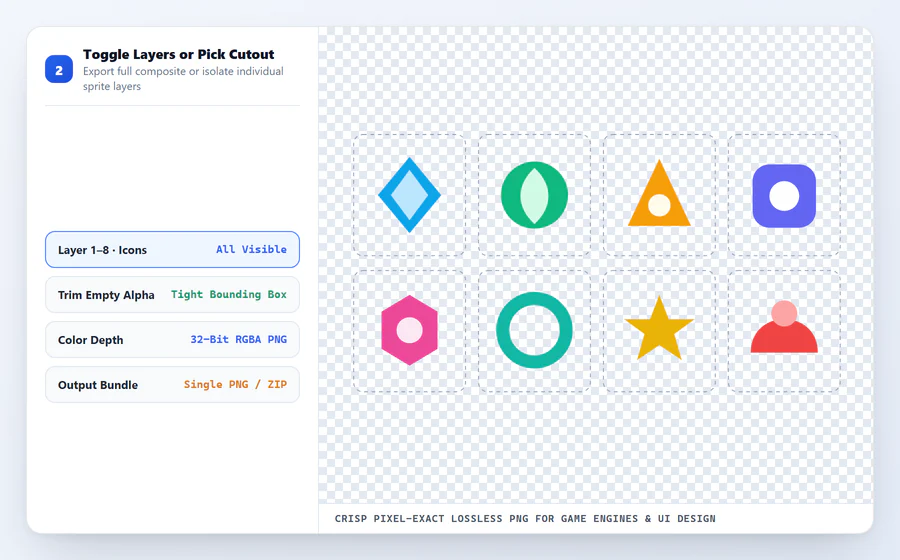
Yes. Simply hide the other layers in the layer tree to isolate one badge, cutout, or foreground element, then download that visible selection as a transparent PNG.
PNG stores lossless color and full alpha transparency data for every pixel. If you need a smaller file size without transparency, use our resize option or switch to PSB to JPG.
Yes. CMYK print masters and 16-bit-per-channel PSB composites are automatically tone-mapped to sRGB RGBA so colors stay accurate on screens and in design tools.
Desktop browsers support PSB files up to 1 GB depending on available memory, while mobile devices show a memory guard above 100 MB to prevent browser tab crashes.
Never. All 64-bit parsing, alpha compositing, and PNG encoding happen strictly inside your browser tab, keeping unreleased artwork private on your device.
Yes. You can convert psb to png online completely free in your browser with full resolution control, transparent alpha output, and zero watermarks.
Drop a 64-bit Photoshop Large Document into this free psb to png converter to preserve alpha transparency, toggle layers, and download lossless PNG files locally.
Export transparent PNG