Out-of-home campaign key visual
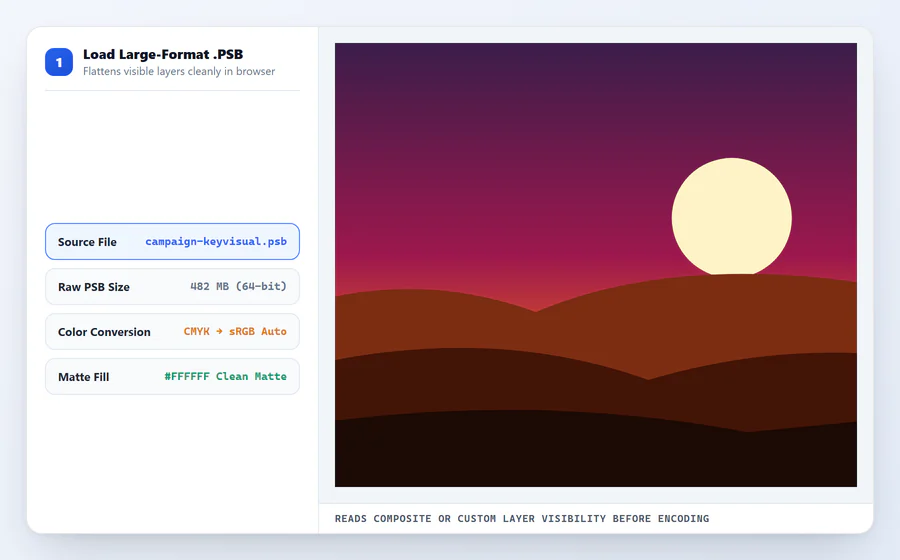
Wide 2:1 highway billboard PSB showcasing smooth twilight gradients, crisp display type, and clean color fidelity when exporting psb to jpeg for client review.
Turn oversized 64-bit Photoshop Large Documents into compact, universally shareable JPEG images right inside your browser with zero uploads. This browser-local psb to jpg converter decodes native 8BPS version 2 layers, maps CMYK press colors to balanced sRGB, and exports huge layered artwork as crisp JPG proofs with custom quality and resize limits.
Try a genuine 64-bit sample PSB (~44 ms):
Flattens 64-bit PSB transparency onto your chosen matte color with crisp sRGB color conversion.
Load any built-in 64-bit PSB sample inside this workspace to test JPEG quality levels, long-edge downscaling, background matte colors, and real-time file size savings before processing your own large master.
Wide 2:1 highway billboard PSB showcasing smooth twilight gradients, crisp display type, and clean color fidelity when exporting psb to jpeg for client review.

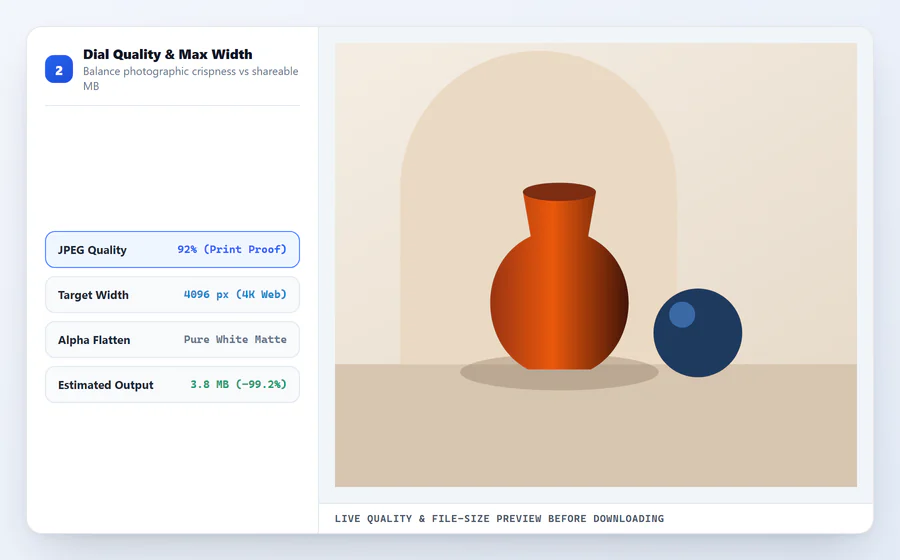
Ultra-wide 3:1 layered mountain panorama demonstrating subtle sky transitions and crisp tonal compression at 85 to 95 percent JPEG quality.

High-DPI press master converted from a heavy layered PSB into a crisp, email-ready JPEG proof with balanced warm paper tones.
Shrink multi-hundred-megabyte Photoshop Large Documents into fast-loading JPEG proofs without installing desktop design software.
Drag any Photoshop Large Document onto the upload card to start your psb to jpg online workflow locally. The client decoder reads 8BPS version 2 layer data, canvas dimensions, and color space straight from RAM without waiting on slow server transfers.
Choose your preferred compression quality from 1 to 100, pick a white, black, or custom hex matte color behind transparent layers, and optionally cap the longest edge in pixels for email attachments, decks, or web CMS uploads.
Preview the rendered composite alongside live output dimensions and estimated file size, then click download to save your finished JPEG proof immediately with zero watermarks.
Purpose-built to handle 64-bit Photoshop Large Documents safely in client memory while delivering predictable JPEG sharpness and file size.
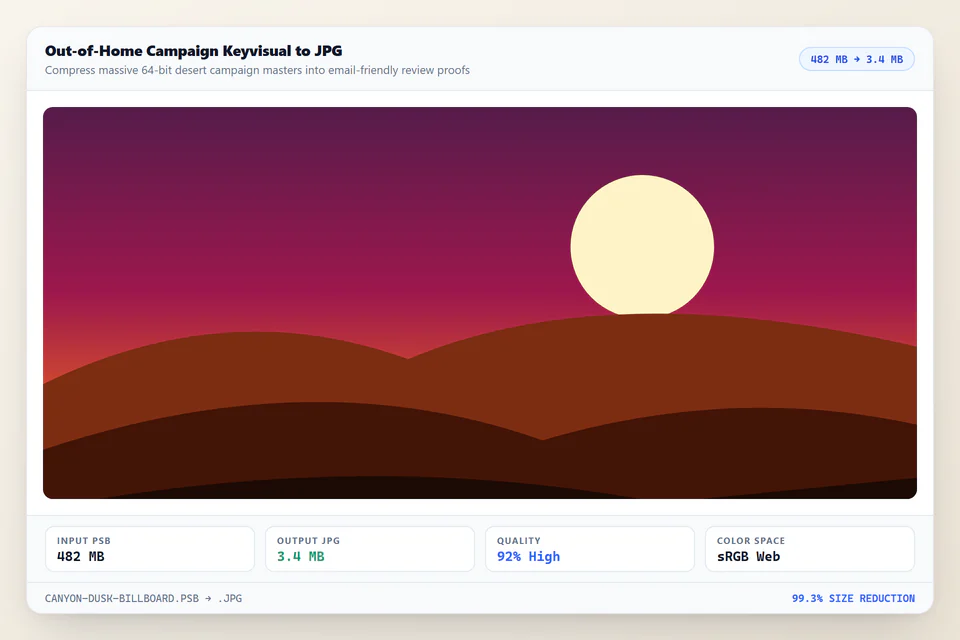
Parses true 8BPS version 2 archives directly in a background Web Worker, enabling reliable psb to jpg conversion even when standard image utilities reject files over 2 GB or 30,000 pixels.
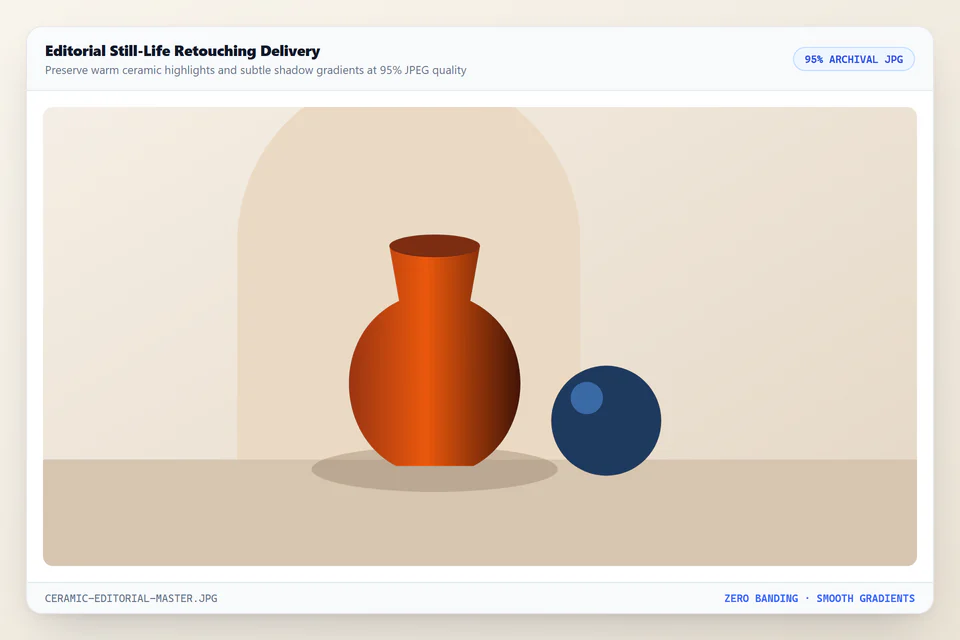
Dial in exact quality from lightweight web previews at 75 percent up to near-lossless archival delivery at 95 to 100 percent while seeing instant output size feedback.
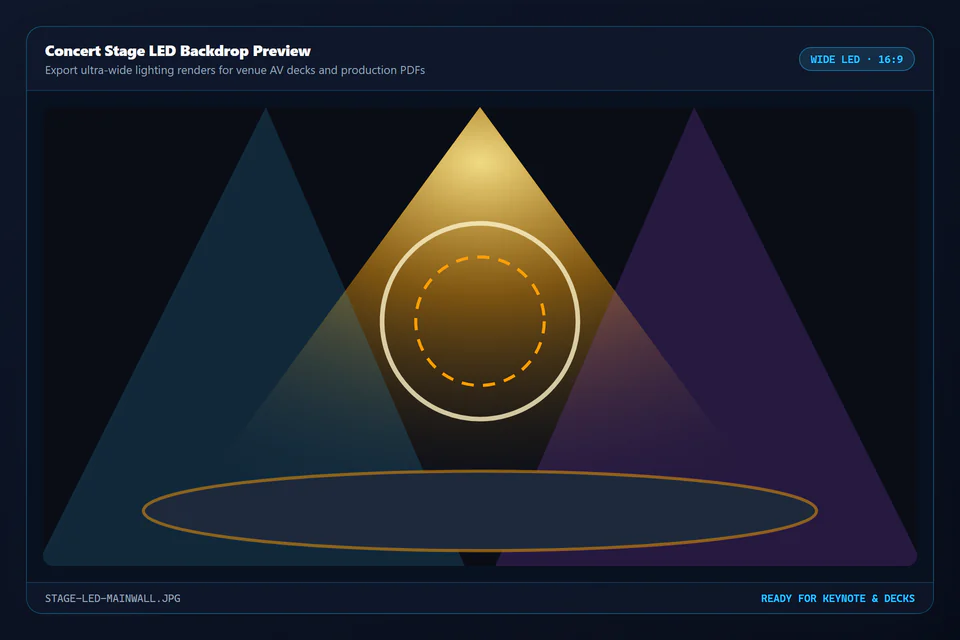
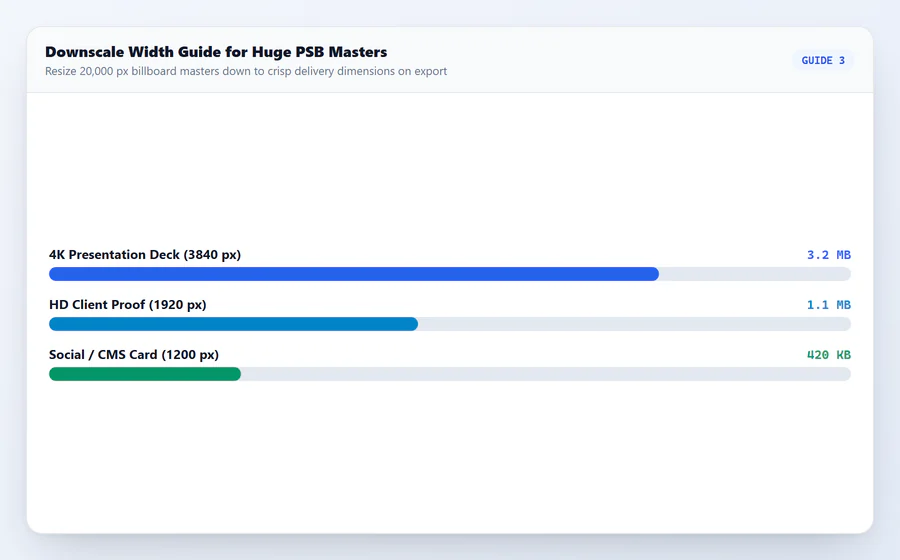
Automatically or manually resize billboard-scale 20,000-pixel canvases down to crisp 4K, 2048 px, or 1200 px delivery specs while preserving aspect ratio and fine typography edges.
Translates commercial print CMYK channels and 16-bit tonal ramps cleanly into standard sRGB JPEG output so skin tones, brand reds, and shadows display faithfully across browsers and phones.
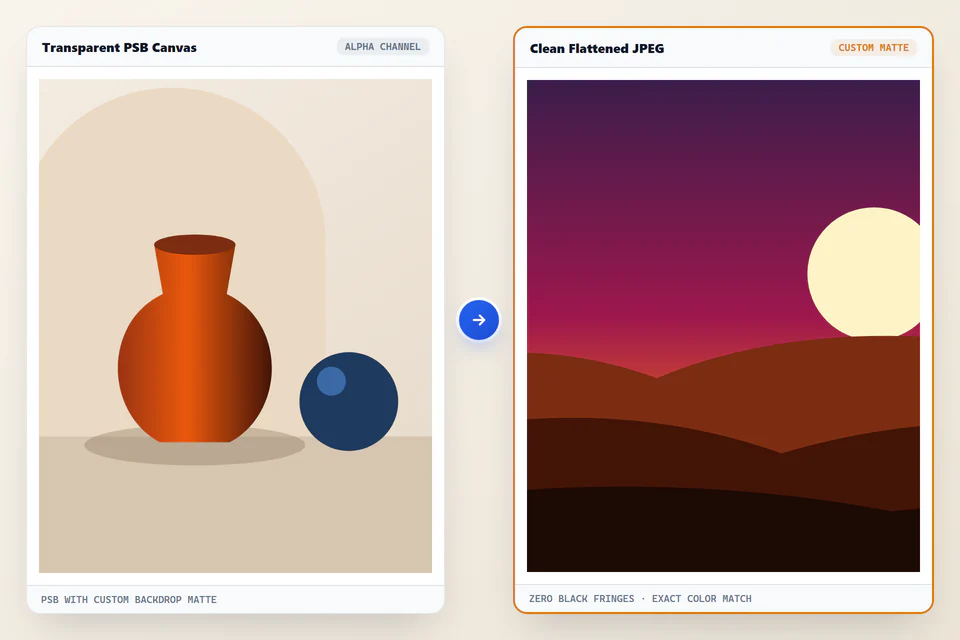
Because JPEG does not carry an alpha channel, choose clean white, dark charcoal, or any brand hex color to flatten transparent PSB backgrounds without jagged halo fringes.
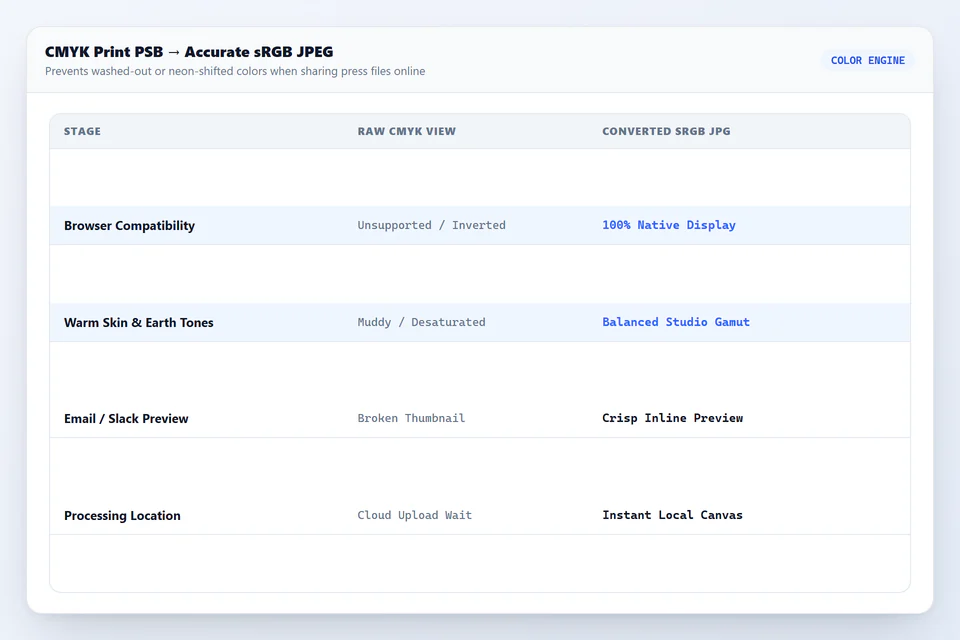
Toggle individual PSB layers or guide overlays off right inside the studio before exporting, ensuring trim marks or draft notes never leak into client-facing JPEG proofs.
Learn optimal quality settings, resolution scaling, and CMYK color handling when turning massive 64-bit Photoshop files into everyday JPEGs.
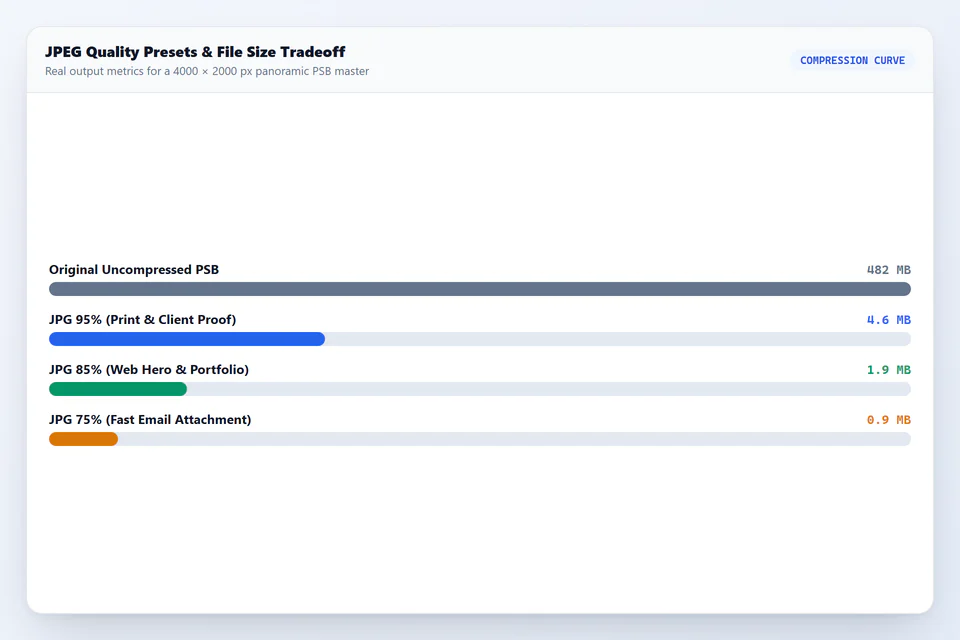
A production PSB archive routinely weighs 200 MB to several gigabytes because it stores uncompressed 64-bit pixel channels, masks, and dozens of adjustment layers. While essential during retouching, a raw PSB cannot be previewed in email clients, project trackers, or messaging apps. Running a fast psb to jpg converter turns that unwieldy master into a 1 MB to 5 MB JPEG that opens instantaneously on every phone, browser, and presentation slide.
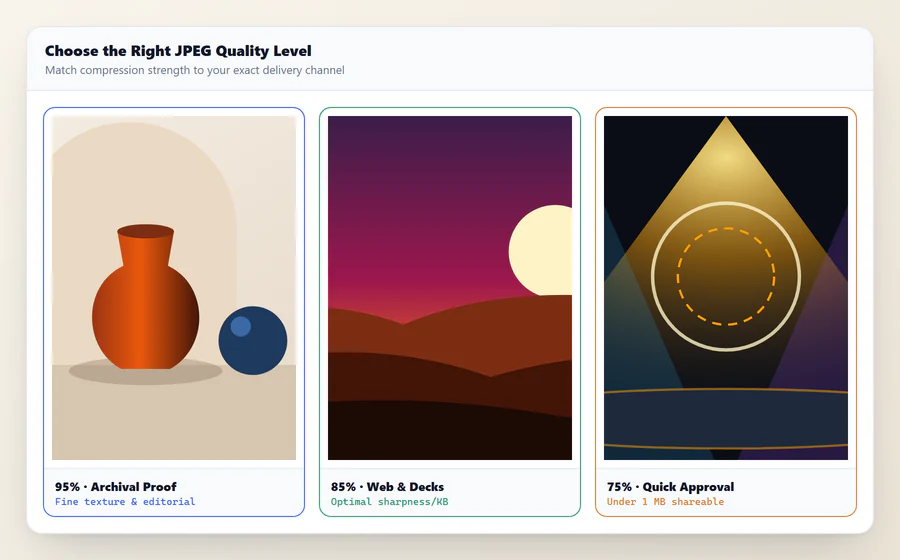
For agency client reviews, pitch decks, and social previews, a JPEG quality setting between 85 and 92 offers an ideal balance where gradients stay smooth and typography avoids ringing artifacts while file size shrinks by over 95 percent. When converting a psb file to jpg for photo labs or archival proof sheets, stepping up to 95 or 98 preserves micro-contrast in retouched skin textures and dark shadows with minimal compression loss.
Highway banners and exhibition murals often exceed 15,000 pixels on the long edge, far larger than any monitor or JPEG viewer needs for visual approval. Setting a clean target width such as 3840 px or 2560 px during psb to jpeg export yields razor-sharp Lanczos-grade downsampling while keeping memory usage comfortable. Even better, your browser stays responsive because decoding and scaling happen locally in background worker threads.
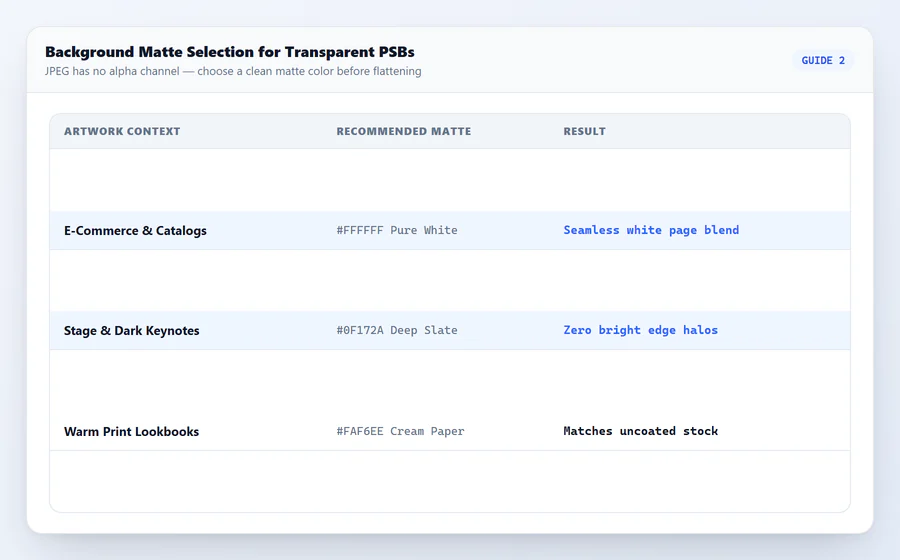
Many large-format PSB files are authored in CMYK for solvent or offset presses. Simply dropping raw CMYK bytes into an untagged viewer can produce neon-shifted greens or muddy blacks. Our local converter maps CMYK and 16-bit source channels into balanced sRGB automatically. If your layered PSB contains transparent edges or floating callouts, picking a deliberate matte fill color ensures smooth anti-aliased edges on the flattened JPEG.
Use psb to jpg online whenever compact file size, photographic gradients, and universal viewing matter most. If your downstream workflow needs alpha transparency or pixel-perfect UI graphics, switch to PSB to PNG. Need press-ready dimensions with embedded DPI and margins? Export through PSB to PDF. You can also inspect full layer trees first in PSB Viewer or convert regular Photoshop documents in PSD to JPG.
Tailored for retouchers, agencies, print buyers, and marketing teams needing fast, private JPEG proofs from huge Photoshop masters.
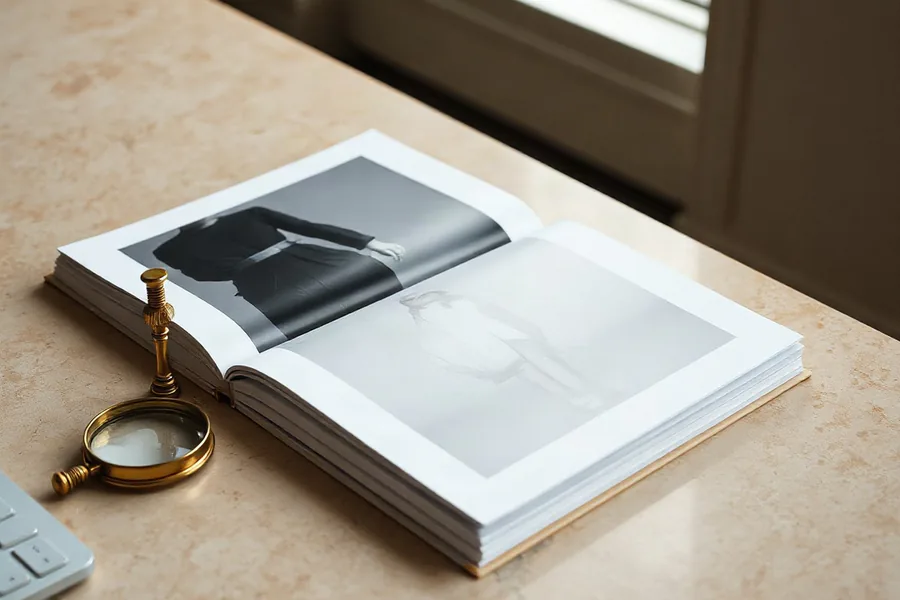
Turn massive billboard and out-of-home campaign PSB masters into compact JPEG review attachments for client email sign-offs and executive decks in seconds.

Export high-bit-depth stitched panoramas and multi-layer fashion composites from psb to jpeg for web portfolios, client galleries, and social previews.

Shrink ultra-wide LED wall backdrops and trade-show booth murals into standard 4K or HD JPG previews that load smoothly during venue walkthroughs.
Convert archival 64-bit packaging masters into lightweight JPEG thumbnails for digital asset libraries, product catalogs, and distributor portals.
Common questions about JPEG quality, CMYK color conversion, large file limits, transparency mattes, and local browser privacy.
Drop your document into this psb to jpg converter directly in your browser. It reads the 64-bit PSB layer stack locally, renders the full composite, and exports a clean JPEG file in seconds without desktop software.
Yes. Commercial CMYK and 16-bit PSB files are color-converted into standard sRGB during export so your resulting JPEG looks natural in web browsers, phones, and slide decks.
Since JPEG does not support transparency, the converter flattens transparent pixels over your chosen matte color, defaulting to crisp white with optional black or custom hex fills.
Yes. You can set a maximum long-edge pixel dimension before exporting, making it easy to downscale wide billboards into crisp 4K or 1920 px JPEG proofs.
Desktop browsers can decode and export PSB archives up to 1 GB depending on available RAM. On mobile devices, the studio alerts you above 100 MB to keep browser memory stable.
Quality 88 to 92 is ideal for crisp client proofs and web sharing with minimal file size. Choose 95 to 100 when you need maximum photographic detail for print review.
No. All PSB parsing, color mapping, resizing, and JPEG encoding execute 100% locally inside your browser tab, keeping unreleased campaigns completely private.
Yes. You can convert psb to jpg online right inside your browser with full quality control and zero watermarks or sign-up hurdles.
Drop any 64-bit Photoshop Large Document into this free psb to jpg converter to adjust quality, map CMYK colors, and download crisp JPEG proofs immediately.
Export JPEG now