Layered brand logo and badge kit
Demonstrates clean psd to vector svg conversion with separate symbol, frame, and accent groups ready for web styling and animation.
Convert psd to svg directly in your browser while preserving your layer structure and clean vector geometry. This client-side layered PSD parser extracts native vector shape masks, traces flat raster artwork into smooth color paths on demand, and organizes every layer into named SVG groups with zero server uploads.
mountain-badge.psd
256 × 256 px · Layered SVG

Canvas
256 × 256
Active layers
4 / 4
Vector paths
6
SVG size
804 B
SVG structure
Vector trace style
Open any starter layered PSD document below to preview per-layer vector extraction, color tracing tolerances, and clean grouped SVG output before loading your own files.
Demonstrates clean psd to vector svg conversion with separate symbol, frame, and accent groups ready for web styling and animation.

Showcases individual layer toggles so you can export one icon layer or the entire icon grid as lightweight grouped SVG paths.

Highlights multi-color raster layer tracing with smooth Bezier simplification when you trace layered artwork into SVG from painted flat art.
Transform multi-layer PSD artwork into clean, scalable SVG groups directly inside your browser in seconds.
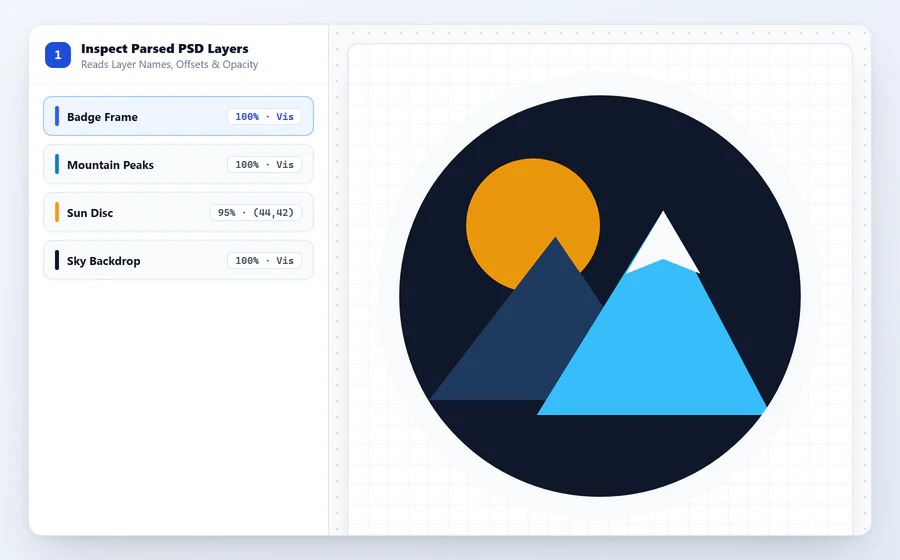
Drag any layered PSD document into the workspace. The browser parses the layer tree, canvas dimensions, transparency masks, and vector shape records locally without sending files to a remote server.
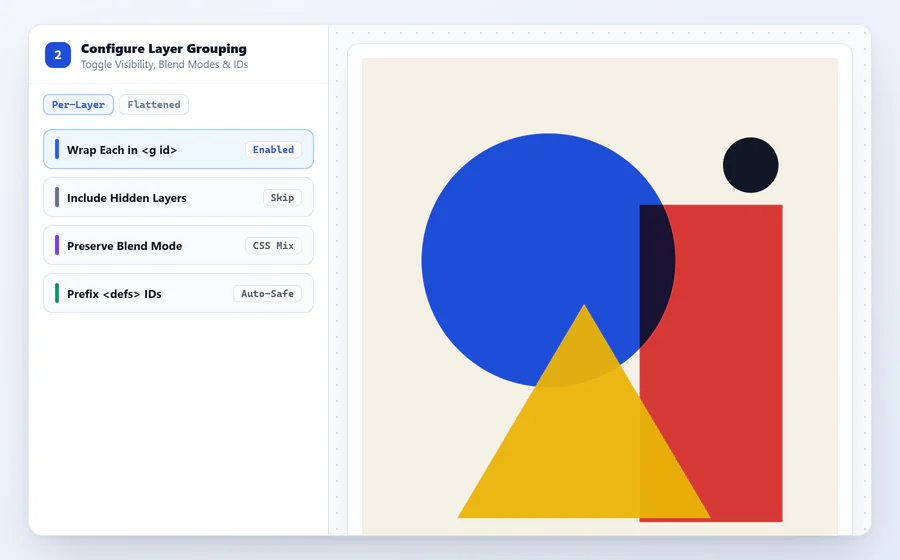
Toggle individual layers on or off, inspect extracted vector paths, or tune color count and curve smoothness for rasterized artwork inside this browser workspace.
Save the complete composition with named SVG layer groups, export an isolated single layer, or copy the clean XML straight into your web project.
Combines native PSD layer parsing with clean path extraction and vector tracing so layered designs translate cleanly to the web.
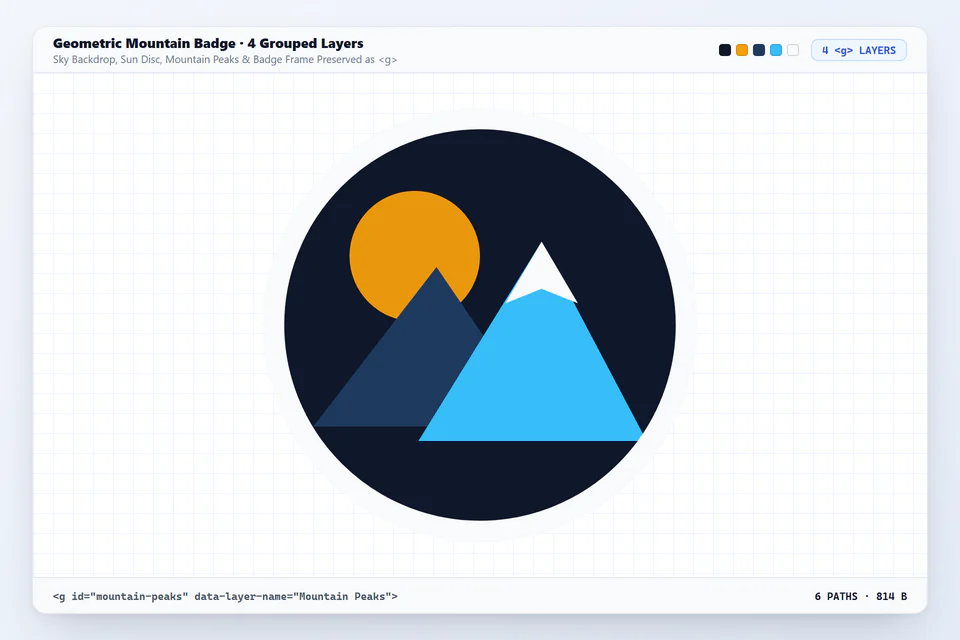
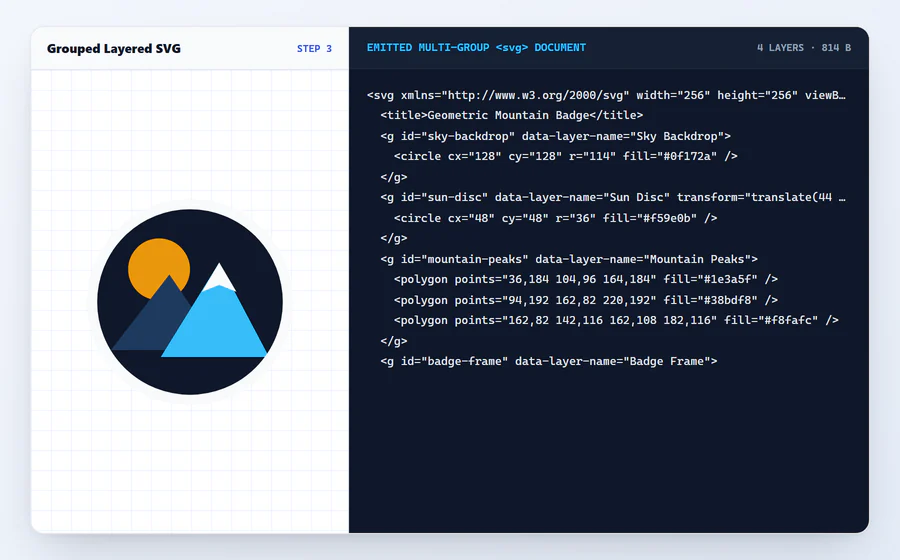
Maps each visible PSD layer into its own labeled SVG group element so developers and designers can target, recolor, or animate individual parts effortlessly.
Reads embedded PSD vector path records and shape masks directly into exact cubic Bezier SVG geometry whenever true vector layers are present in the document.
Turns flat rasterized logos, icons, and illustrations inside PSD layers into crisp scalable paths with adjustable color count, corner sharpness, and noise filtering.
Hide background fills, guides, or unused mockups right inside the layered preview workspace and export either the full stack or a single isolated layer.
Optionally crop the SVG viewBox to visible layer bounds and output lean standards-compliant XML free of bloated metadata or non-standard attributes.
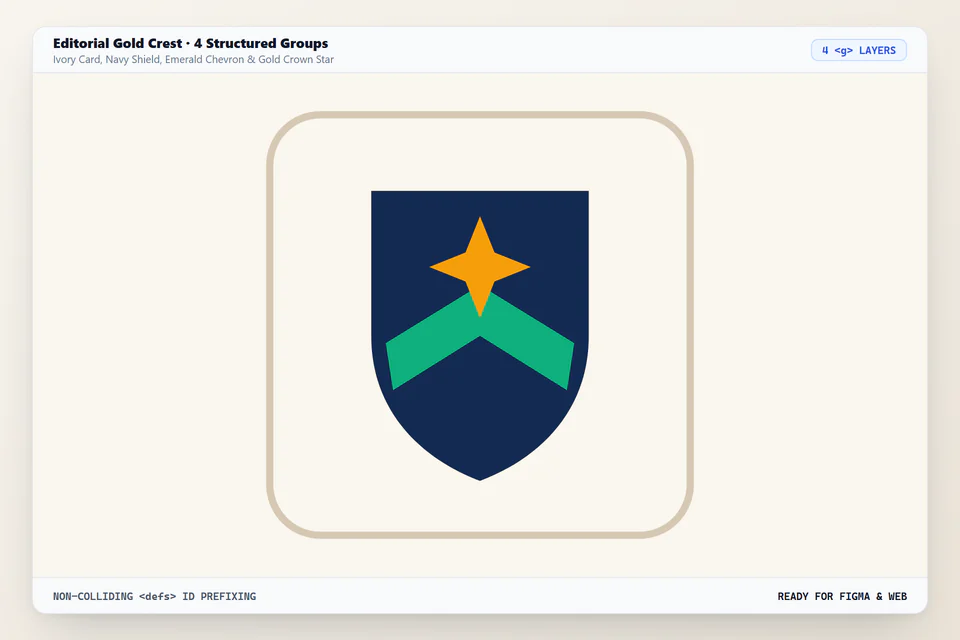
Inspect and export layered SVG files locally inside your browser tab so unpublished brand identities and client layered masters never leave your computer.
Learn how PSD vector shapes differ from raster layers, how to achieve clean SVG grouping, and when to trace versus embed artwork.
A PSD file is a rich layered container that can mix mathematical shape layers, vector masks, text layers, and pixel-based raster layers inside the same canvas. When you convert psd to svg, true vector shapes translate directly into exact Bezier curves with minimal anchor points. Flat pixel layers such as icons, badges, or illustrations benefit from client-side color tracing, which reconstructs crisp editable contours instead of wrapping a fixed-resolution bitmap inside an SVG shell.
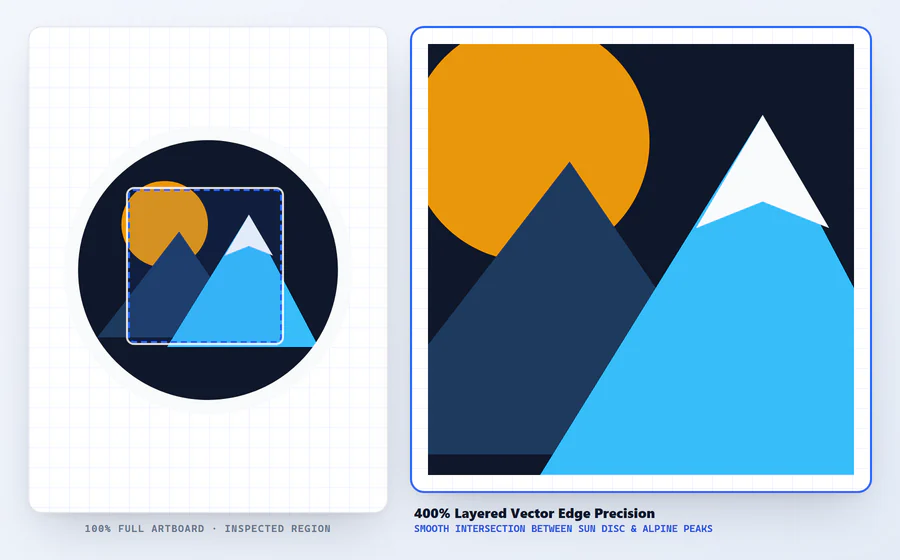
Flattening a multi-layer PSD into a single blob before tracing merges overlapping shapes and makes later edits painful. A layer-aware psd to vector svg workflow processes each visible layer cleanly and wraps its paths inside a named SVG group element. Front-end engineers can immediately attach CSS hover colors, stroke animations, or dark-mode token swaps to distinct groups without manually slicing apart an unstructured wall of raw paths.
Getting crisp results from raster PSD layers depends on matching your trace settings to the artwork style. For monochrome icons, seals, and wordmarks, monochrome tracing with slight speckle suppression produces ultra-clean single-color paths. For multi-color emblems and geometric mascots, limiting the palette to the exact number of brand swatches eliminates stray anti-aliasing slivers along color boundaries inside this browser tracer.
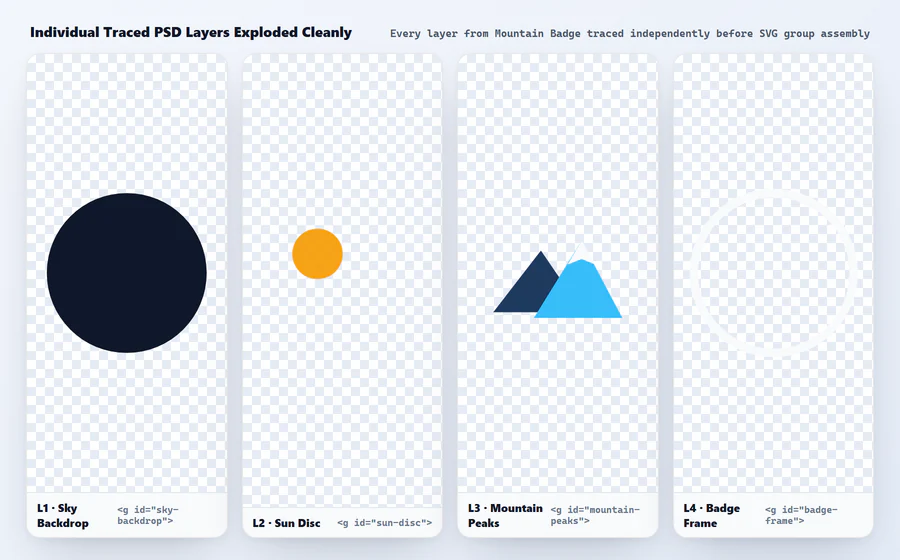
Layered design files often sit on generous presentation canvases with hidden guide layers or opaque white backdrops. Before downloading your final SVG, toggle off any background sheet in the layer panel and enable tight viewBox cropping so the exported graphic hugs its true visual edges. Clean tight bounds guarantee predictable alignment when dropping logos into navigation bars, cards, or responsive button layouts.
Layered brand files frequently need several formats across print and digital handoffs. Use PSD Viewer when you want a deep layer-by-layer inspection without conversion, export crisp high-DPI rasters via PSD to PNG, trace standalone bitmap logos with PNG to SVG, or minify your final XML code in SVG Optimizer before shipping to production.
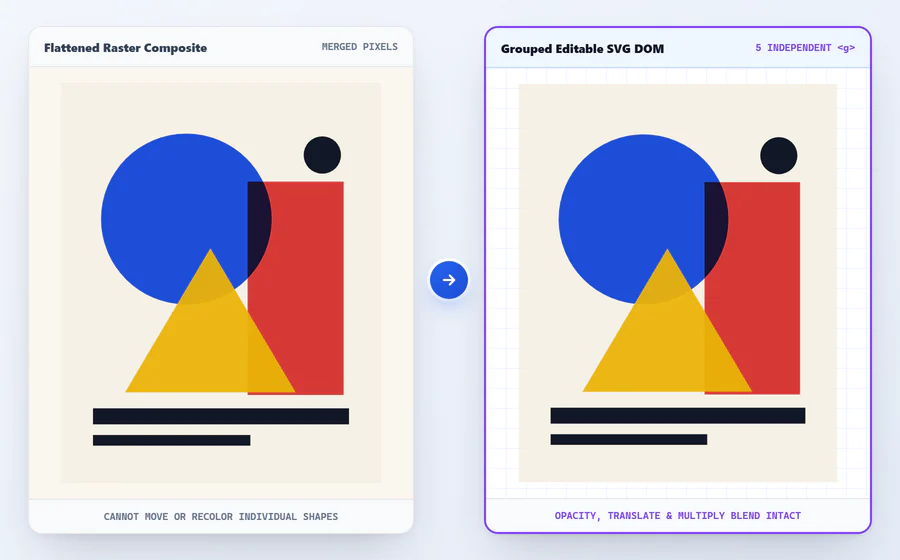
Created for web engineers, UI designers, brand managers, and craft studios converting layered PSD masters into lightweight scalable vectors.
Turn designer-supplied PSD icons and brand marks into clean, grouped SVG assets ready for inline HTML, responsive components, and CSS styling.

Use this client-side parser to pull individual logo lockups and vector shapes out of legacy layered PSD archives quickly in any browser.

Convert psd to vector svg badges, trust seals, and flat illustrations so hero sections stay tack-sharp on high-density displays with tiny file sizes.

Separate layered PSD emblems into clean color-grouped SVG paths ready for vinyl cutting, laser etching, and screen-print transfers.
Answers on layer preservation, vector shape extraction, raster layer tracing, file privacy, and browser compatibility.
Yes. Visible PSD layers are exported as distinct named SVG groups so you can toggle, style, or edit individual layers cleanly after conversion.
You can enable the built-in multi-color or monochrome vector tracer inside this browser workspace to reconstruct smooth scalable SVG paths from flat pixel artwork.
Yes. Use the layer visibility toggles in the sidebar to isolate one layer or a custom subset of layers before exporting your SVG.
SVG excels at logos, icons, typography, badges, and flat geometric illustrations. Continuous-tone photographs generally produce large path counts and are better kept as PNG or WebP.
Simply switch off the background layer in the layer list and enable tight viewBox cropping so your psd to vector svg export stays cleanly transparent.
Yes. The PSD parser and vector tracer run in pure browser code on macOS, Windows, Linux, and modern tablets without requiring any installed desktop graphics suite.
No. Every PSD file is decoded, inspected, traced, and exported 100% locally in your browser memory, keeping proprietary client masters completely private.
Yes. You can inspect PSD layers, trace layered PSD files into SVG, and download clean grouped SVG files completely free online with no account needed.
Drop any PSD file to extract vector shapes, trace flat layers into grouped paths, and download clean SVG 1.1 free in your browser.
Convert PSD to SVG now