Wide-format exhibition wall master
2:1 highway billboard and booth mural PSB demonstrating crisp typography scaling and exact aspect-fit PDF output for vendor sign-off.
Package massive 64-bit Photoshop Large Documents into universal, press-ready PDF files straight inside your browser with zero uploads. This browser-local psb to pdf converter decodes 8BPS version 2 masters, maps CMYK and 16-bit channels accurately, and packages wide artwork into clean print proofs with exact physical page sizing, custom DPI, and margins.
Try a genuine 64-bit sample PSB (~44 ms):
Exports print-ready PDF pages from your merged PSB composite, each visible layer, or both.
Load any built-in 64-bit PSB master inside this workspace to test physical page layout modes, DPI sizing, margin borders, and sharp PDF output before packaging your own large-format artwork.
2:1 highway billboard and booth mural PSB demonstrating crisp typography scaling and exact aspect-fit PDF output for vendor sign-off.

3:1 panoramic composite showcasing smooth tonal gradients and wide landscape page formatting when exporting a psb file to pdf.

300 DPI carton layout packaged into a clean printable PDF proof with balanced margins and rich paper-stock tones.
Turn oversized 64-bit Photoshop Large Documents into portable PDF proofs ready for print shops and client reviews.
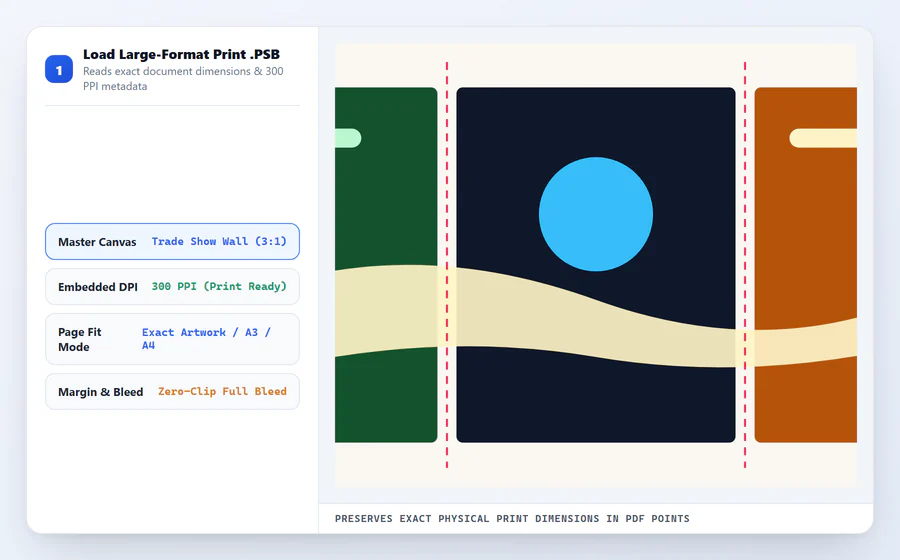
Drag any Photoshop Large Document onto the workspace to start your psb to pdf online conversion locally. The browser decoder reads 8BPS version 2 headers, embedded DPI metadata, and full layer stacks right in local RAM with zero cloud upload.
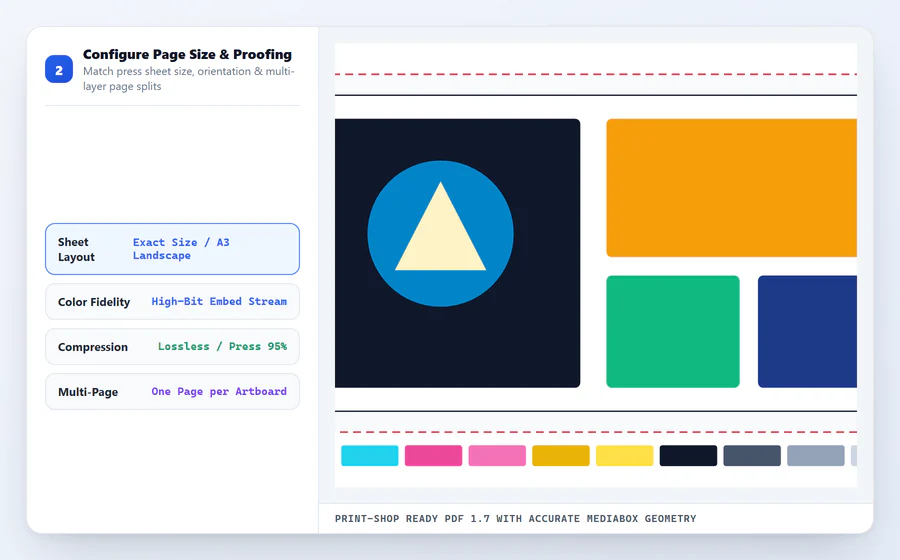
Match the PDF page directly to the PSB physical canvas size or place the artwork onto A4, Letter, or A3 sheets with automatic portrait or landscape orientation, custom margin spacing, and quality tuning.
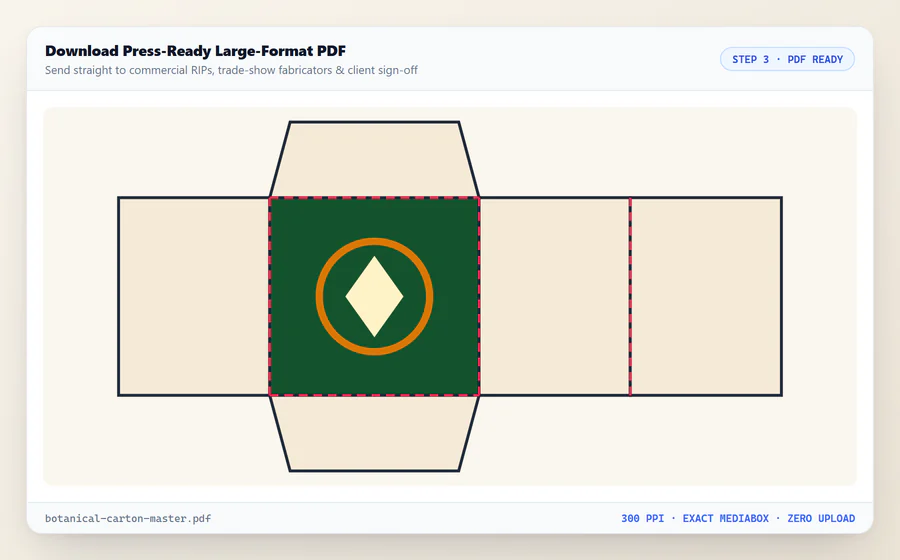
Click export to assemble a clean binary PDF container locally in your browser, saving your finished print proof ready to email, annotate, or archive anywhere.
Engineered for print buyers, agencies, and prepress teams who need fast, exact PDF packaging from massive 64-bit Photoshop masters.
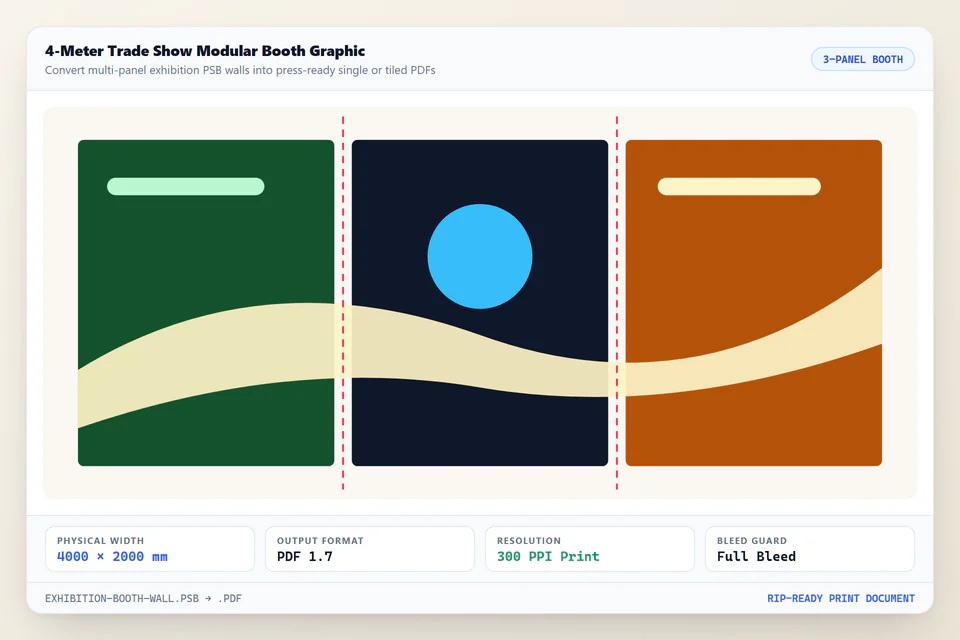
Reads true 8BPS version 2 binary structures directly in a background Web Worker so you can convert psb to pdf smoothly even when files exceed 30,000 pixels or 2 GB limits.
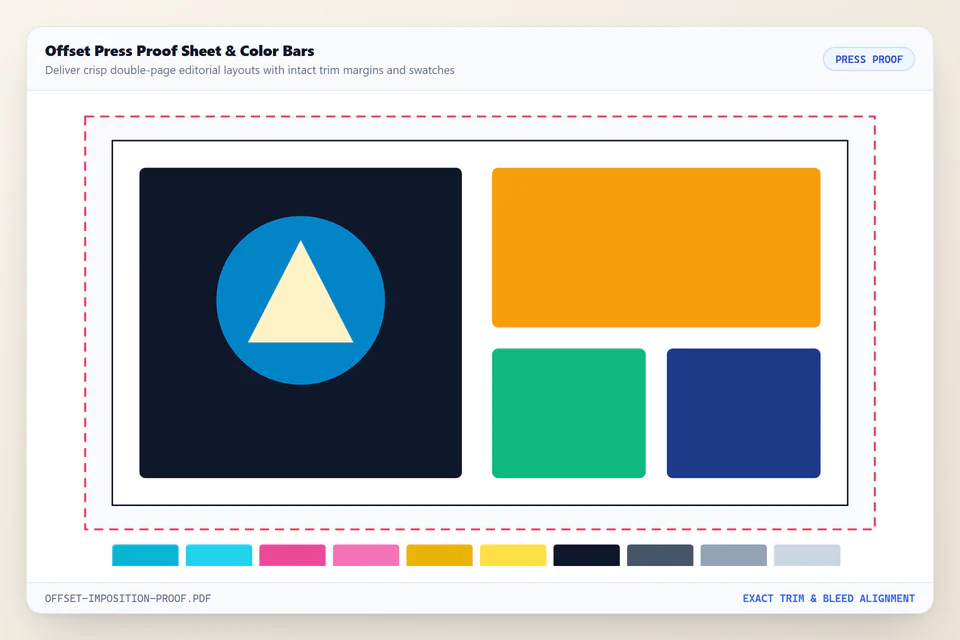
Compute PDF page dimensions directly from the PSB pixel size and embedded DPI, or center the layout neatly onto A4, US Letter, Tabloid, or A3 proof pages.
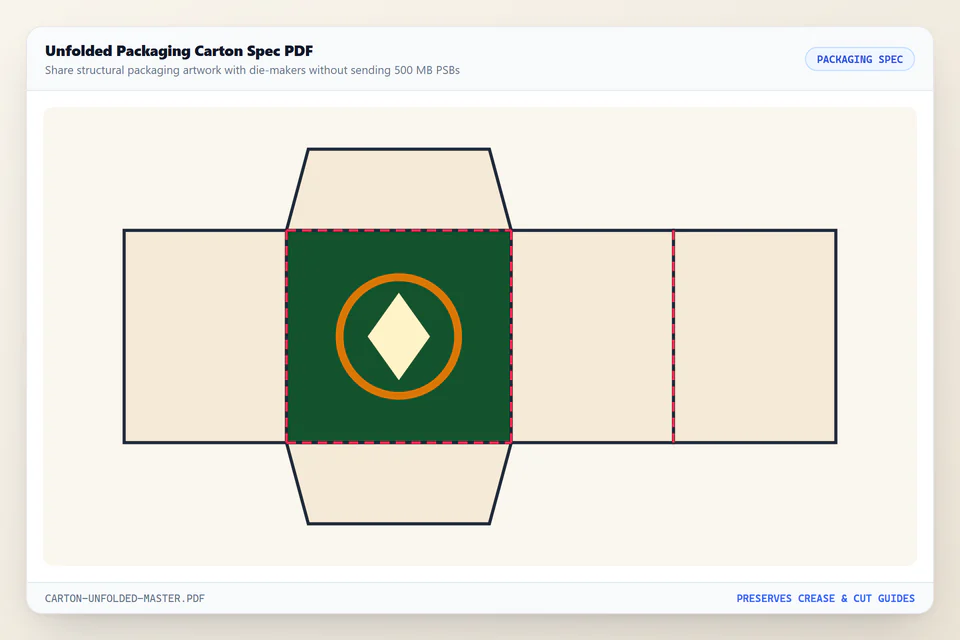
Select sharp 300 DPI packaging for press review or streamlined 150 DPI output for fast email sign-offs, keeping fine labels and gradients crisp inside the embedded PDF stream.
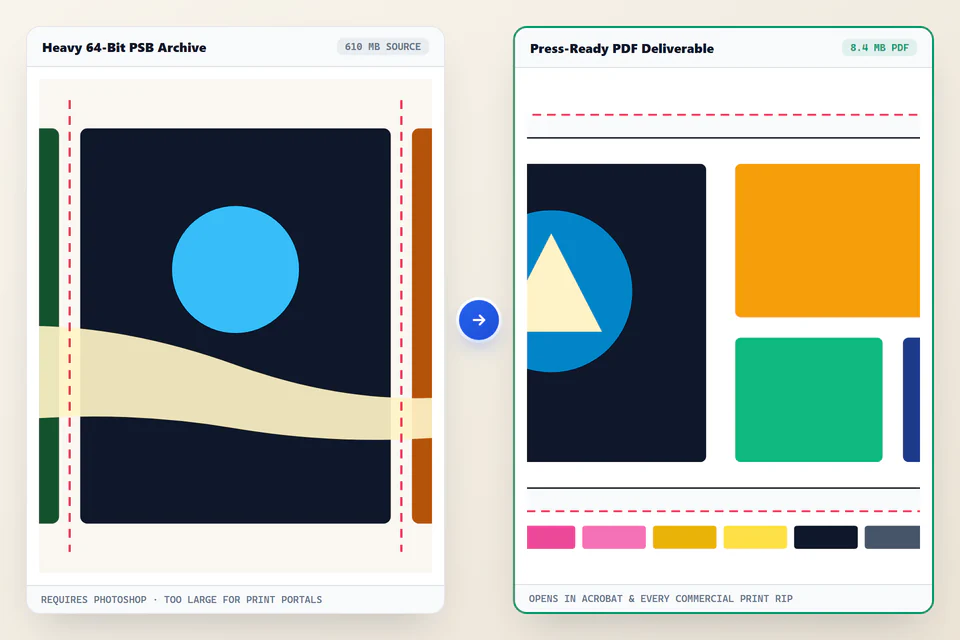
Add clean uniform margins in millimeters or points around your placed PSB artwork so desktop laser proofs never clip critical edge copy or fold marks.
Decodes CMYK print masters and 16-bit layered PSB composites accurately without crushed blacks or inverted colors, ensuring predictable visual proofs in Acrobat and Preview.
Hide internal reference grids, dieline guides, or alternate copy layers before packaging so every exported PDF proof displays only the approved artwork.
Learn how physical page dimensions, DPI resolution, and large-format scaling work when packaging 64-bit Photoshop masters as PDF proofs.
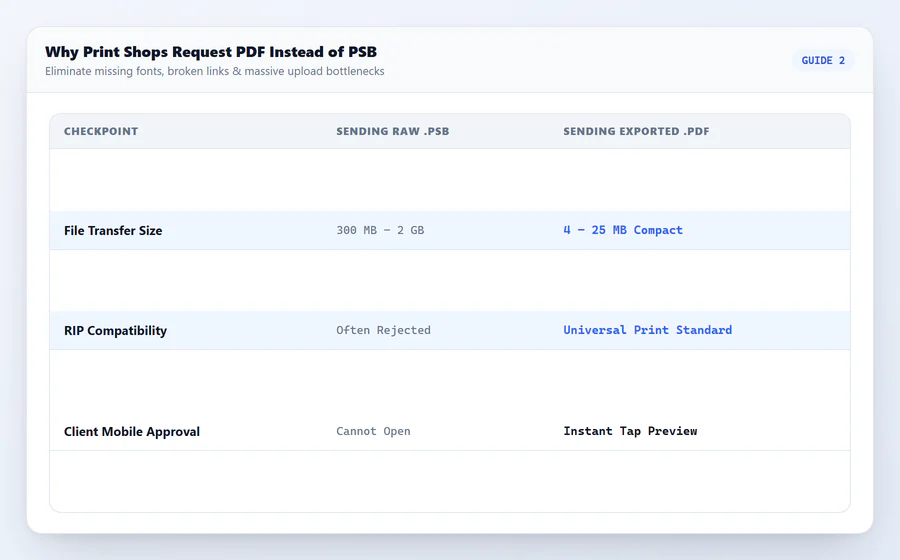
Commercial print shops, sign fabricators, and legal compliance teams overwhelmingly standardize on PDF because it locks layout dimensions, opens identically on every workstation, and embeds neatly into prepress RIP queues and annotation platforms. Sending a 600 MB raw PSB invites font warnings, slow downloads, and accidental layer shifts. Using a browser psb to pdf converter wraps your approved composite into a compact, self-contained proof anyone can review immediately.
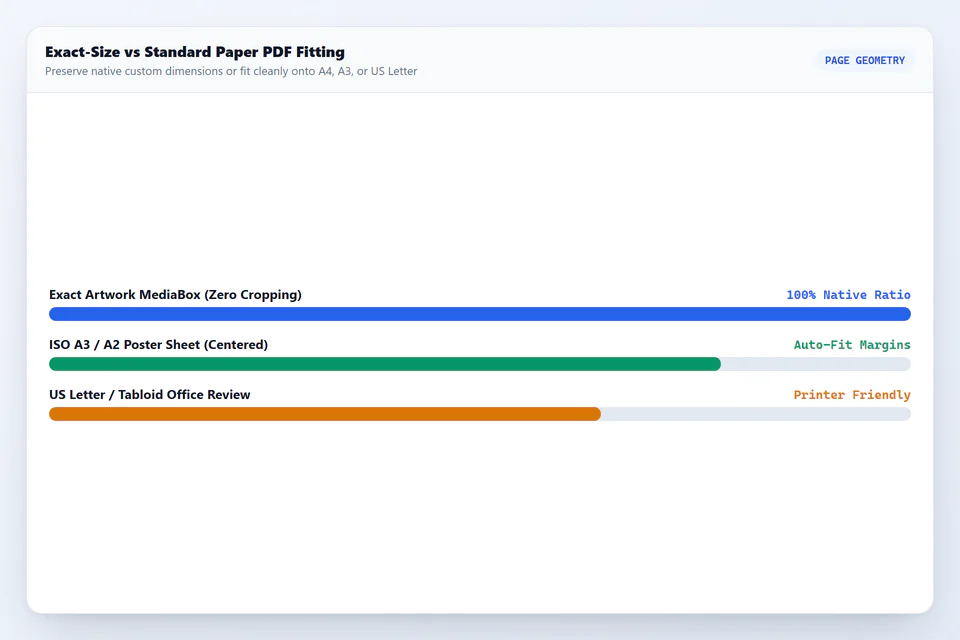
Standard PDF viewers define page coordinates in PostScript points (72 points per inch) and enforce a historical ceiling of 14,400 points (200 inches) unless a custom UserUnit scale factor is declared. When you convert a massive billboard psb file to pdf, matching the physical scale at 1:10 or fitting cleanly onto an A3 or Letter approval sheet guarantees universal compatibility across Adobe Acrobat, macOS Preview, and browser PDF readers.
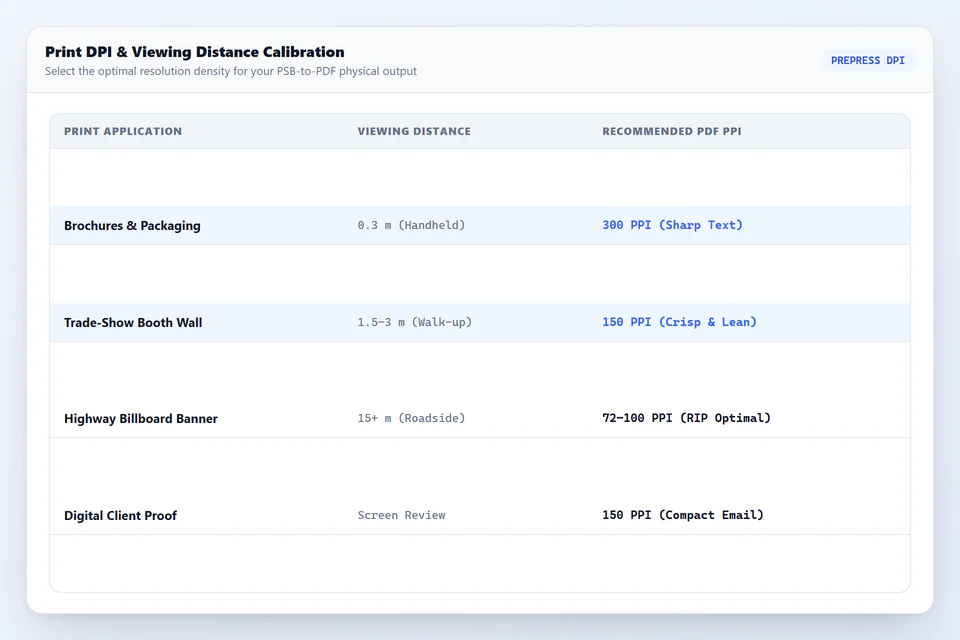
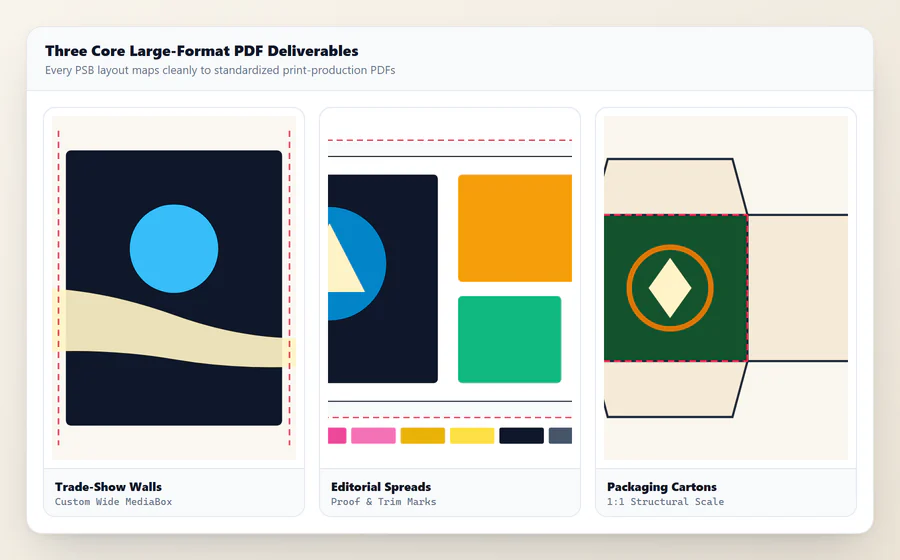
Viewing distance dictates ideal resolution. Handheld brochures, retail cartons, and editorial spreads benefit from 300 DPI inside your exported PDF so small body copy and hairline borders look razor-sharp under close inspection. Trade-show backdrops, retail window murals, and highway billboards viewed from several meters away print cleanly at 100 to 150 DPI while keeping PDF file sizes lean enough for rapid vendor upload.
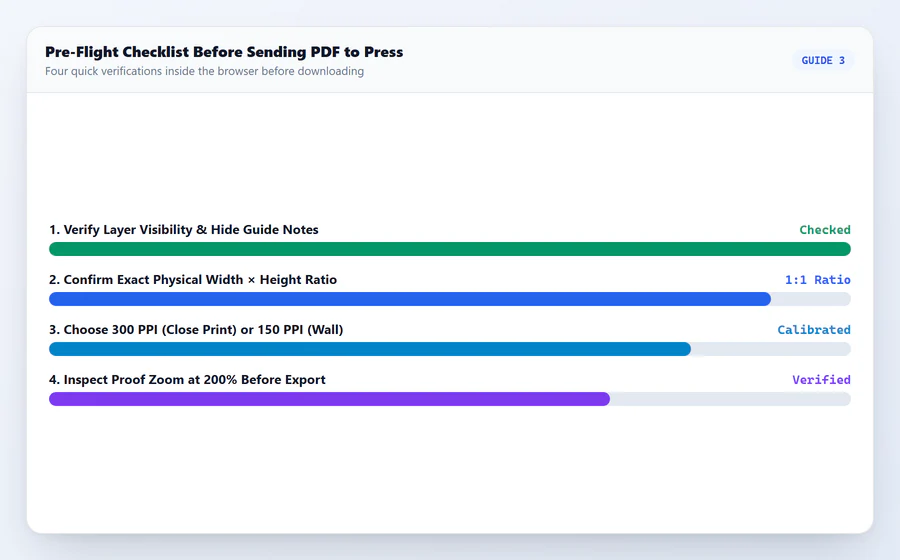
Large-format PSB files often carry CMYK channels alongside internal layers for bleed guides, cut lines, and client notes. Before running your print export in this workspace, inspect the layer list to turn off non-printing guides or toggle on die-line overlays intentionally for a structural sign-off proof. Our browser compositor converts CMYK and 16-bit source data cleanly so screen reviewers see balanced colors without neon saturation shifts.
Packaging psb to pdf locally streamlines approval sign-offs and print handoffs. When you need lightweight raster images for slide decks or messaging apps, export with PSB to JPG. For lossless transparent cutouts without a page frame, switch to PSB to PNG. You can also audit full 64-bit layer trees in PSB Viewer or package standard Photoshop layouts in PSD to PDF.
Built for wide-format print studios, packaging designers, agencies, and creative teams turning oversized PSB files into reliable PDF proofs.
Convert incoming trade-show murals, retail banners, and wall graphics into clean PDF approval proofs with clear margins and verified proportions.

Package high-resolution 300 DPI carton and label PSB masters into universal PDF sheets that brand managers can annotate directly in Acrobat.

Export oversized double-page spreads, poster inserts, and book cover mechanicals from psb to pdf quickly without launching full Creative Cloud.
Turn agency PSB deliverables into archival PDF sign-off records for legal review, compliance storage, and stakeholder distribution.
Answers on PDF page sizes, 300 DPI resolution, CMYK handling, large file support, and browser-local privacy.
Drag your Photoshop Large Document into this psb to pdf converter right in your browser. It parses the 64-bit PSB locally, composites the visible layers, and generates a downloadable PDF within seconds.
Yes. Choose Match Image Size to preserve the exact physical canvas dimensions or select A4, US Letter, or A3 with automatic orientation and optional margins.
Yes. The tool reads your PSB resolution metadata and lets you export high-resolution 150 or 300 DPI PDF proofs suitable for print review and archiving.
Yes. Use the built-in layer list to toggle any layer on or off before exporting, so internal grid marks or alternate copy layers stay out of the final PDF.
Yes. Both CMYK and 16-bit PSB masters are decoded and mapped accurately to clean, universal PDF image streams without color inversion.
Desktop browsers process PSB documents up to 1 GB depending on available system RAM. Mobile devices show a safety alert above 100 MB to prevent memory exhaustion.
No. Every byte of PSB decoding, compositing, and PDF assembly runs 100% inside your browser tab, so client print campaigns remain completely private.
Yes. You can convert psb to pdf online directly in your browser completely free with no watermarks or account signup.
Drop a 64-bit Photoshop Large Document into this free psb to pdf converter to configure page size, DPI, and margins and download your PDF locally.
Export print PDF