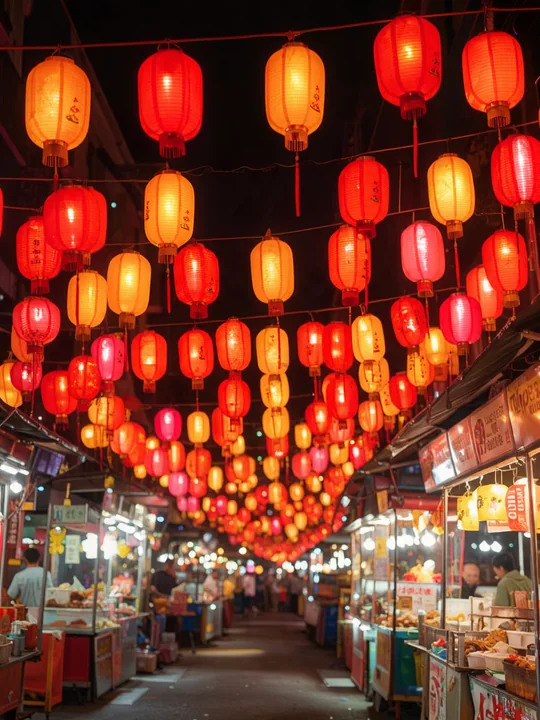
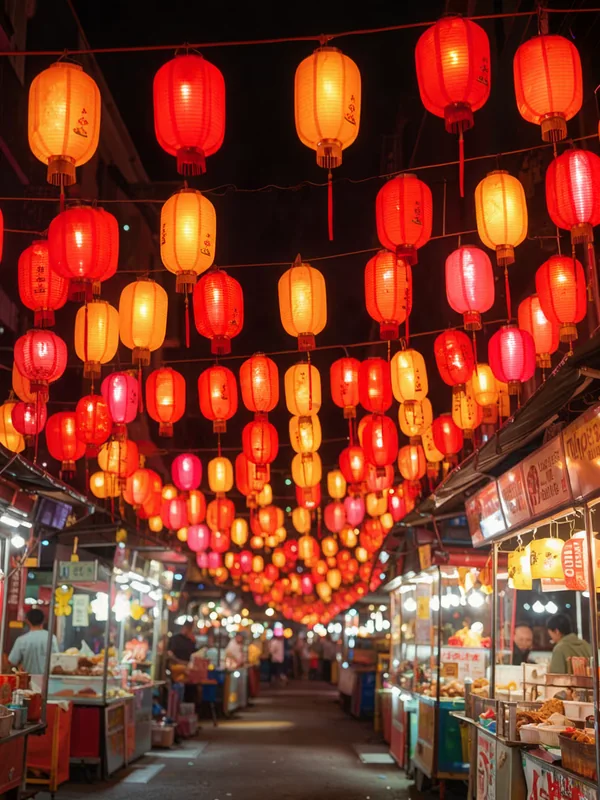
Wide-color phone photo
864 × 1,152 px · AVIF 89 KB → JPG 325 KB
Display P3 colors converted to sRGB, so they look right everywhere.
Convert AVIF to JPG in seconds: drop the AVIF pictures you saved from the web or your phone and get JPG files that open in every app, a whole batch at once. Everything runs on your device, so nothing is uploaded.
No AVIF file at hand?
Converted on your device: nothing is uploaded, and it keeps working offline once the page has loaded.
Eight AVIF files made for these examples, each turned into a JPG by this page's own AVIF to JPG converter. Open one to see the result and every setting.
864 × 1,152 px · AVIF 89 KB → JPG 325 KB
Display P3 colors converted to sRGB, so they look right everywhere.

1,024 × 1,024 px · AVIF 60 KB → JPG 189 KB
See-through areas filled with clean white, smooth edges kept.

1,024 × 1,024 px · AVIF 31 KB → JPG 105 KB
Transparency filled with deep teal instead of white.

1,344 × 768 px · AVIF 90 KB → JPG 324 KB
Saved from a site as AVIF, now a JPG any app opens.

864 × 1,152 px · AVIF 96 KB → JPG 154 KB
Quality 70 for chats and quick sharing.

512 × 512 px · AVIF 48 KB → JPG 57 KB
Saved at 50% for upload forms with a size limit.
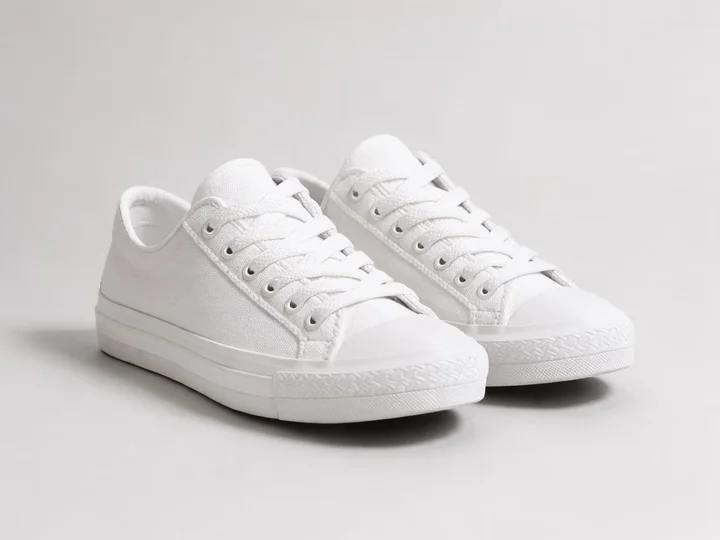
1,152 × 864 px · AVIF 26 KB → JPG 119 KB
Quality 95 for listings and prints.
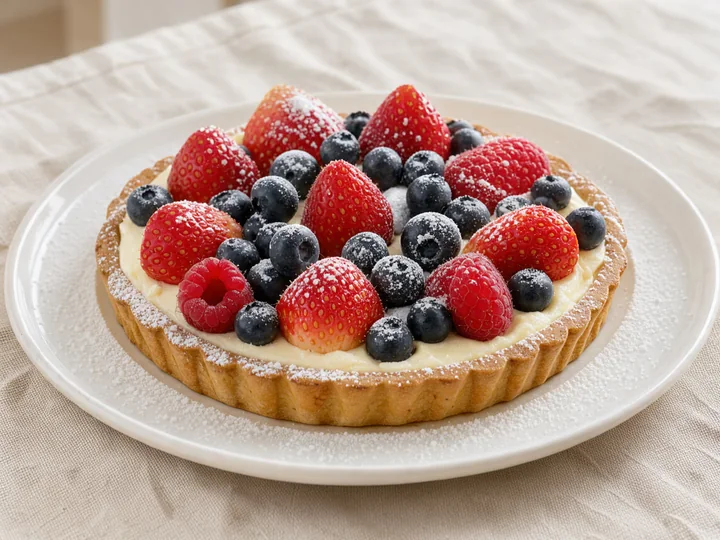
1,152 × 864 px · AVIF 101 KB → JPG 304 KB
High quality (90), ready for a blog, an email or a print.
864 × 1,152 px · AVIF 89 KB → JPG 325 KB
Display P3 colors converted to sRGB, so they look right everywhere.
1,024 × 1,024 px · AVIF 31 KB → JPG 105 KB
Transparency filled with deep teal instead of white.
864 × 1,152 px · AVIF 96 KB → JPG 154 KB
Quality 70 for chats and quick sharing.
1,152 × 864 px · AVIF 26 KB → JPG 119 KB
Quality 95 for listings and prints.
1,344 × 768 px · AVIF 90 KB → JPG 324 KB
Saved from a site as AVIF, now a JPG any app opens.
1,024 × 1,024 px · AVIF 60 KB → JPG 189 KB
See-through areas filled with clean white, smooth edges kept.
512 × 512 px · AVIF 48 KB → JPG 57 KB
Saved at 50% for upload forms with a size limit.
1,152 × 864 px · AVIF 101 KB → JPG 304 KB
High quality (90), ready for a blog, an email or a print.
Three steps, and your pictures never leave your device.
Drop, paste or choose up to 100 AVIF pictures saved from websites, shops or your phone. Each one starts converting the moment it arrives.
Choose a quality from maximum to smallest file, a color for transparent areas, and the full size or 75, 50 or 25%.
Save each JPG on its own or all of them in one ZIP, named after the original AVIF files.
Six things it does well, from one saved picture to a folder of downloads.

Websites serve AVIF to load fast, and a JPG opens in every photo app, editor, upload form, printer and phone, old or new. Convert once and use the picture anywhere.

JPG has no transparency, so see-through areas are filled with white by default. Pick black or your brand's own color for logos and stickers, or switch the list to PNG to keep them clear.
Maximum for prints, high for everyday use, standard or smallest file for email and forms. Our own encoder keeps full color detail (4:4:4), so small colored text stays crisp.
AVIF from phones and cameras often holds Display P3 or other wide colors. They are converted to sRGB, so the JPG looks the same on every screen and in every app.

Add up to 100 AVIF files and they convert one after another, resized if you like. Change a setting and the whole list converts again; one click saves every JPG in a ZIP.

The converter runs entirely in your browser: no upload, no account, no watermark, and it keeps working without a connection.
Five short tips for JPG files that look right everywhere.
AVIF is a modern image format that websites, shops and some phones use for very small files. Many apps, editors, printers and upload forms still ask for JPG, which is why converting AVIF to JPG is so common.
High quality (90) suits nearly every photo. Use maximum (95) for prints and product pages, and standard or smallest file when a form or an email has a size limit.
A JPG can't be see-through, so choose the color the picture will sit on: white for documents and shops, your brand's color for a website or a slide, or PNG to keep transparency.

Save at 75, 50 or 25% when a large AVIF only needs to fill a profile photo, an email or a thumbnail. The browser's high-quality resize keeps edges smooth.
An animated AVIF gives its first frame as a JPG. To keep every frame, click Save every frame on its row and the GIF splitter opens with the same file.
Common reasons to convert AVIF to JPG.
Reuse web pictures in posts, newsletters and slides as JPG files.
Print and share phone photos with any device or app.
Send photos to forms that only accept JPG.
Turn stickers and product pictures into JPG for listings and shops.
Answers about converting AVIF to JPG, quality and privacy.
Drop your AVIF files on the converter at the top of this page. Each one becomes a JPG at once; download them one by one or all together as a ZIP.
Yes. It runs entirely in your browser, needs no account, adds no watermark and saves every JPG at full size.
No. Every file is converted on your device; nothing is sent to a server, and it keeps working offline once the page has loaded.
High quality (90) is right for nearly everything. Pick maximum (95) for printing, or standard (80) and smallest file (70) to keep files small for email and forms.
JPG has no transparency, so they are filled with white, or with black or any color you pick. To keep them see-through, switch the list to PNG.
Yes. Add up to 100 AVIF files; they convert one after another, and one click downloads every JPG in a ZIP.
AVIF is built for the smallest files on the web; JPG is built to open everywhere. Pick standard or smallest file, or save at 75 or 50%, when the JPG should stay light.
Yes. JPG and JPEG are two names for the same format, so converting AVIF to JPEG gives exactly the same file; only the extension differs.
Drop your AVIF files and download JPG files that open everywhere, free and private in your browser.
Choose AVIF files