PSD to JPG Converter

Convert PSD to JPG right in your browser: drop up to 50 Photoshop files, pick quality, background color and size, and download each JPG or one ZIP. Free, no sign-up, nothing uploaded.

PSD to JPGFree · runs in your browser

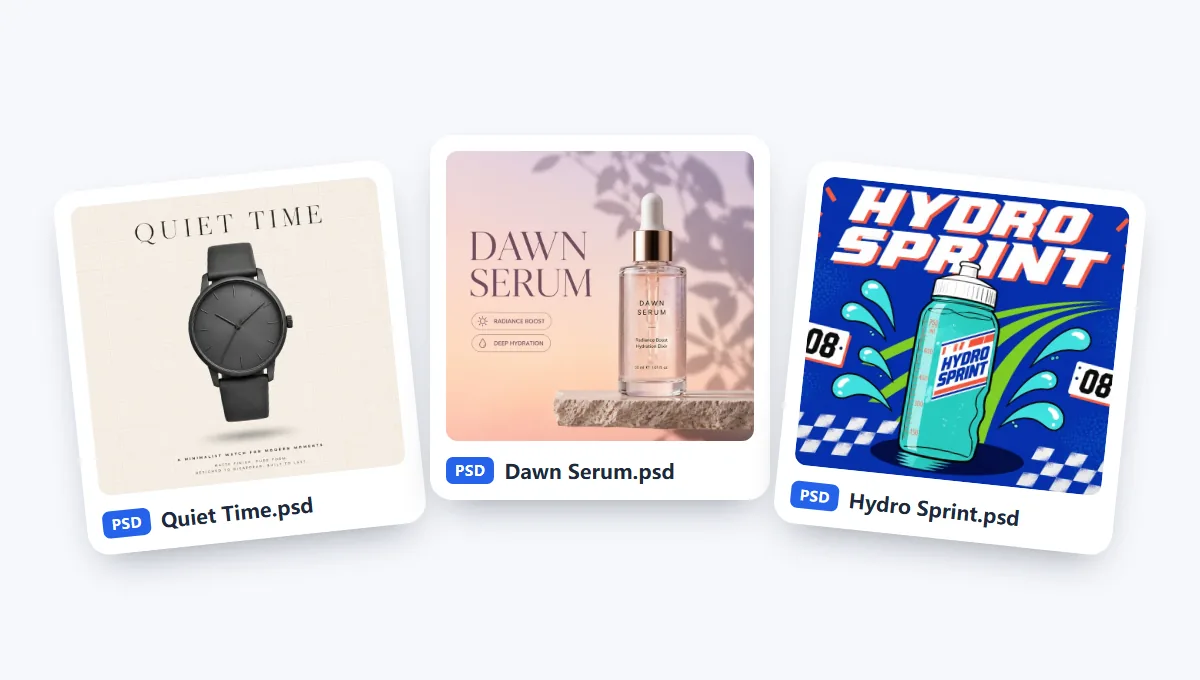
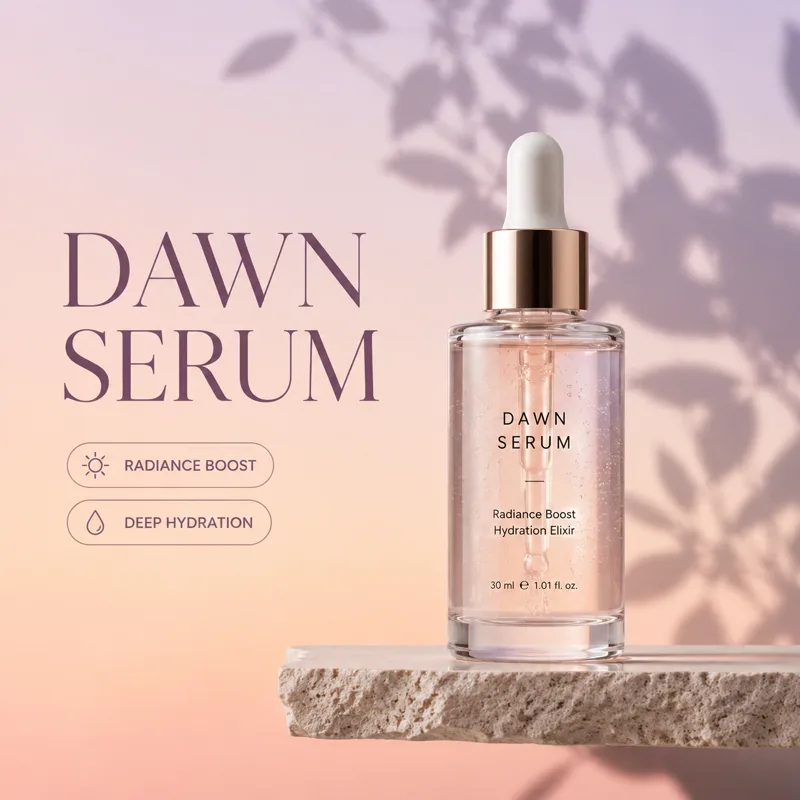
No PSD at hand?

JPG has no transparency: see-through areas get the background color.

  • Free, no sign-up
  • Files never uploaded
  • Up to 50 files, one ZIP
  • Quality, background and size

How to Convert PSD to JPG in 3 Steps

Add files, choose the options and save every PSD to JPG in one go.

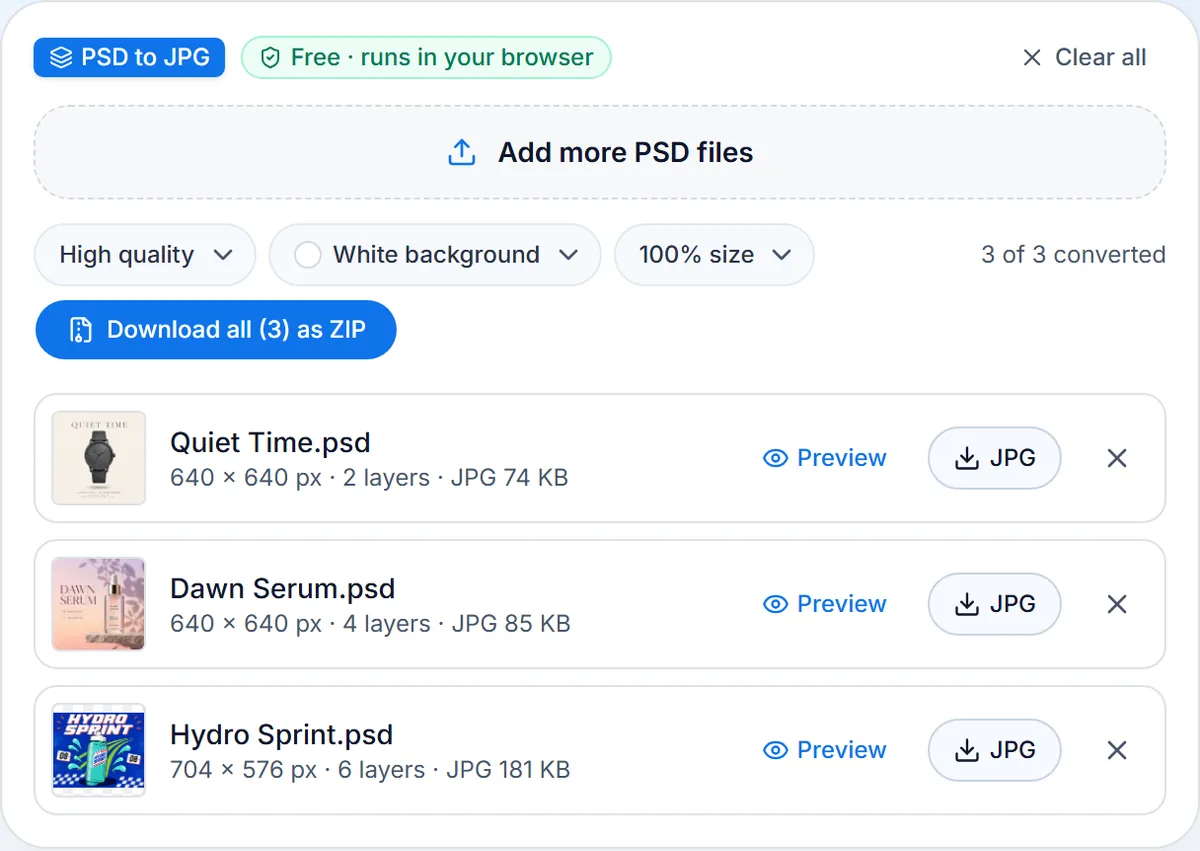
  1. Drop up to 50 PSD or PSB files, or try the three samples.

  2. High quality (92) is the default. Transparent areas take the background you pick. Size: 100%, 50% or 25%.

  3. Save each JPG or all in one ZIP. To leave a layer out, open Preview, switch it off and save from there.

What This PSD to JPG Converter Does Best

A free PSD to JPG converter with every option you need for the web, email and print.

  1. Quality and size you set

    Quality and size you set

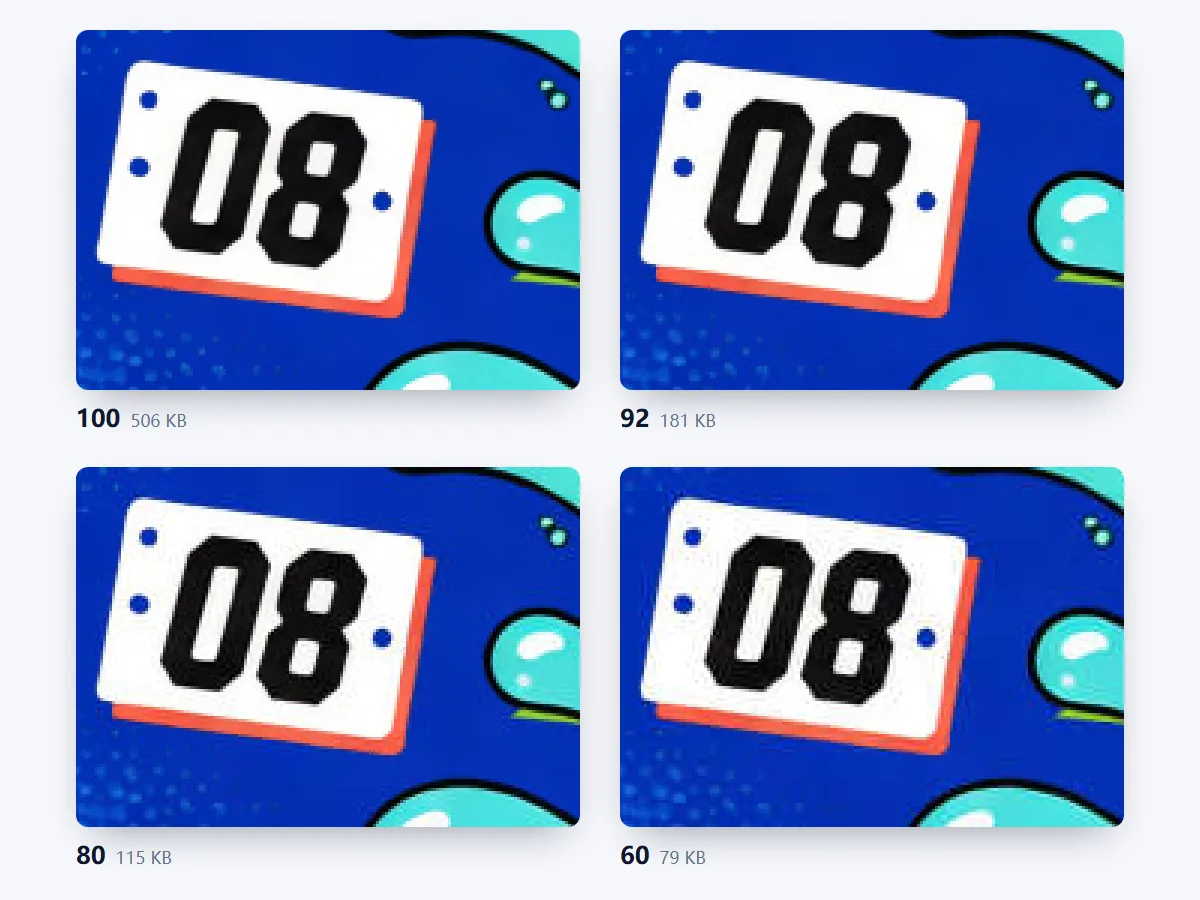
    Four quality levels, from Maximum quality (100) to Small file (60), and 100%, 50% or 25% size, with the DPI kept. High quality (92), the default, looks just like the original in a much smaller file.

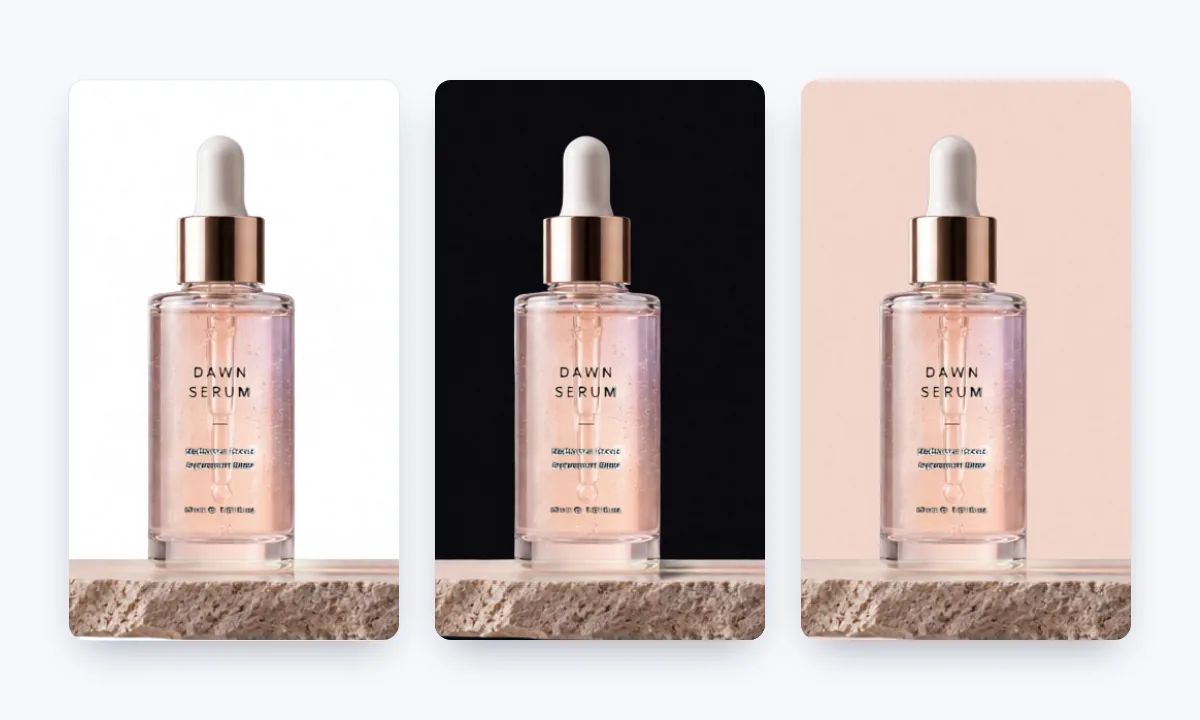
  2. Any background color

    Any background color

    Fill transparent areas with white, black or any color you pick, to suit a marketplace, a dark slide or your brand. Soft edges such as shadows and hair blend into the color smoothly.

  3. Batch convert with ZIP

    Batch convert with ZIP

    Convert up to 50 PSD and PSB files at once, then download each JPG on its own or all of them in one ZIP, every file named after its PSD.

  4. PSD and PSB, up to 500 MB

    PSD and PSB, up to 500 MB

    Large PSB documents convert too, up to 500 MB each, in 8, 16 or 32 bits, RGB, CMYK or grayscale. For a giant document, 50% or 25% gives a JPG that opens quickly anywhere.

  5. Rebuilds PSDs saved without a preview

    Rebuilds PSDs saved without a preview

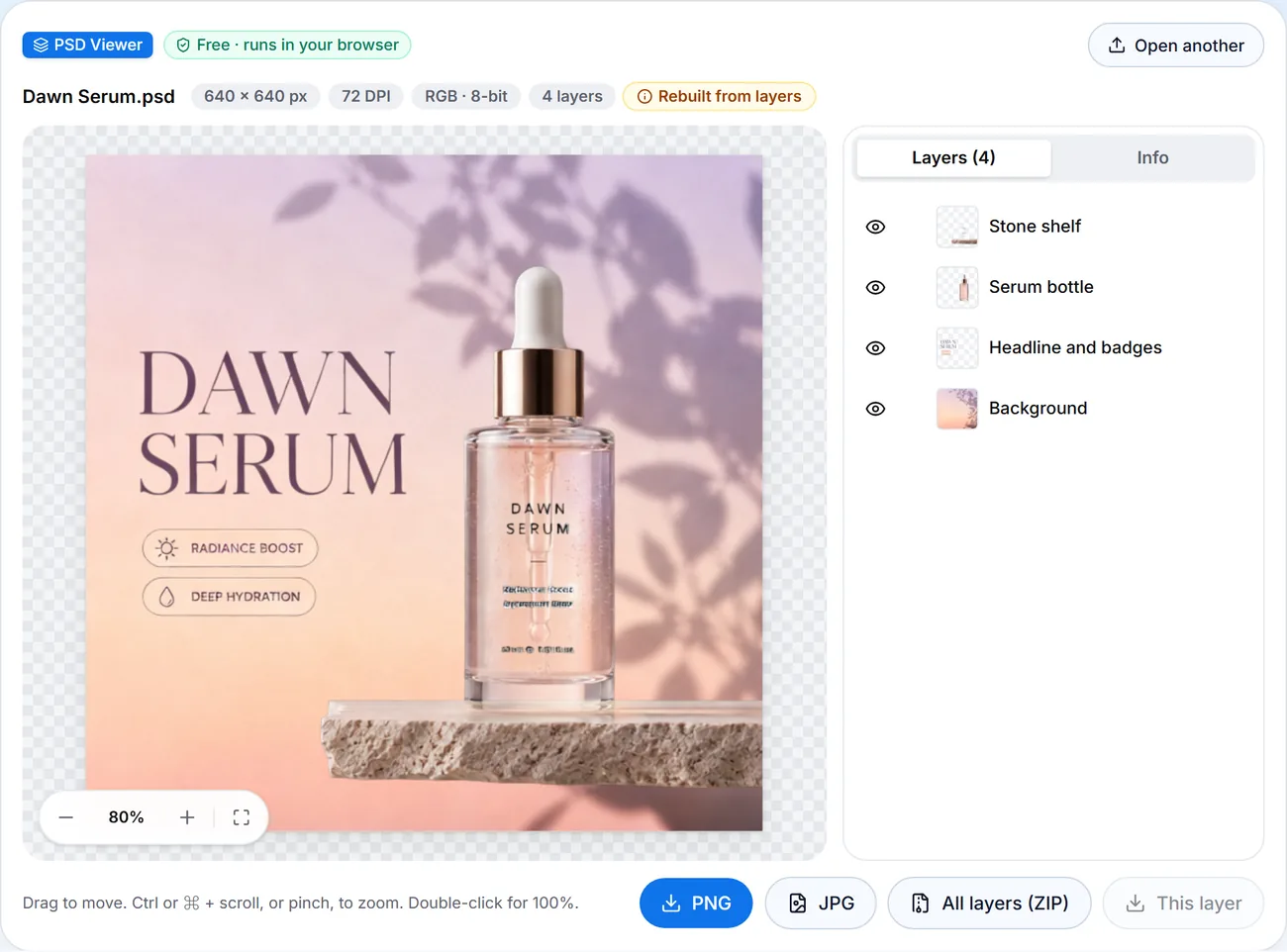
    A PSD saved without Maximize Compatibility has no ready-made picture. This converter rebuilds it from the layers, checked against Photoshop's own pictures in nearly 200 test files, and marks the file Rebuilt from layers.

  6. Private and free

    Private and free

    Converted in your browser: no upload, no sign-up, no watermark, no daily limit. Text, shapes and smart objects come out as in Photoshop, even without the fonts installed.

PSD to JPG Guide: Quality, Background and Size

Five tips for JPGs that look right and stay small.

Pick the right JPG quality

JPG is lossy: it keeps files small by dropping detail you rarely notice. High quality (92), the default, suits websites and sharing. Maximum quality (100) suits print and archives. Medium quality (80) suits email and blogs, and Small file (60) suits thumbnails. To change the quality later, convert the PSD again instead of re-saving the JPG.
Pick the right JPG quality

Choose a background for transparent areas

A JPG stores no transparency, so every transparent pixel takes a color. White suits documents, marketplaces and most web pages; black suits dark sites and slides. Or pick a color that matches your brand. Soft edges such as shadows and hair blend into it smoothly. To keep the transparency, convert to PNG instead.

Set the size and keep the DPI

100% keeps every pixel of the PSD; 50% halves the width and height, and 25% suits previews. Files in 16 or 32 bits are saved as 8-bit, the depth every JPG uses. Every JPG also carries the DPI saved in the PSD, so layout apps read the resolution you set in Photoshop.

Fix a PSD that converts blank

Photoshop stores a ready-made picture in a PSD when Maximize Compatibility is on. Without it, system previews show a blank, while this converter rebuilds the picture from the layers and marks the file Rebuilt from layers. For an exact match, set Maximize PSD and PSB File Compatibility to Always in Photoshop's File Handling preferences and save again.

Hide layers before you convert

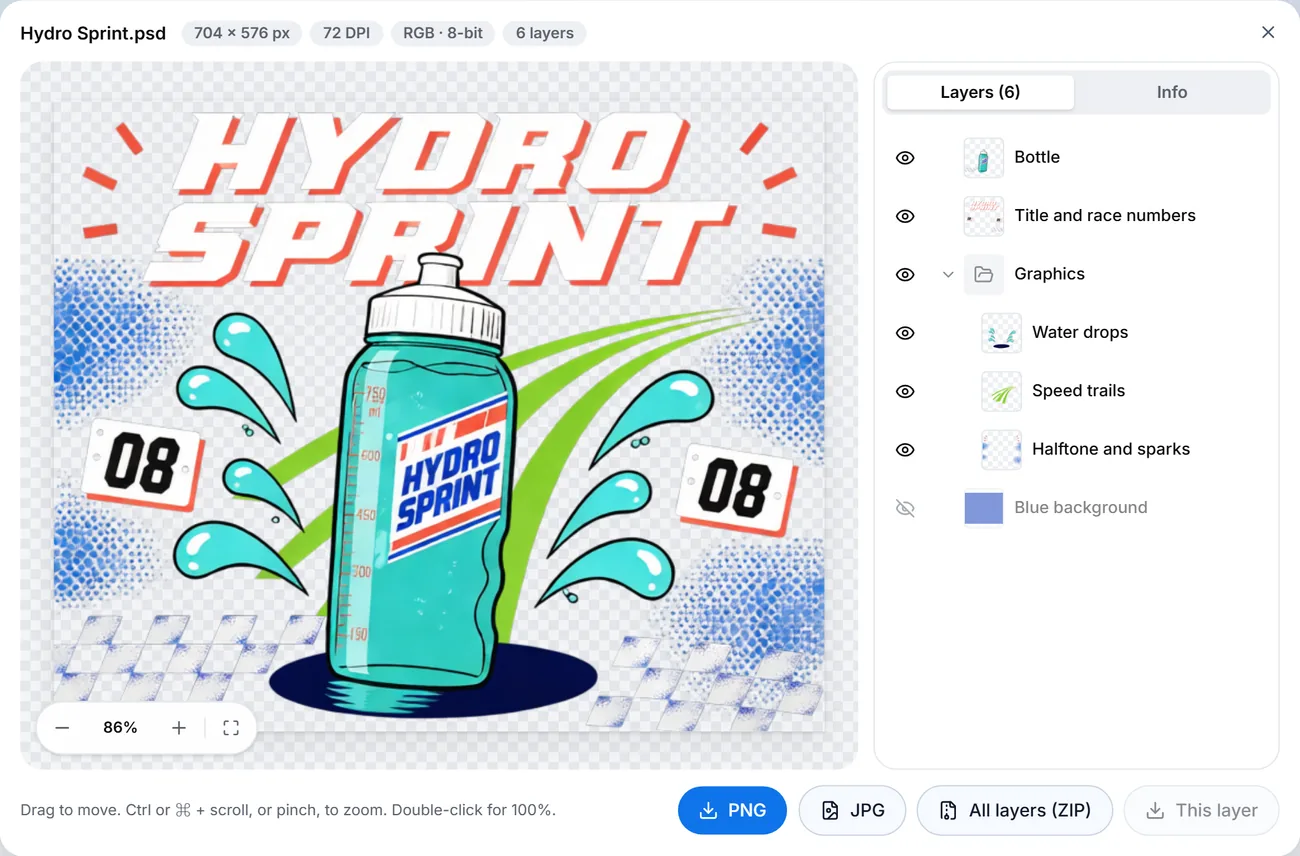
The JPG shows the file as it was saved, so hidden layers stay hidden. To drop a layer or bring a hidden one back, press Preview next to the file. It opens in the same viewer as our PSD viewer: click the eye icons, watch the picture rebuild, then save the JPG once it looks right.

Hide layers before you convert

When to Change PSD to JPG

A JPG opens on any phone, browser or app, so PSD to JPG is the easy way to share designs.

  • Client previews

    Send a proof that opens in any email or chat, on any phone or computer.

  • Shops and websites

    Product shots and banners at web size, on white for marketplaces.

  • Social posts and slides

    Posters and graphics for social media, slides and documents, at the size each one needs.

  • Design archives

    A whole folder of PSDs as JPGs in one ZIP, easy to browse and search later.

PSD to JPG FAQ

How to convert, Photoshop's JPEG option, price, privacy, quality and file types.


Convert PSD to JPG Now

Drop your PSD files, pick quality and background, and download the JPGs. Free, nothing uploaded.

Try it now