Morning cafe still life (Full prompt)
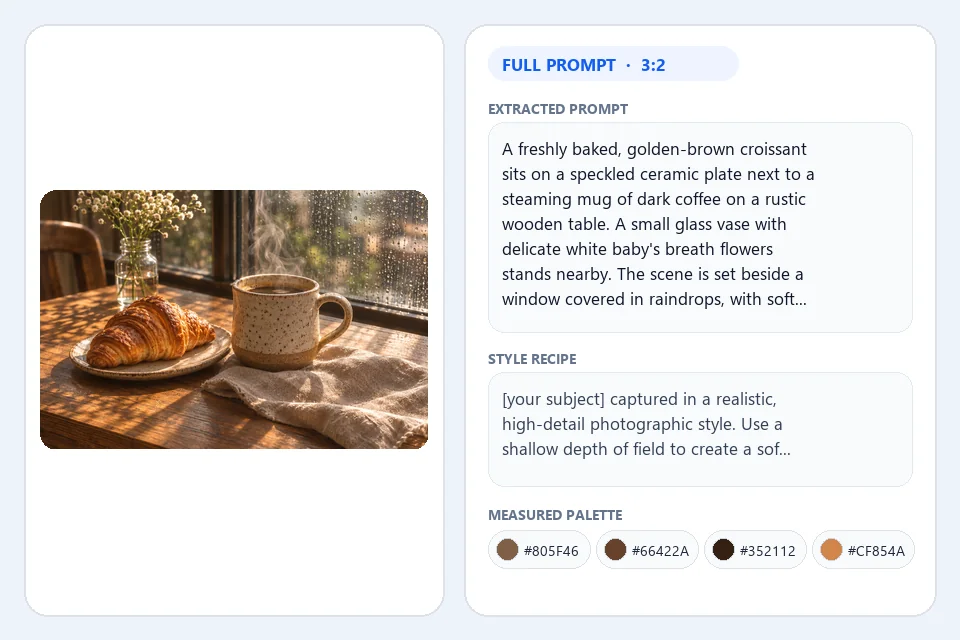
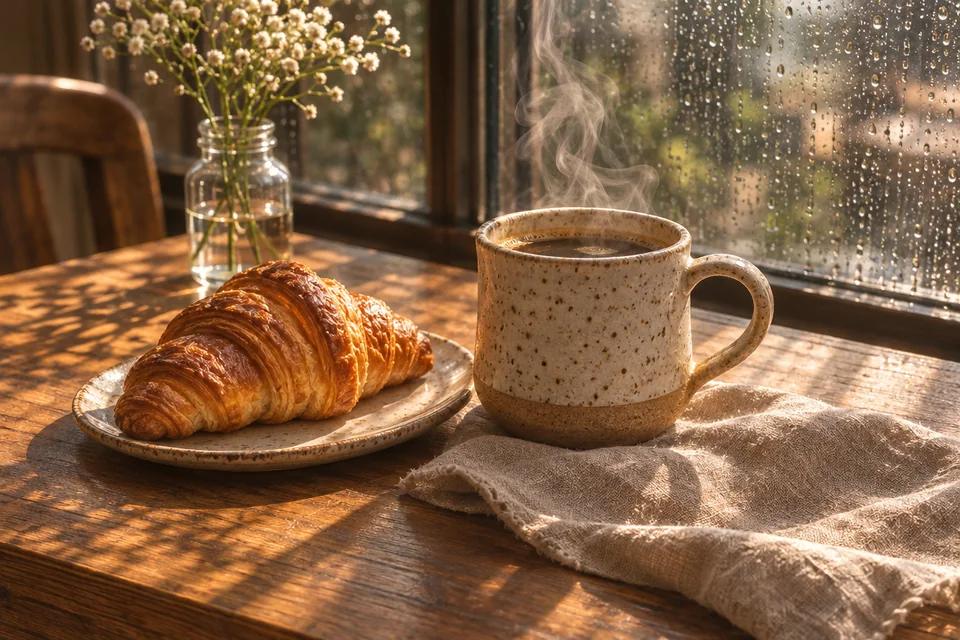
Reads the speckled ceramic mug, flaky croissant, rain-dappled window light, shallow 50mm depth of field, and warm oak tones in a single analysis pass.
Upload a photo, artwork, or poster and let our image to prompt tool read its subject, camera framing, lighting, medium, measured Hex color palette, and exact lettering. One 1-credit run returns an editable prompt, a reusable style recipe, negative exclusions, and clean JSON ready to generate right away.
Try one of these
Every card below was analyzed by our live image to prompt generator. Open any recipe to inspect its full text prompt, transferable style slot, negative terms, pixel-measured Hex swatches, and 6-part JSON breakdown, or load the picture into the workspace.
Reads the speckled ceramic mug, flaky croissant, rain-dappled window light, shallow 50mm depth of field, and warm oak tones in a single analysis pass.
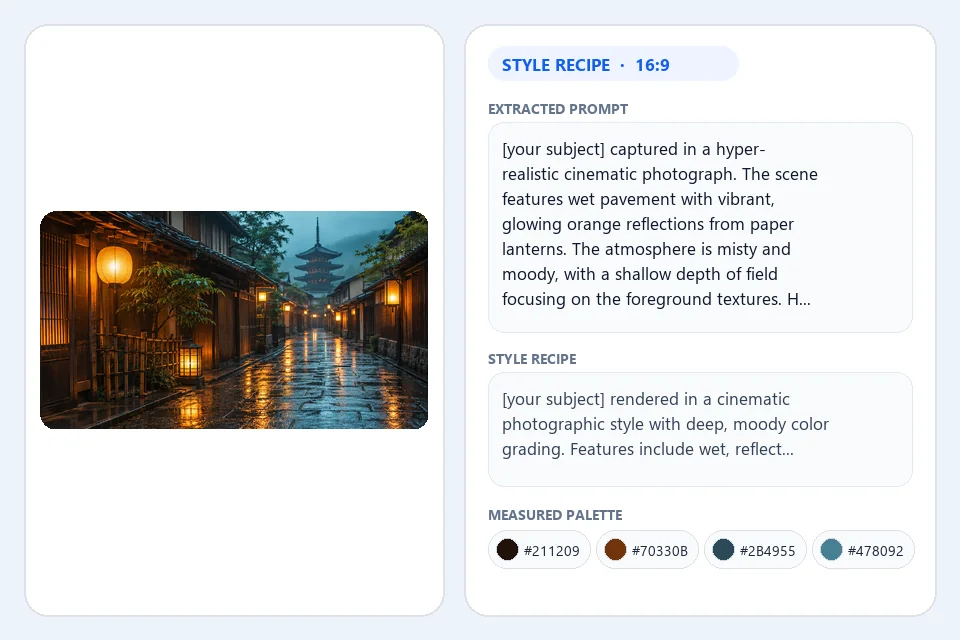
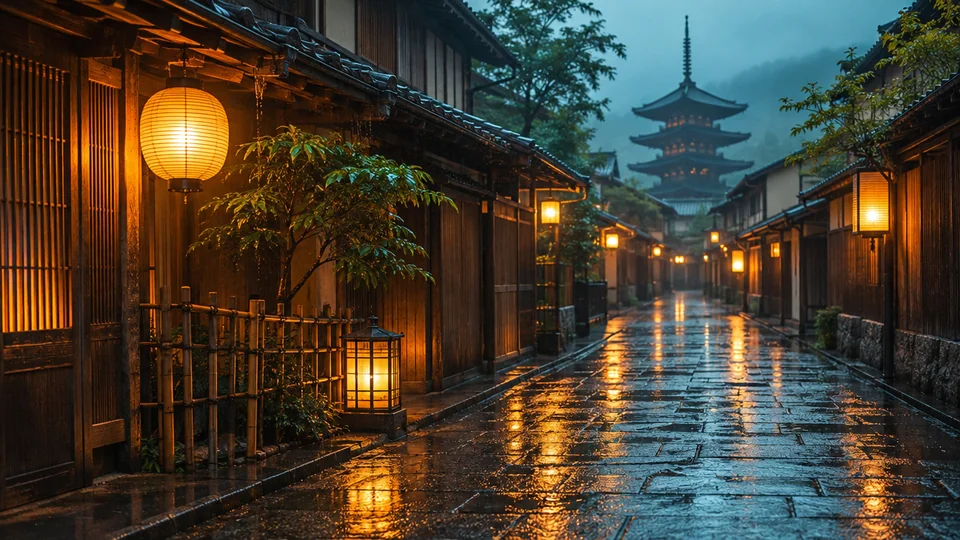
Strips the scene down to a reusable [your subject] style prompt capturing wet cobblestone reflections, amber lantern glow, and cool teal dusk grading.
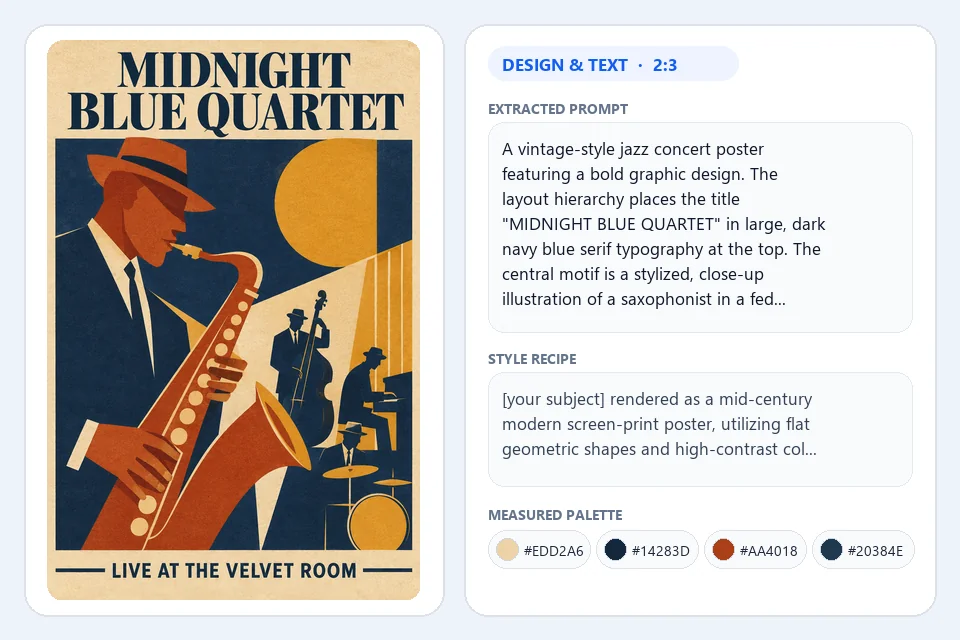
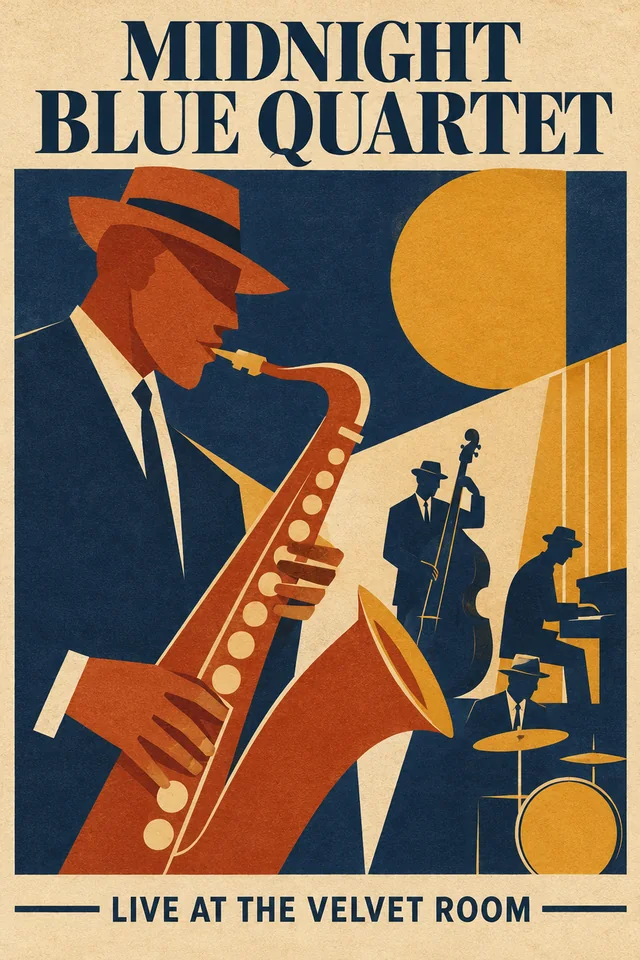
Captures mid-century color blocks, brass saxophone silhouette, and exact quoted headline text "MIDNIGHT BLUE QUARTET" and "LIVE AT THE VELVET ROOM".
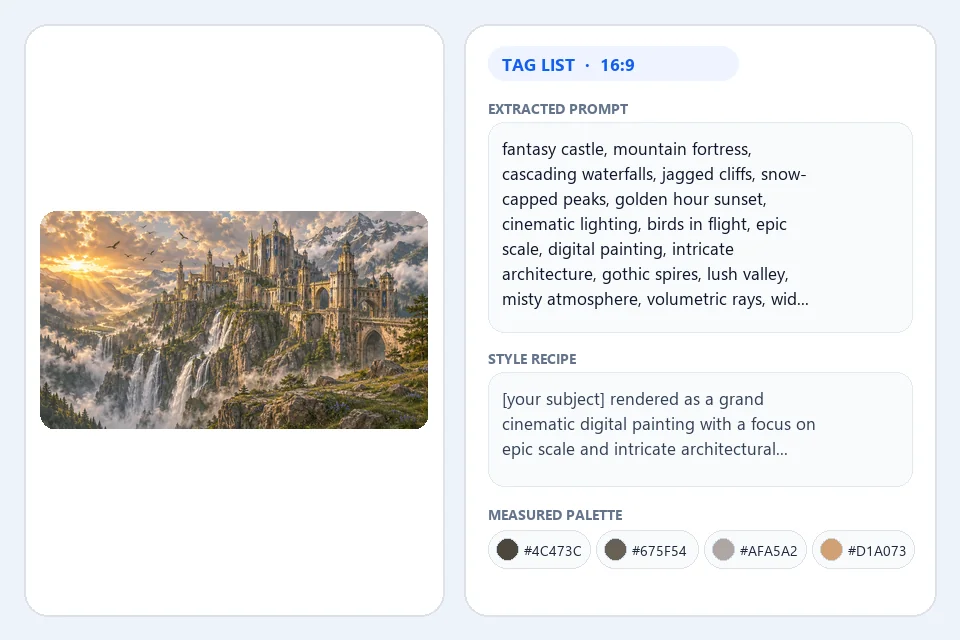
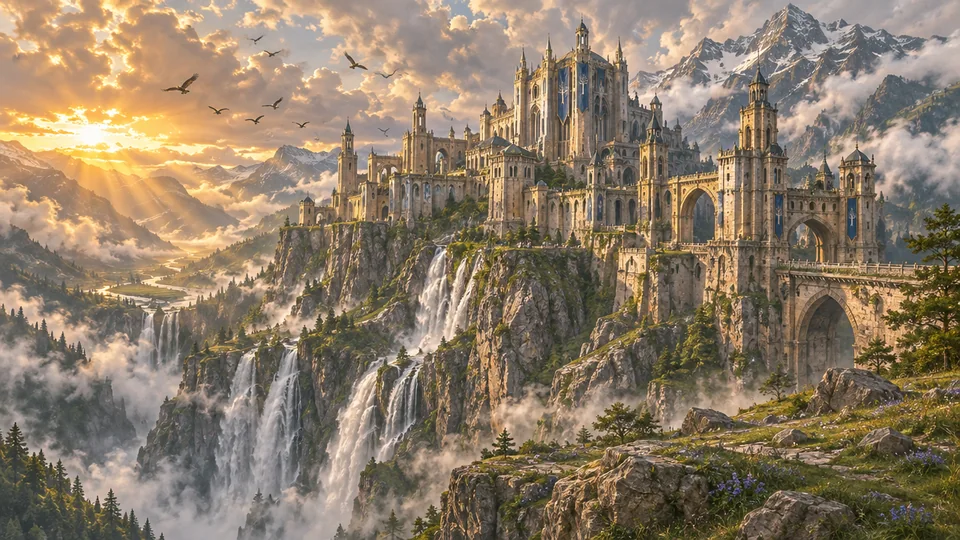
Builds a crisp comma-separated tag sequence covering limestone spires, cascading waterfalls, golden-hour volumetric sunbeams, and painterly matte brushwork.
Documents frosted amber glass refraction, porous travertine stone, dappled eucalyptus shadows, and warm studio rim light for product campaigns.
Extracts circular badge geometry, uniform vector line weight, pine peak layers, and arched banner lettering "PINE RIDGE BASECAMP".
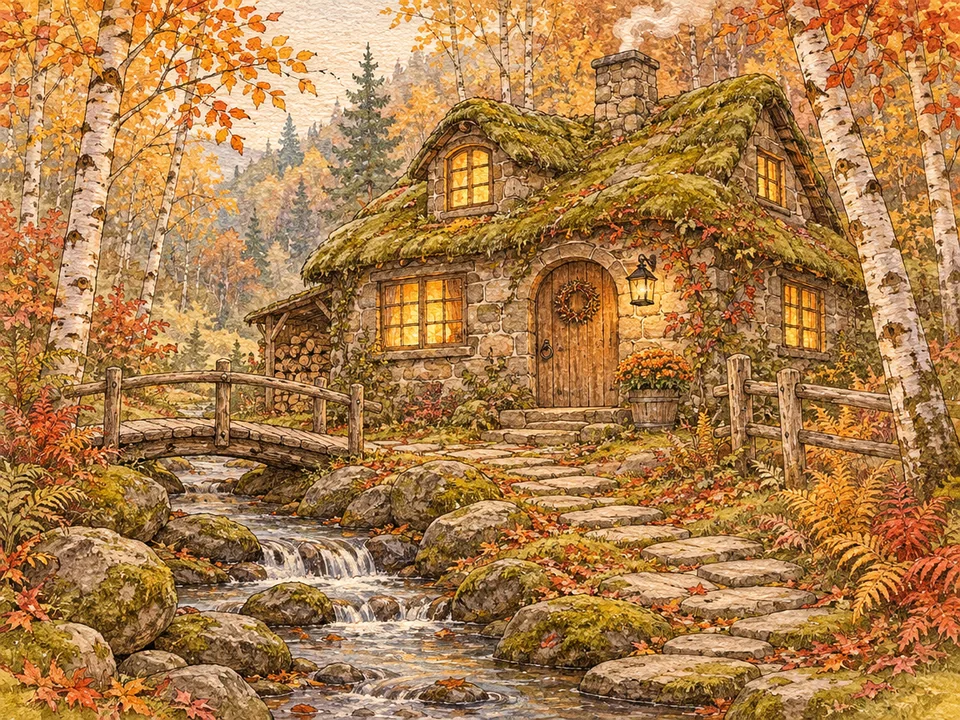
Isolates cold-press cotton paper grain, translucent autumn watercolor washes, and delicate sepia ink outlines into a portable illustration style prompt.
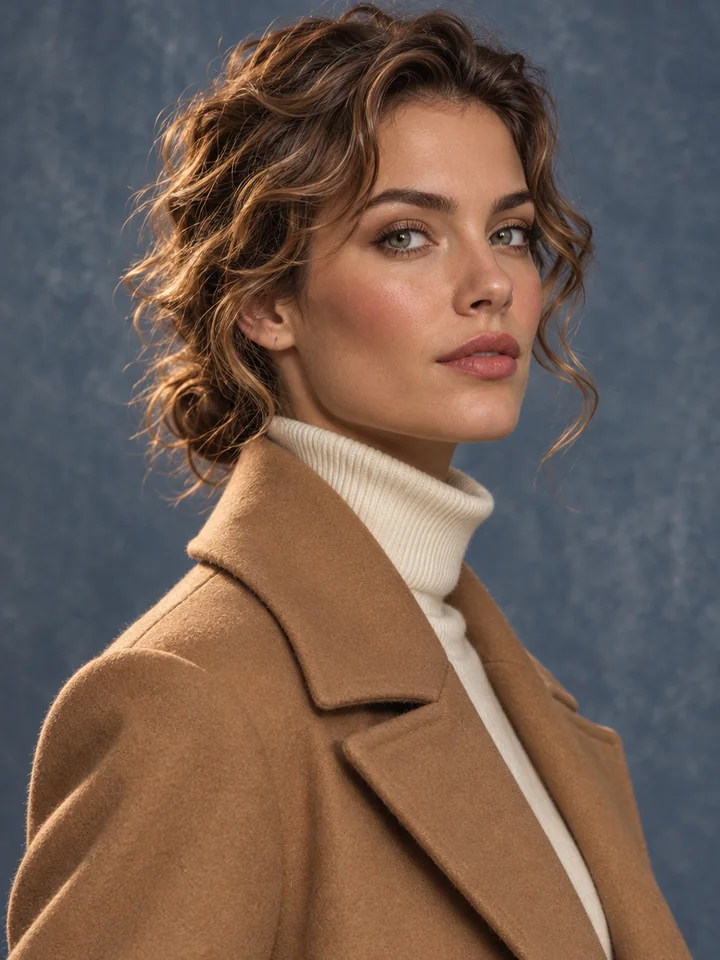
Describes three-quarter pose, structured camel wool coat, ribbed ivory knitwear, directional studio key lighting, and mottled slate canvas backdrop.
Go from a reference picture to a structured prompt recipe and a fresh creation in seconds.
Add any JPG, PNG, or WebP file up to 20 MB. Our picture to prompt workspace reads the exact pixel dimensions, snaps the closest standard aspect ratio, and measures the top dominant Hex colors right from your image.
Choose Full prompt for complete scene recreation, Style recipe for a [your subject] template, Tag list for comma-separated descriptors, or Poster & layout for typography, and add an optional focus note.
Edit the extracted image to text prompt right inside the result box, copy individual sections or full JSON, or send the recipe straight to Text to Image, Image to Image, AI Poster Generator, or Image to PSD.
Most tools return one flat paragraph. Our image prompt generator delivers four coordinated outputs plus measured pixel data in a single 1-credit run.
 Reference
Every image to prompt run gives you the main prompt tailored to your chosen mode, a separate transferable style recipe, medium-aware negative exclusions, and a 6-part breakdown so you never pay multiple times to test different angles.
 Reference
When you love the lighting, brushwork, or film stock of a picture and want a brand-new subject, the style recipe removes the original person or object and leaves a clean [your subject] placeholder ready for consistent series work.
 Reference
Switch to Poster & layout mode whenever your reference contains headlines, badges, or packaging copy. The analyzer transcribes visible text inside double quotes and describes serif, sans-serif, script, and color-block hierarchy.
 Reference
Vision descriptions alone often guess color codes and frame shapes. Our photo to prompt pipeline measures real sRGB pixels in OKLab color space for clickable Hex swatches and computes the exact generator aspect ratio from file dimensions.
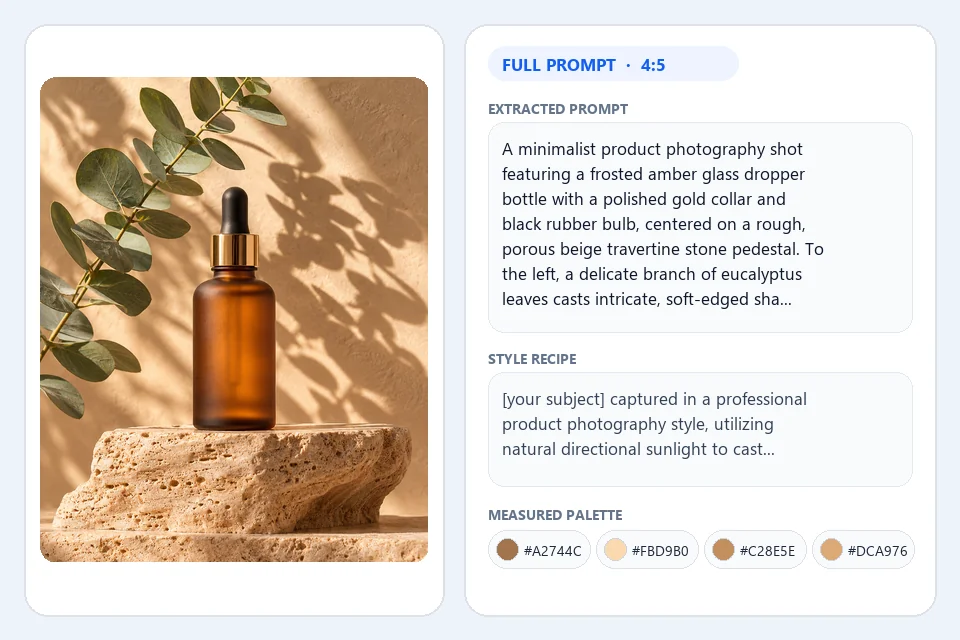
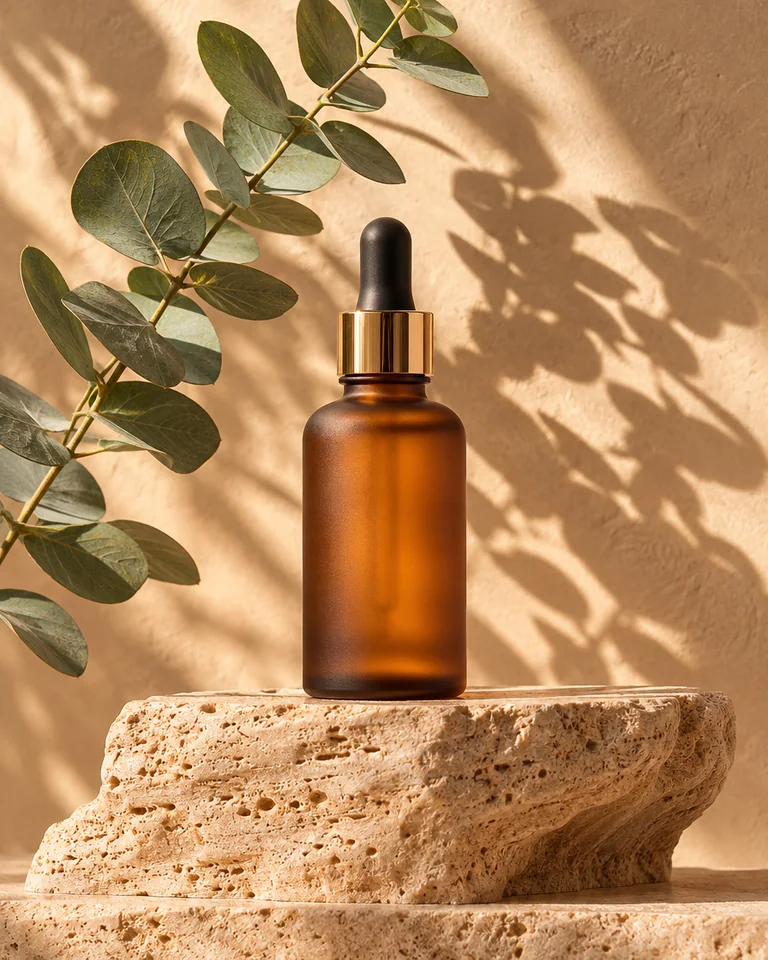 Reference
Inspect subject, medium, camera framing, lighting direction, color harmony, and visible text in separate cards, then copy clean structured JSON for prompt libraries, design documentation, or automated creative workflows.
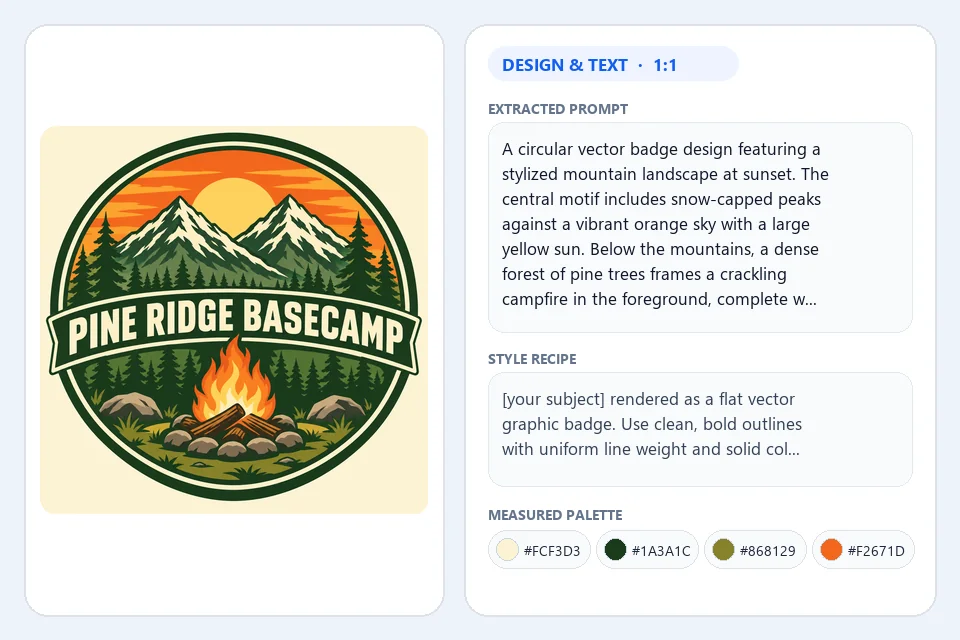
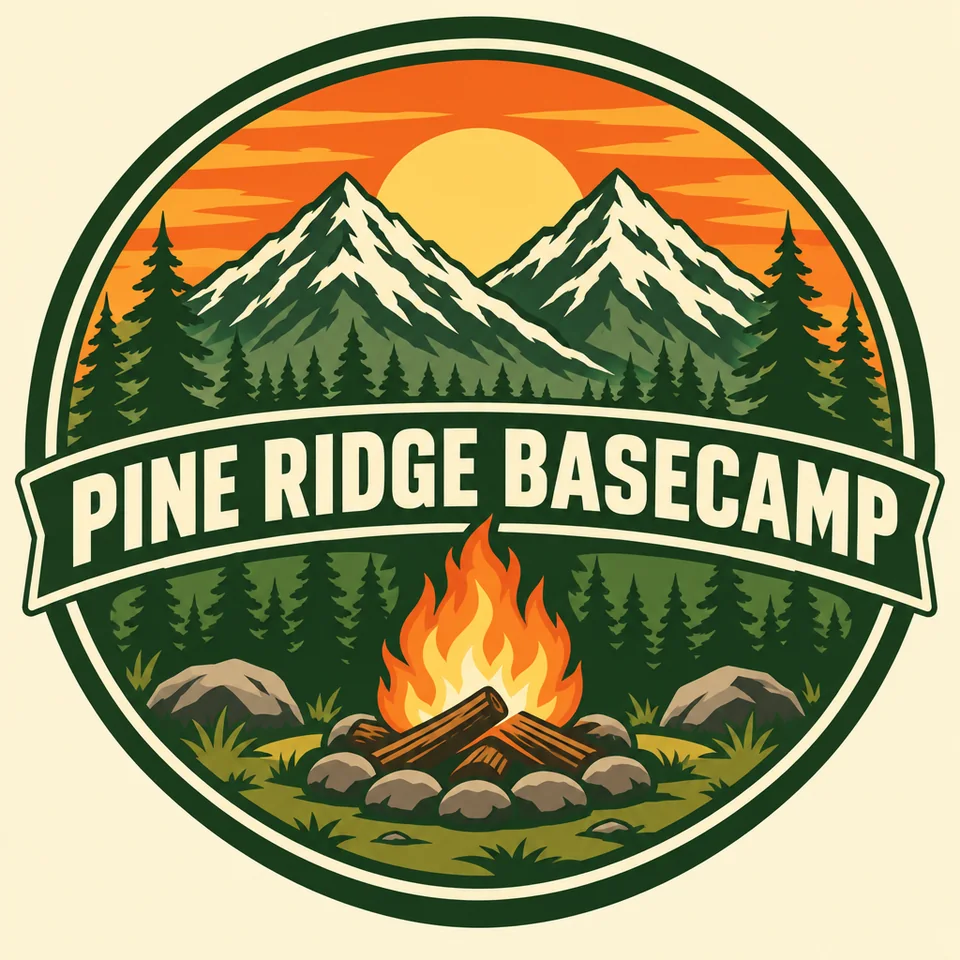 Reference
Move straight from analysis to creation without copy-pasting across tabs. Open Text to Image or AI Poster Generator with your edited prompt and measured aspect ratio pre-filled, or carry the source photo into Image to Image and Image to PSD.
Practical habits for turning reference photography, illustrations, and graphic layouts into reliable prompts.
Use Full prompt when you want a close variation of the whole scene, subject included. Pick Style recipe when building a cohesive visual campaign where ten different products or characters must share one lighting and rendering look. Choose Tag list for compact keyword workflows, and Poster & layout for covers, flyers, and emblems.
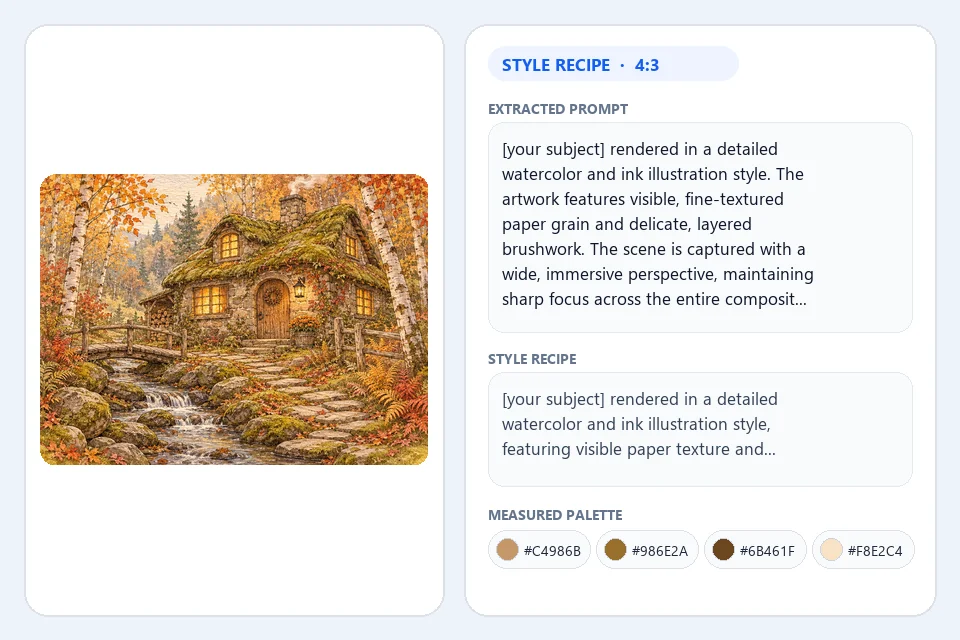
A short focus note tells the describe image AI step where to spend extra attention. Notes such as "focus on rim lighting and glass reflections" or "emphasize watercolor paper grain and ink line weight" surface subtle craft cues that make generated images look intentional.
Treat the extracted text box as a live creative brief. Swap a camel coat for a navy linen blazer, change dusk rain to crisp morning sun, or replace quoted poster titles with your own event name, then click Generate with this prompt to launch with your exact aspect ratio pre-filled.
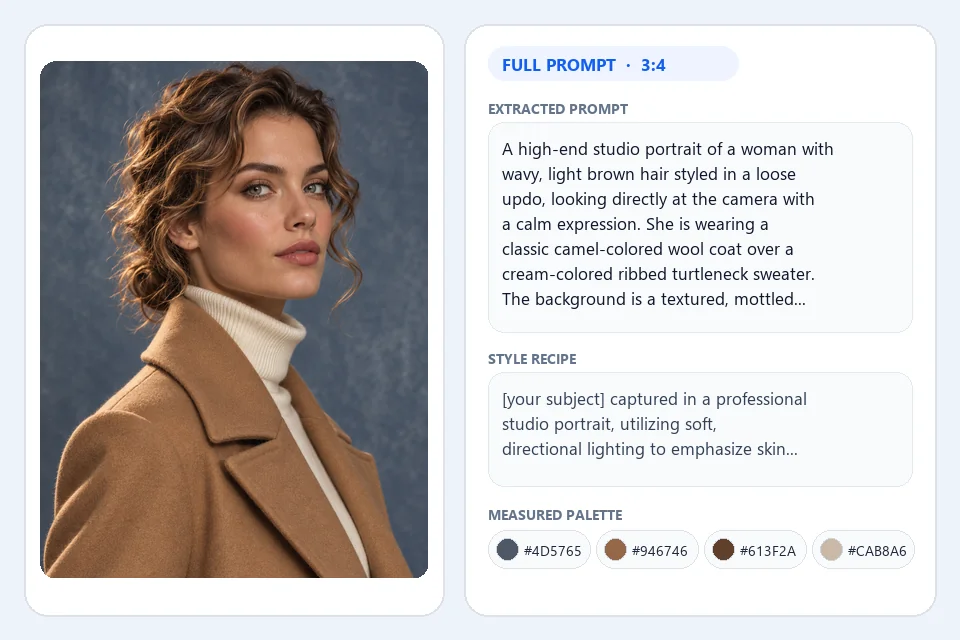
Every extracted recipe pairs natural-language color relationships (such as warm ochre highlights against deep slate shadows) with clickable Hex swatches measured directly from your file. Copy those Hex codes into your brand kit or use Color Palette from Image for deeper swatch exports.
When words alone capture the mood and you also want to preserve exact pose or product geometry, press Remix image inside the result view. That carries both your newly extracted image to text prompt and the reference picture straight into Image to Image.
Built for creators, marketers, and design teams turning visual inspiration into repeatable production.
Turn moodboard frames into a documented style recipe and Hex palette so every banner, social visual, and campaign poster stays on brand.
Decode studio lighting, stone pedestals, and shadow softness from top-performing product shots, then recreate fresh seasonal sets in minutes.
Study brushwork, atmospheric perspective, and color scripting from your own sketches or painted references with a clean 6-part visual breakdown.
Export standardized JSON records containing main prompts, negative terms, dimensions, ratios, and measured Hex arrays for team asset libraries.
Answers about modes, languages, measured colors, credits, and studio handoffs.
An image to prompt generator inspects a picture and translates its visual elements, including subject, composition, camera angle, lighting, artistic medium, color harmony, and visible text, into structured wording you can reuse to generate new images.
Every run costs 1 credit. That single credit returns all four outputs at once: the editable main prompt, the transferable style recipe, negative exclusions, and the 6-part visual breakdown with measured Hex swatches and JSON.
Full prompt describes the complete scene including the specific person, object, and setting. Style recipe strips out the original subject and starts with a [your subject] slot so you can apply the exact lighting, medium, and color grading to anything new.
They are measured directly from your uploaded image file rather than guessed. We read the true pixel width and height to snap the closest generator ratio and quantize sRGB pixels in OKLab space to surface dominant Hex colors.
Yes. Choose Poster & layout mode to transcribe visible headlines, badges, and labels inside double quotes alongside notes on serif, sans-serif, or script typography and layout placement.
You can output your prompt recipe in English, Simplified Chinese, Traditional Chinese, Japanese, Korean, Spanish, French, German, or Portuguese while keeping transcribed poster lettering in its original script.
Yes. Edit any word inside the prompt box if you wish, then click Generate with this prompt to open Text to Image (or AI Poster Generator for design mode) with both your prompt and aspect ratio pre-loaded.
You can upload, drag and drop, or paste JPG, PNG, and WebP images up to 20 MB from desktop or mobile browsers, and every finished recipe stays saved in your workspace history.
Upload any photo, illustration, or poster to extract a full prompt, style recipe, Hex palette, and JSON for 1 credit.
Extract a prompt now